
Before you begin
Make sure you have access to your organization’s Referee Profiles page before reviewing risk management statuses.
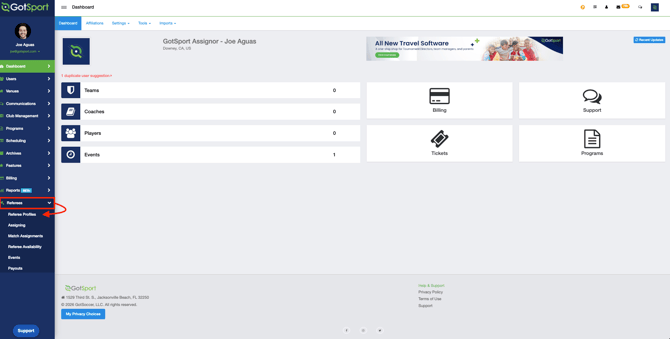
Review referee requirements with filters- Click your organization’s Referee Profiles page.
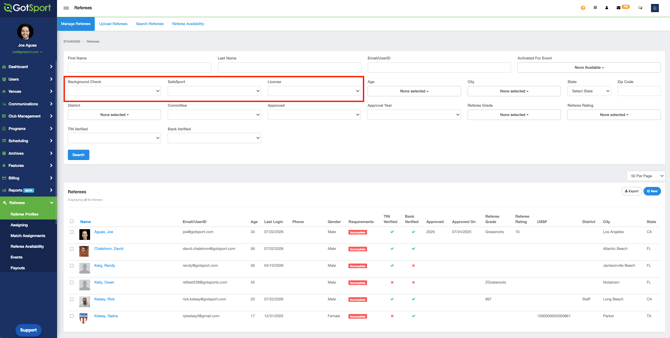
- Locate the Background Check, SafeSport, and License filters.
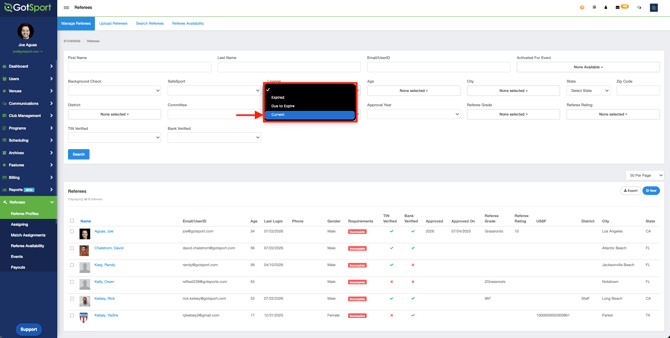
- Select one or more status options for each filter.
- Click Search to view referees who match your selected criteria.
- Background Check: Expired, Due to Expire, Current
- SafeSport: Expired, Due to Expire, Current
- License: Expired, Due to Expire, Current
To see which requirements are missing for a referee, hover over the Incomplete or Complete identifier in the Requirements column.
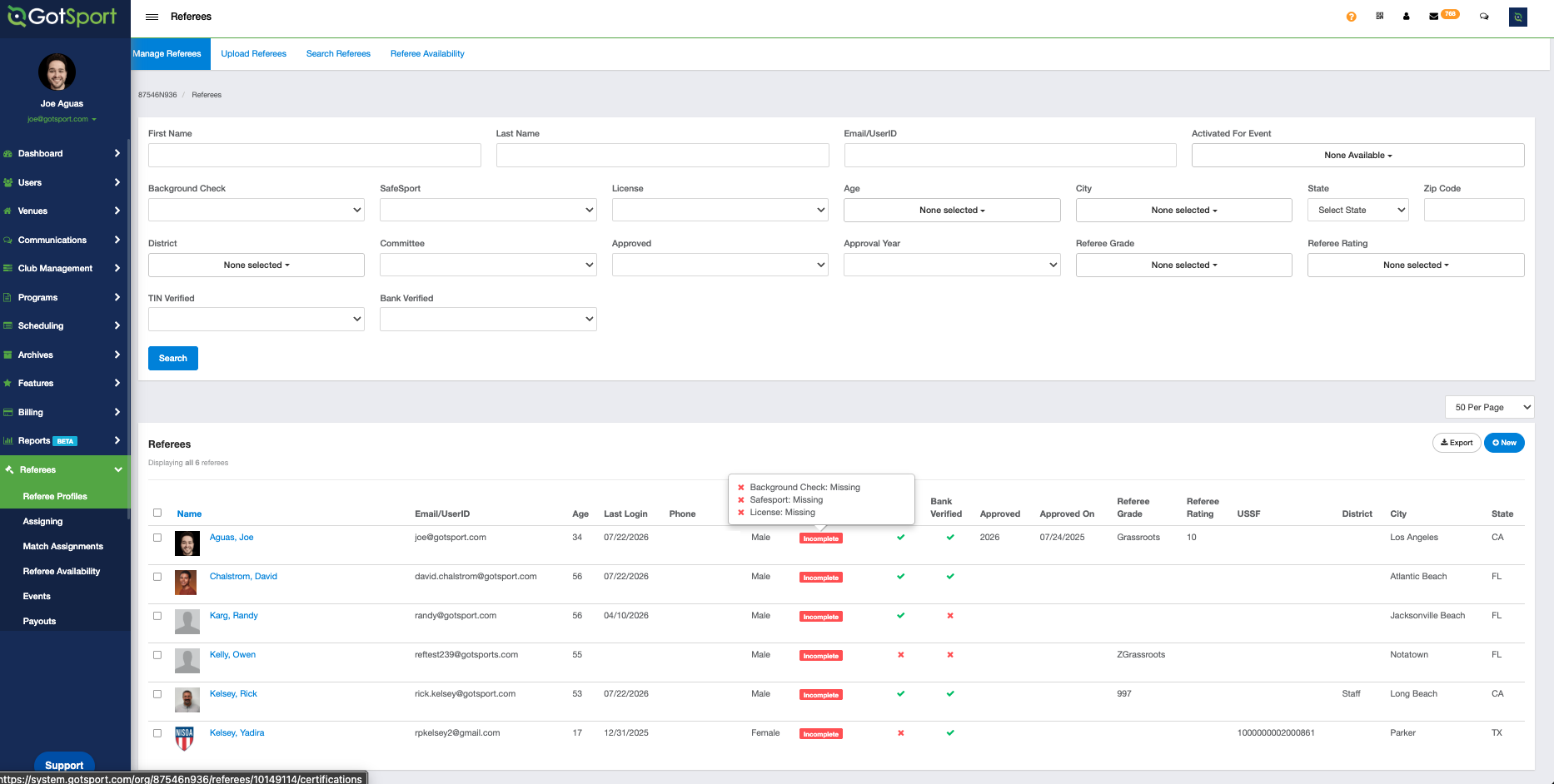
Summary: Risk Management filters help you quickly identify referees by Background Check, SafeSport, and License status. After selecting the appropriate filter options and running a search, review the Requirements column to confirm which items are complete or still need attention.