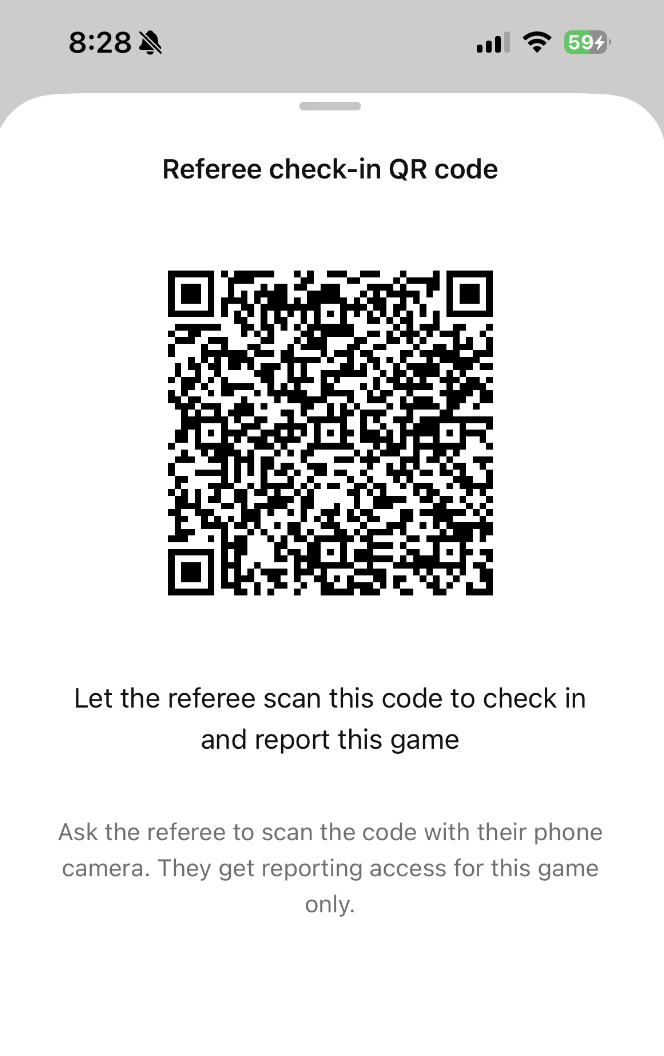
Step 1: Scan QR Code from Coach's or Manager's device
- A coach or manager from a team competing in the match will generate a QR code on their device
- As a referee, scan the QR code
Step 2: Enter Referee Information
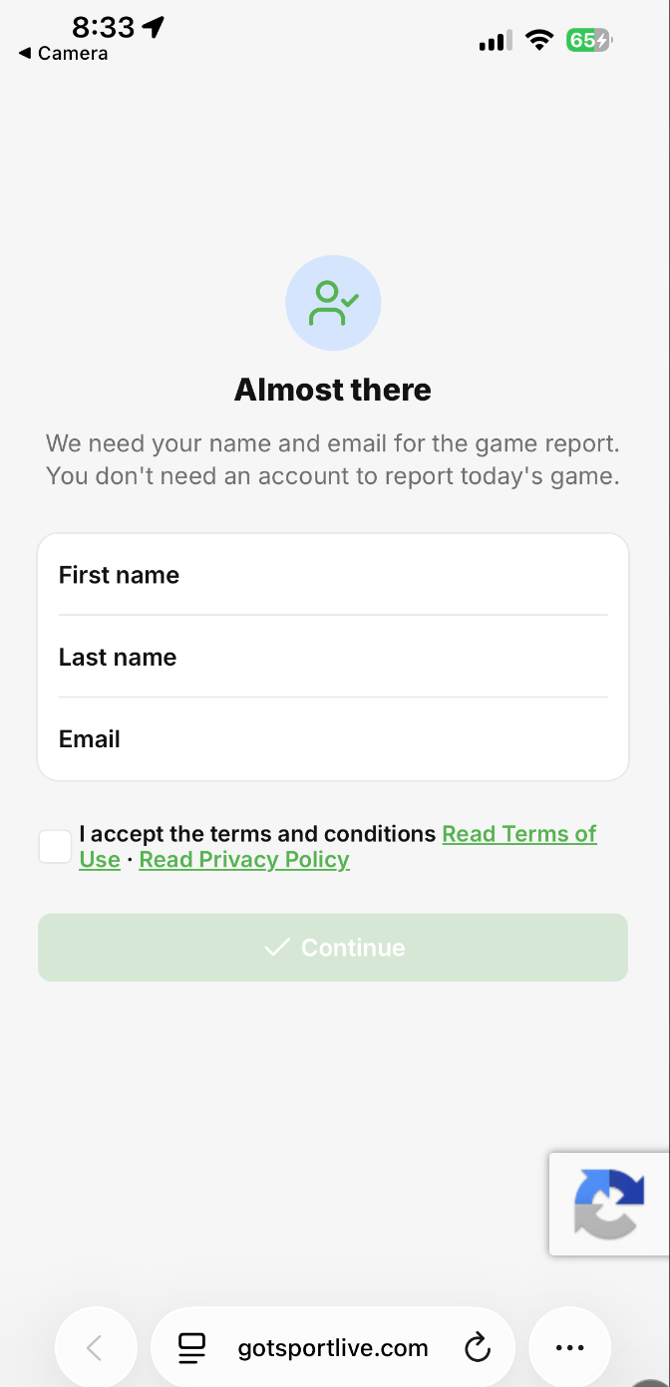
- Once the QR code is scanned, you will be redirected to a webpage on your mobile device's default browser.
- On that page, fill in your name and email, accept the terms, then click Continue. Your details are used for the game report. You don't need an account to report the game.
Already signed in? If you already have an account and are signed in, you just confirm it's you instead of typing your details.
Step 3: Click the "Go to the game" button to access the game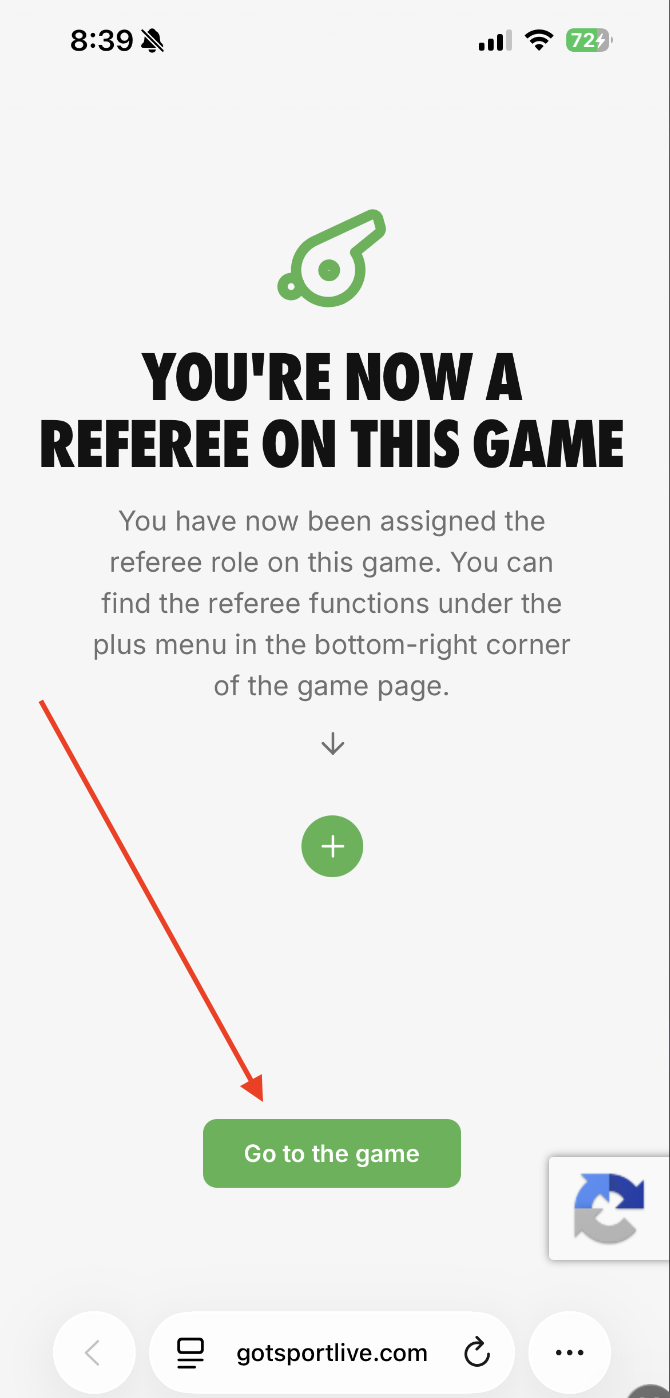
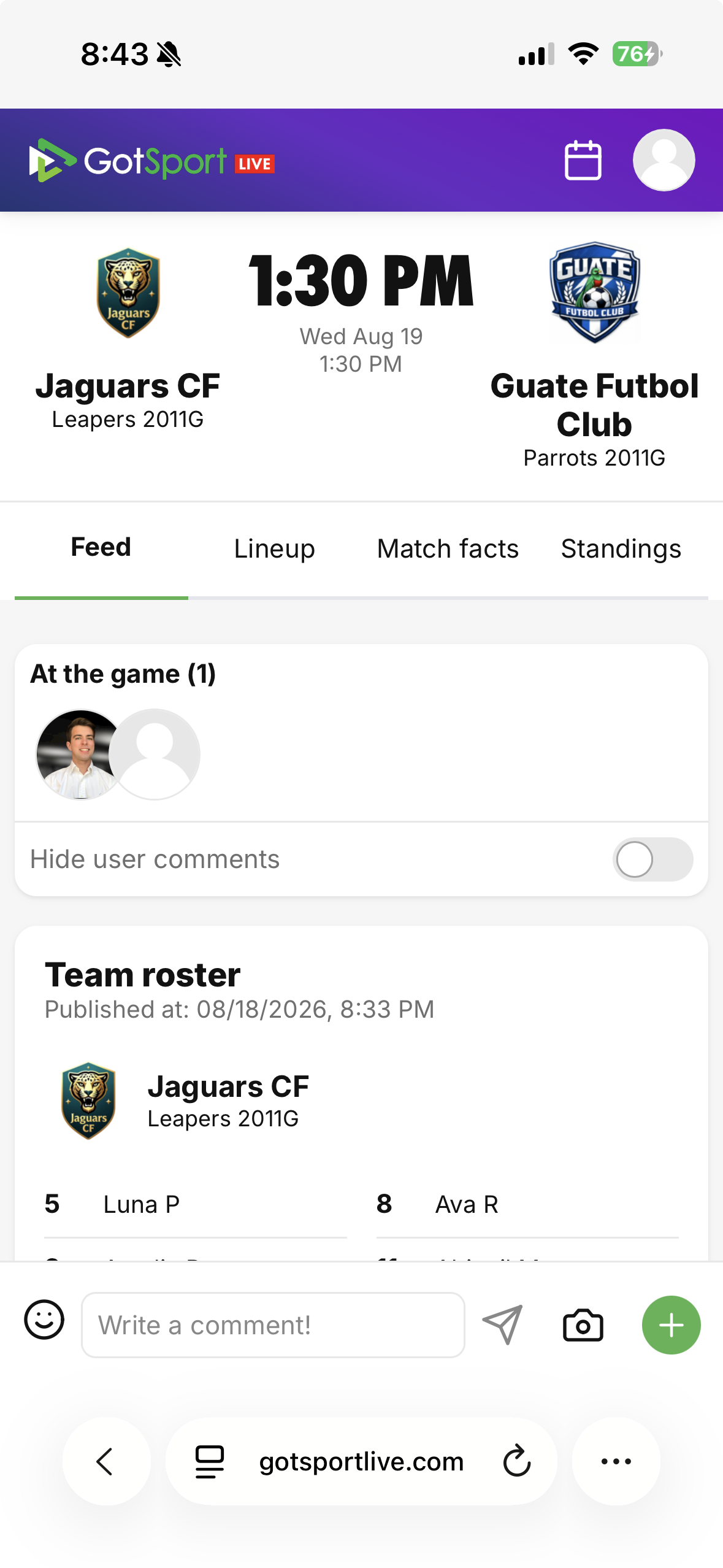
You will then be redirected to the game's feed via GotSport Live in your web browser