
Instructions
Step 1:
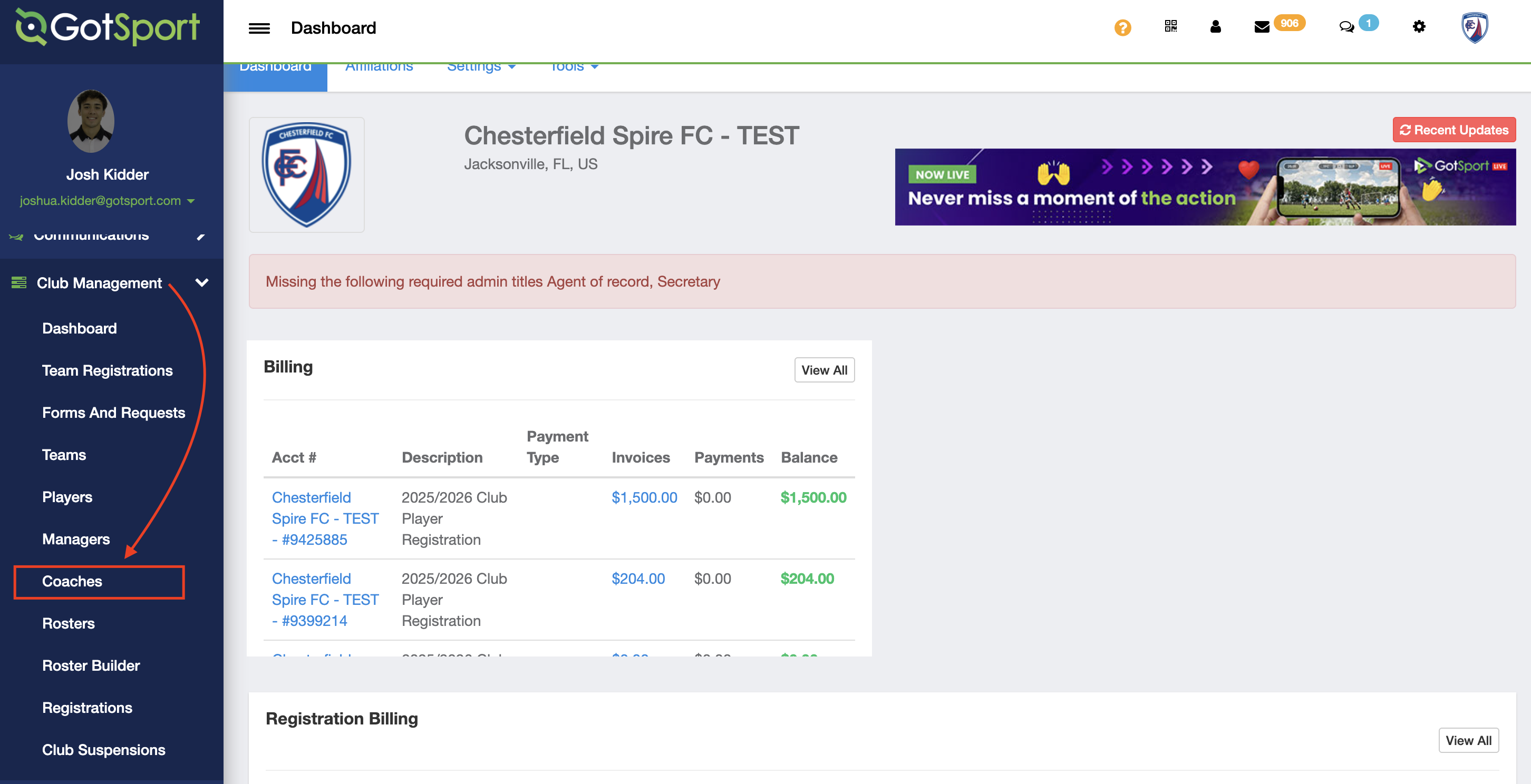
- In your club account, click on Club Management and then Coaches.
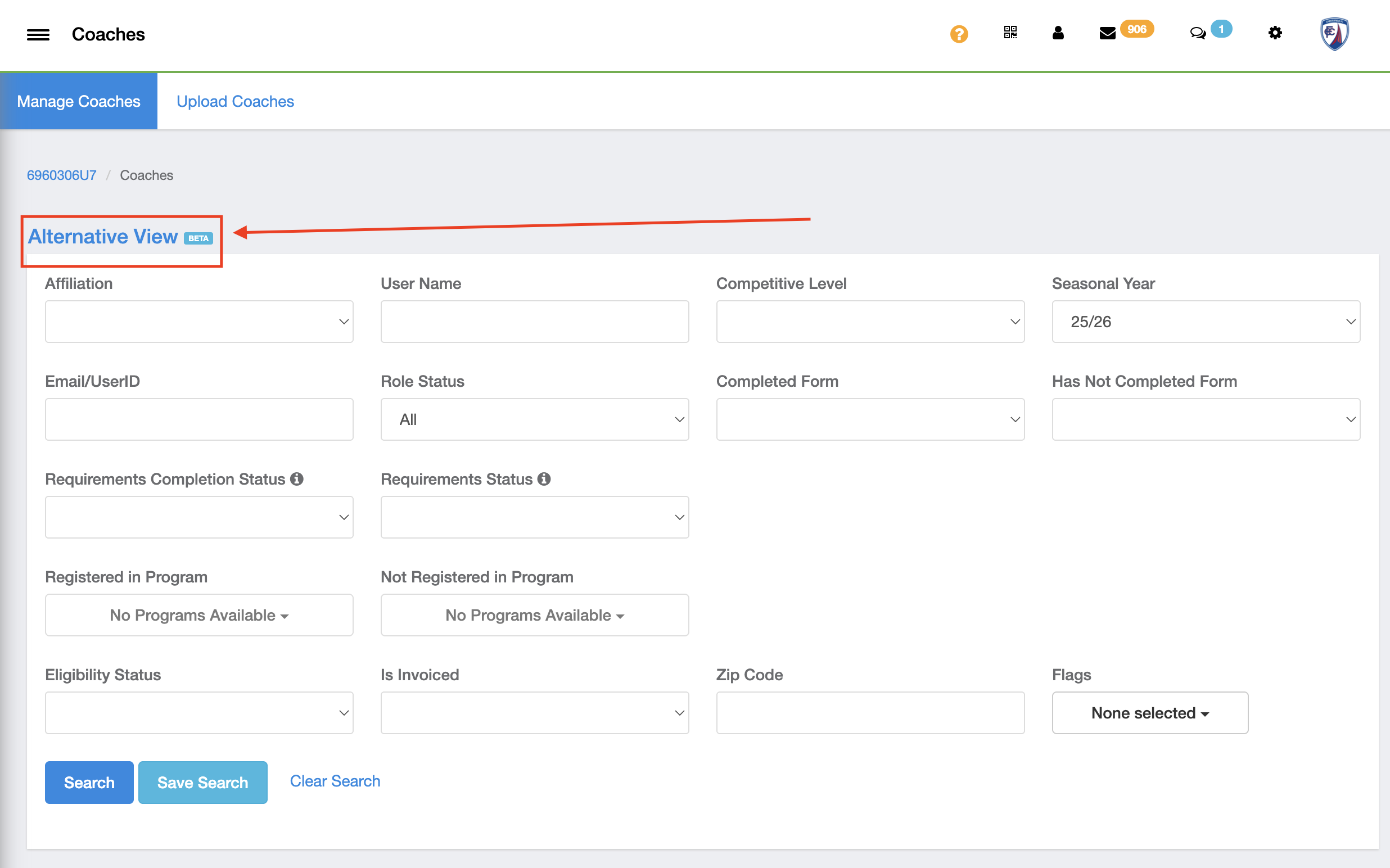
- Select "Alternative View"
Step 2:
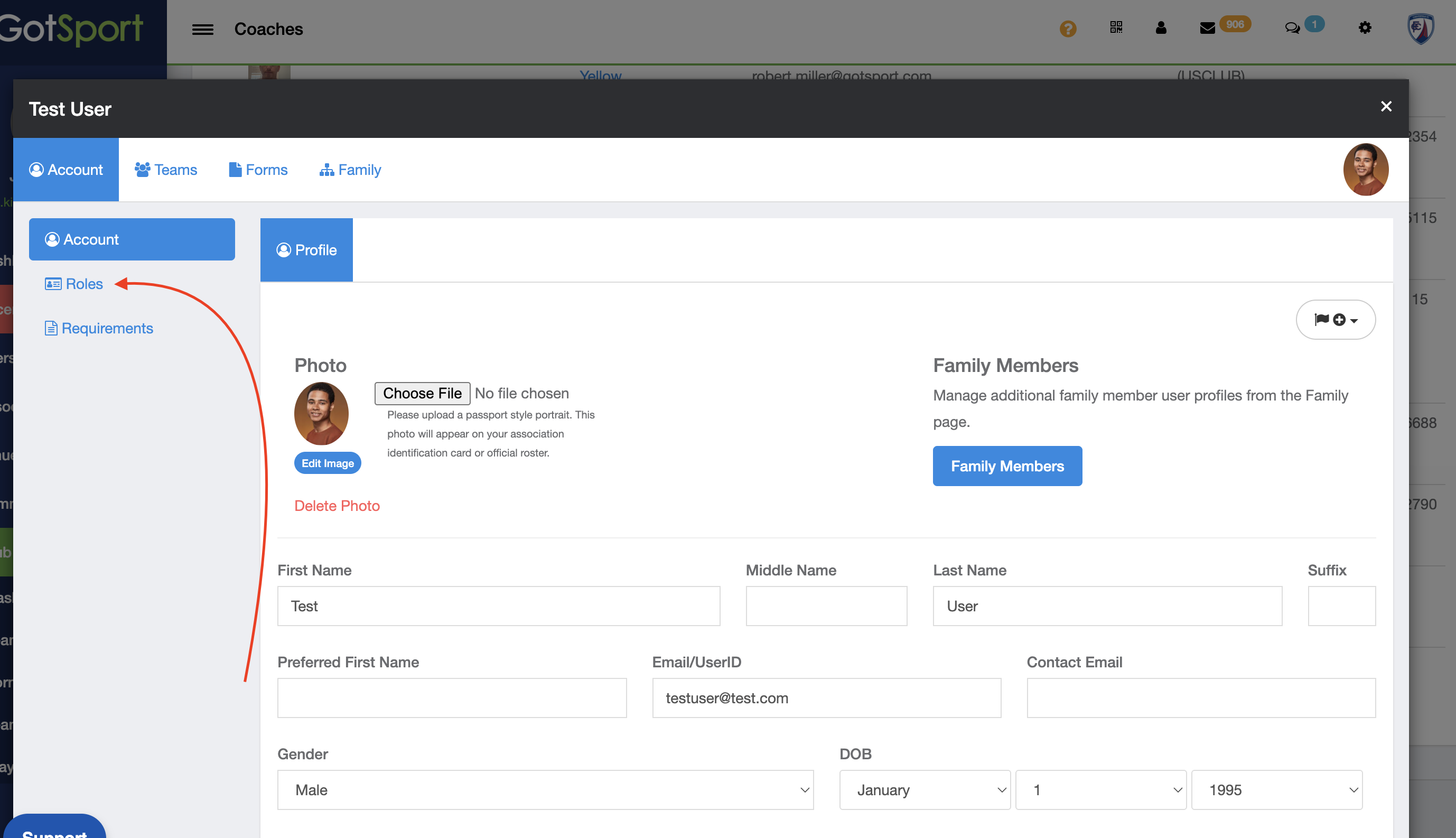
- Click on the coach's name.
Step 3:
- Select "Roles"
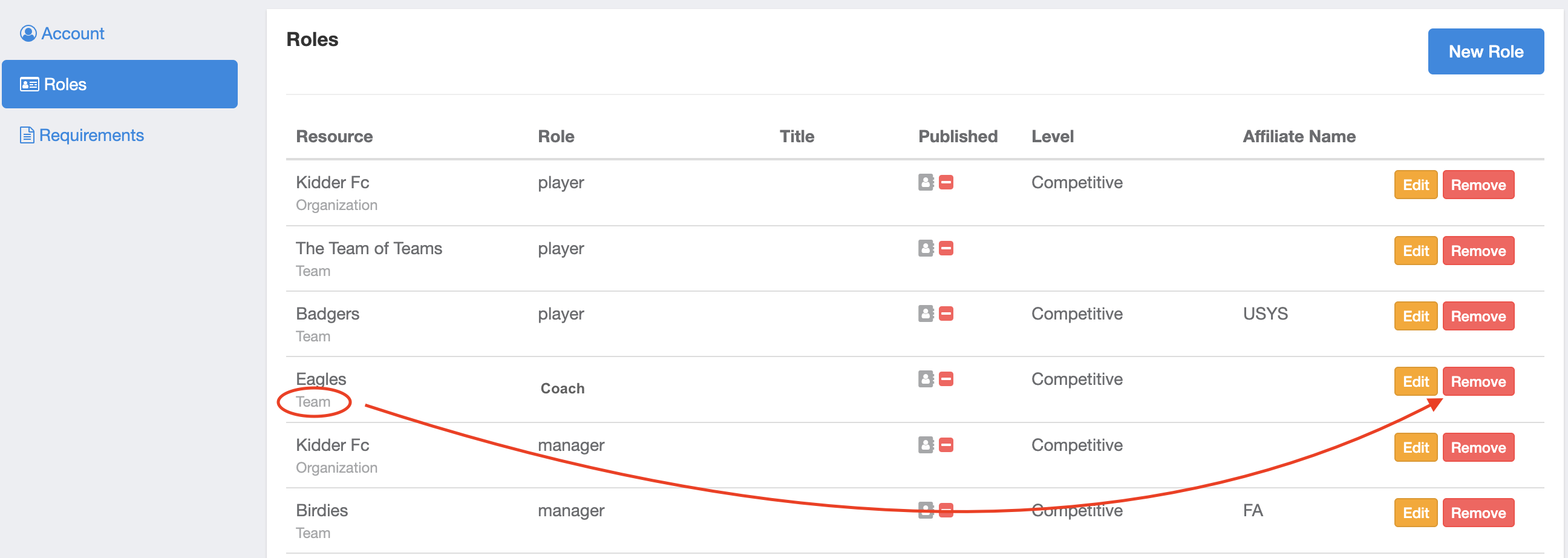
- Click Remove on any role that you would like to remove the coach from.
NOTE: This is a beta view. Please submit a support ticket with any inquiries or areas in which you believe are not working properly.