Artículo en Español: (Español) Cómo cancelar mi reserva de hotel
Instructions:
Step 1:
- Log in to your GotSport account.
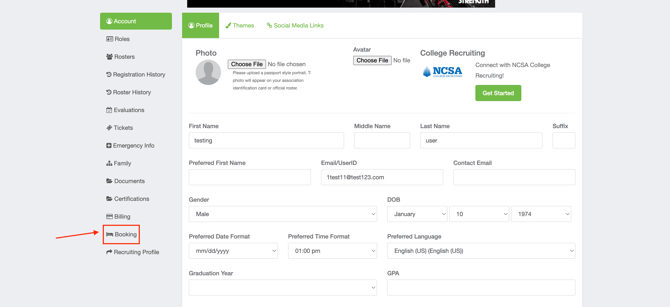
- Head to the Booking tab under Account.
Step 2:
- Under My Bookings find the reservation you are looking to cancel.
- Once found it, select Edit in the top right corner to make changes to this reservation.

Step 3:
- Hit the down arrow to take action reservation changes.
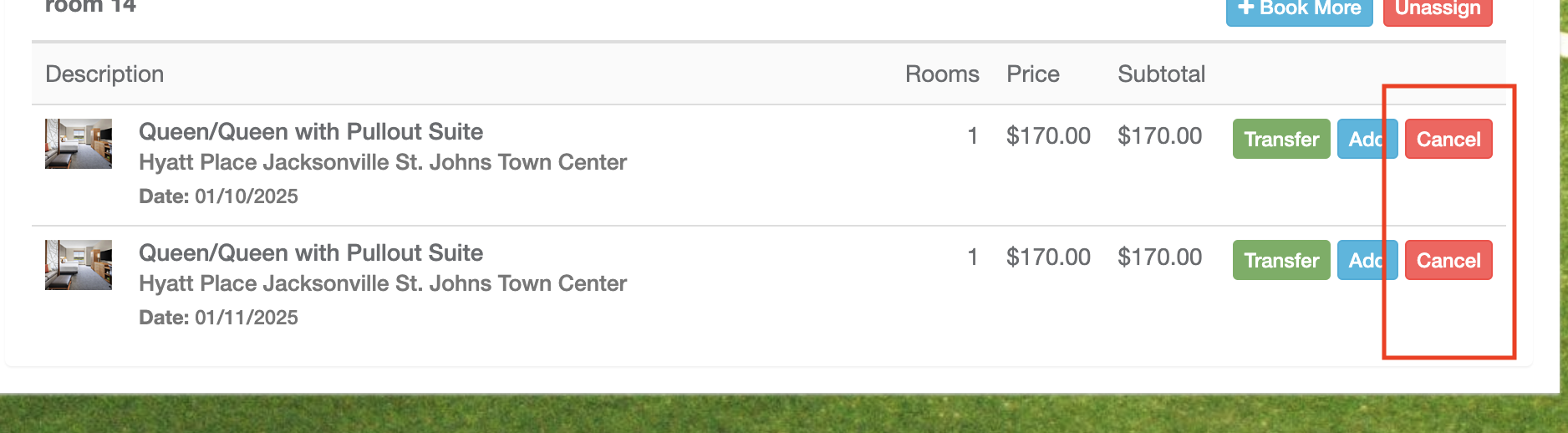
- Select Cancel on each night you are looking to cancel.
Please note if you are booked for two nights you will need to select cancel on both nights to fully cancel reservation