
Step 1:
-
Log in to GotSport at system.gotsport.com and go to your Club Dashboard.
Step 2:
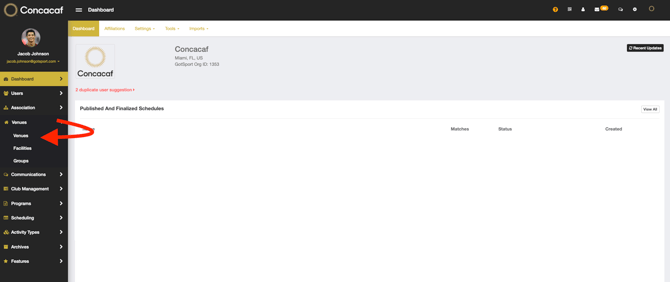
- From the Club Dashboard click on the Venues dropdown and select "Venues".
Step 3:
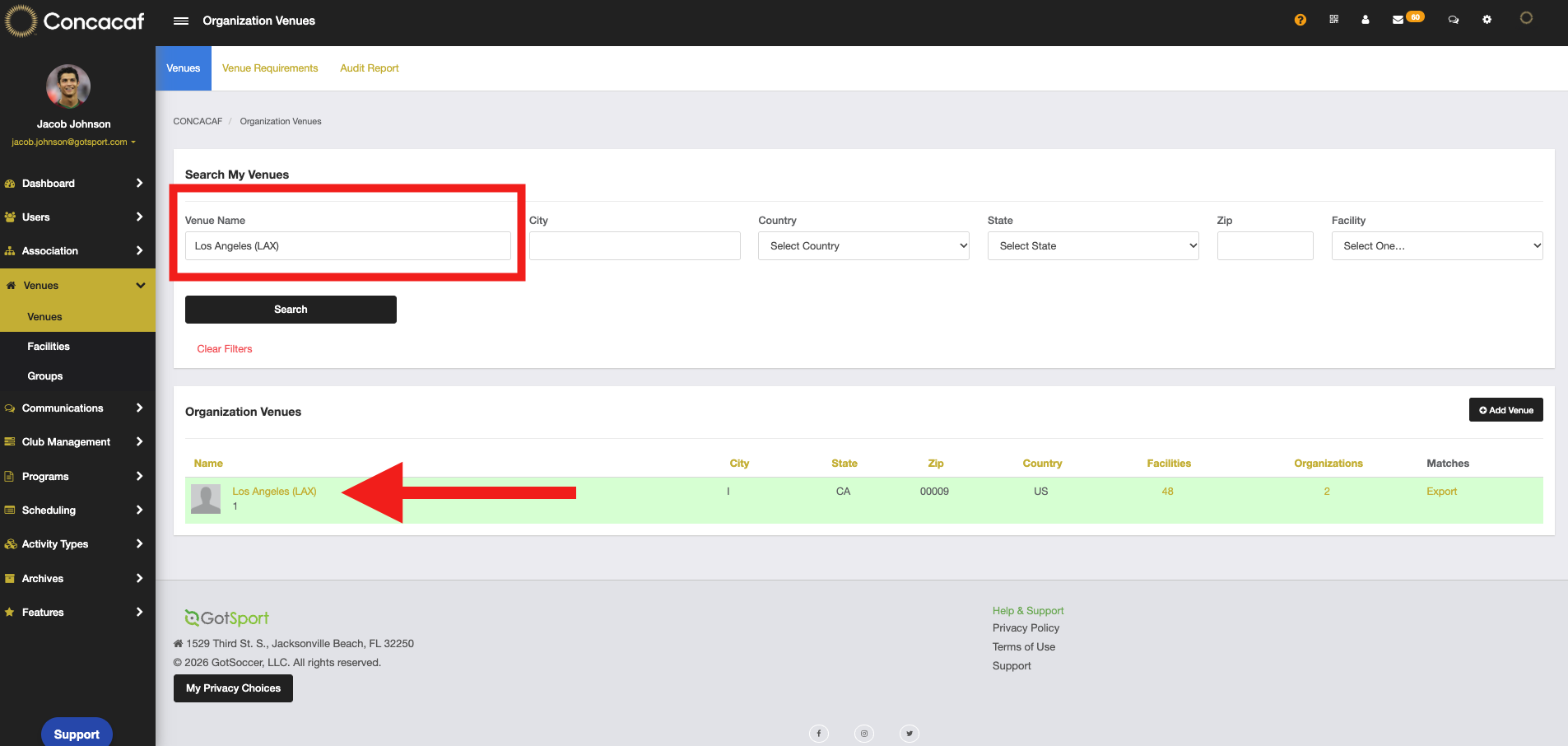
- Search for your venue and click on its name to open it:
Step 4:
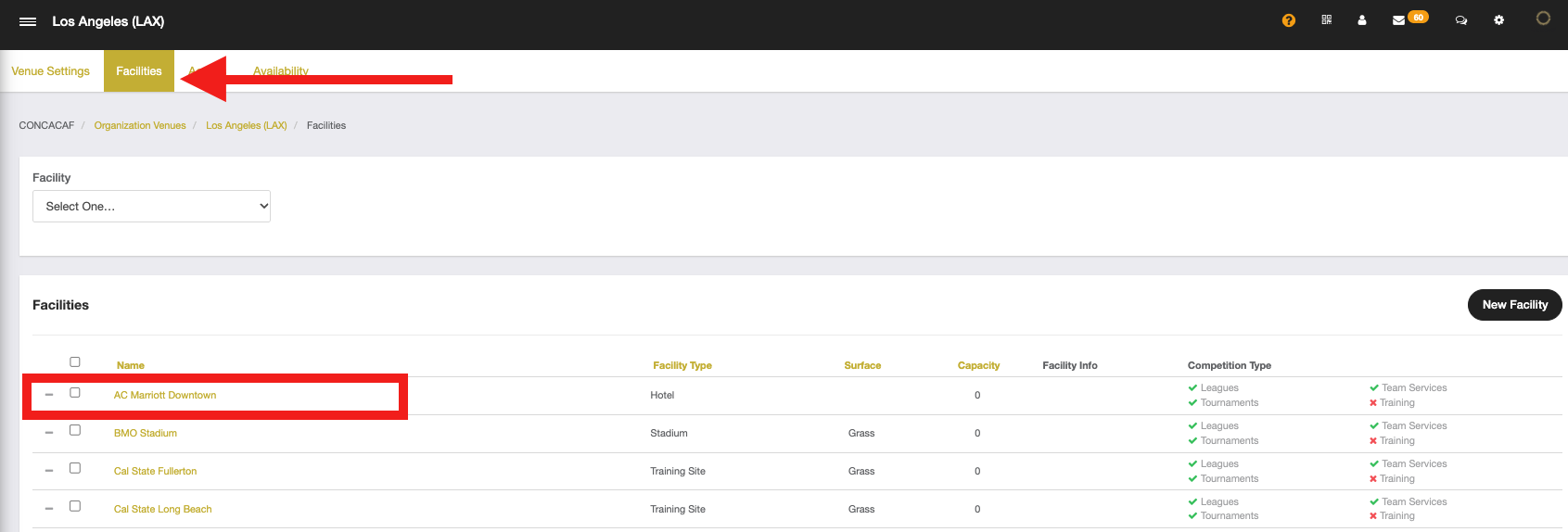
- Click on "Facilities" in the top menu bar, then select the facility you’d like to edit.
Step 5:
- Scroll down and click "+ Travel Distance" or "+ Locker Room" to add that information to the facility
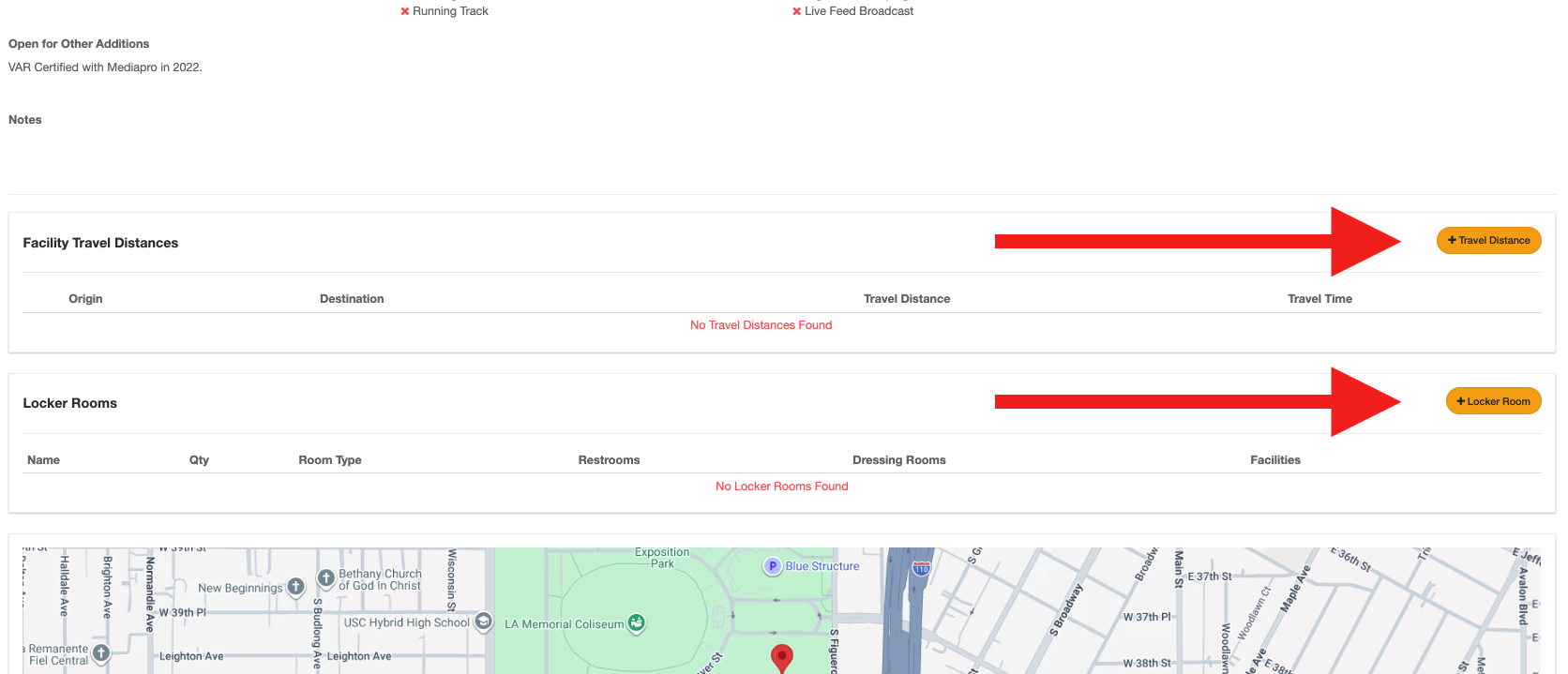
Note: This information will also appear when you export the facility details as a PDF