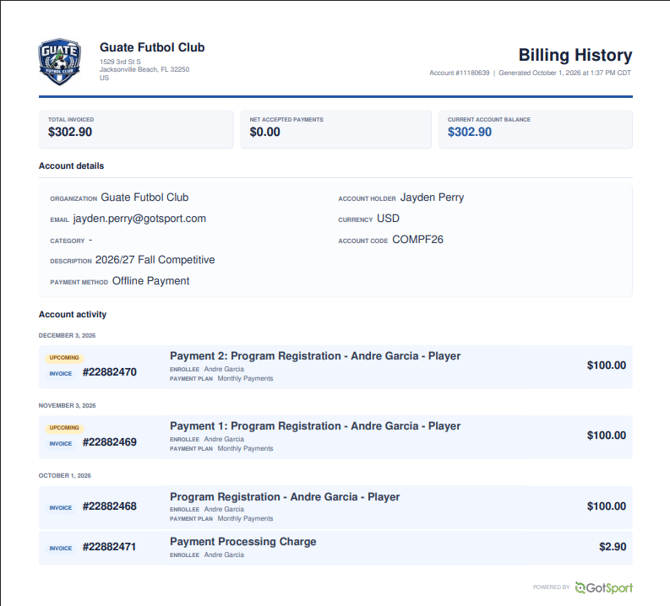
Step 1:
-
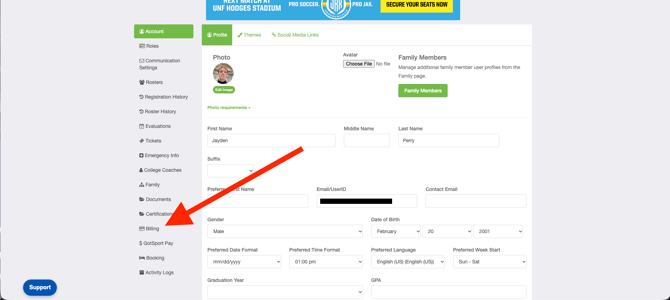
As a parent, you will navigate to your billing tab to select the billing account for the invoice you are looking for:
(Please note that if you are not the parent who has enrolled your child in the billing account you are looking for, you will not be able to access the account)
Step 2:
-
Once you are in the Billing tab of your account, you will select 'Billing History (PDF)' to view and/or download the invoice for that billing account that includes current and past payments:
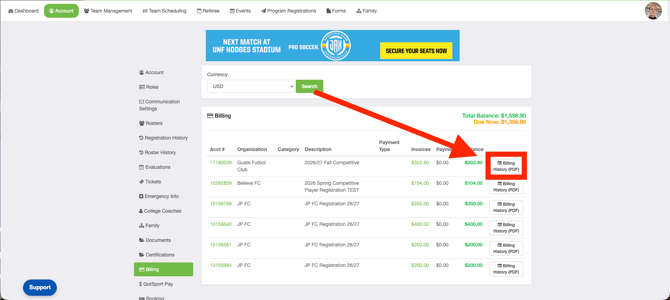
Billing Pages View:
Billing History: