Table of Contents:
How to view schedules for specific teams
How to RSVP your child to an event
How to find events:
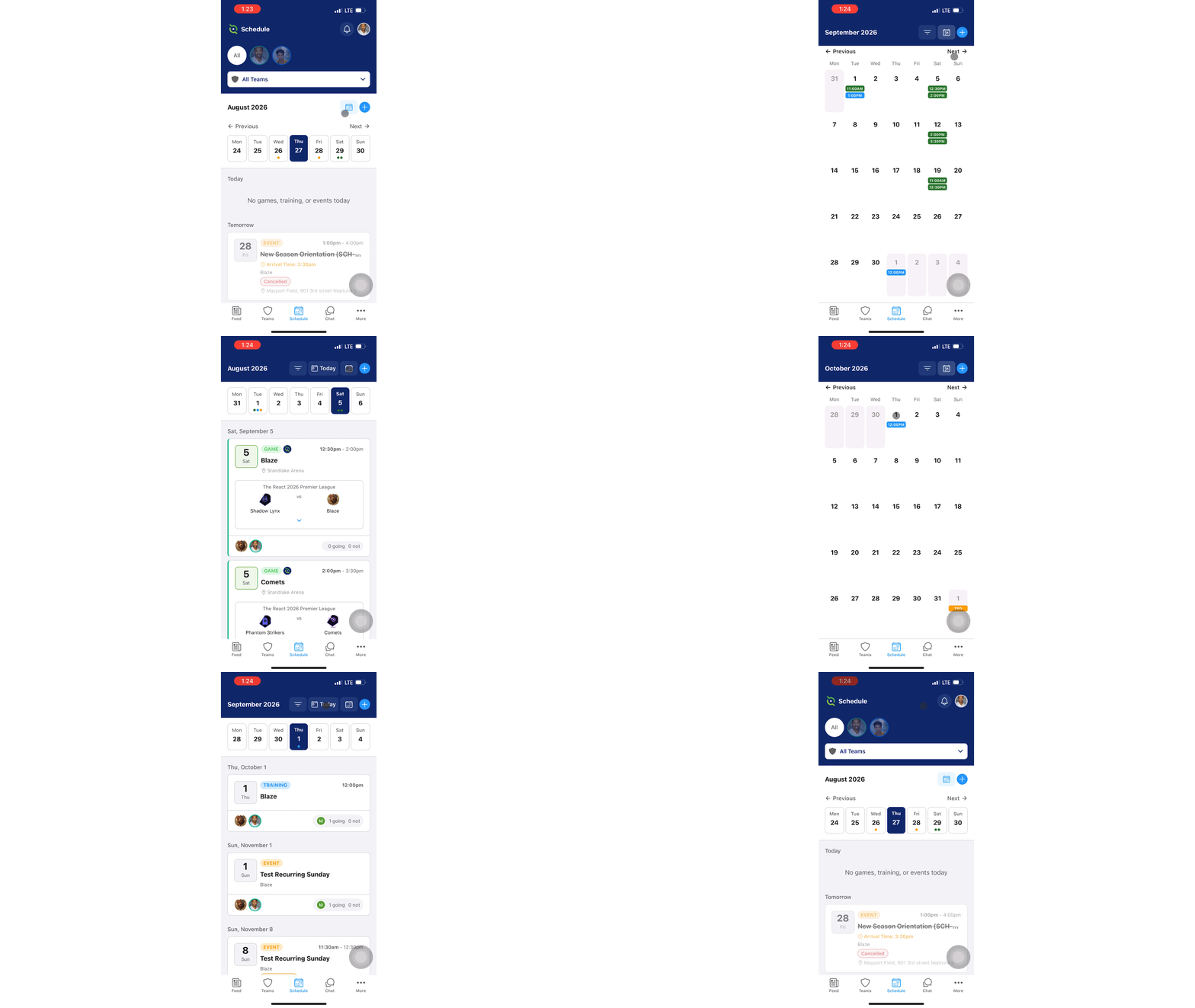
The GotSport Connect Schedule tab will show both GotSport Integrated matches as well as custom events that can be created by your Manager/Coach.
-
Click the Calendar icon to see a calendar view of your events.
-
Click Next or Previous to view different months. You can always click Today to be brought back to today's events.
How to view schedules for specific teams:
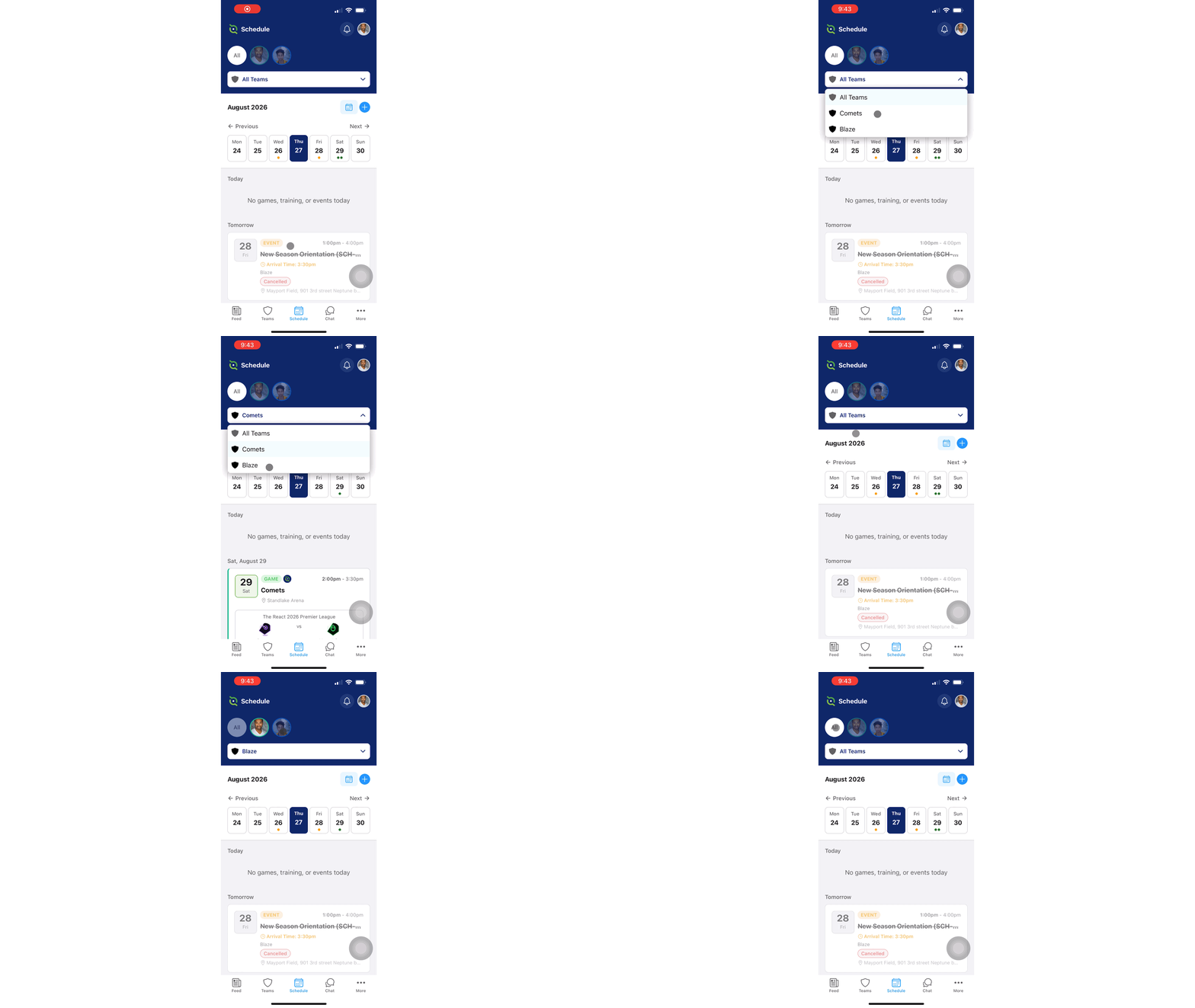
The GotSport Team App shows events for all your teams that you oversee. Tap onto the dropdown menu to see a list of teams you're a Manager/Coach of, or a team your children play for.
-
The dropdown menu at the top will show All Teams by default.
-
Tap the dropdown menu and select a specific team to automatically be shown only events for that team.
How to view match information
GotSport Connect allows for GotSport Integrated Games -- Matches that are apart of a GotSport league or tournament. Additionally, Managers/Coaches of the team can create custom Events, Games, and Trainings
GotSport Integrated Matches are shown with the GotSport logo next to the game.
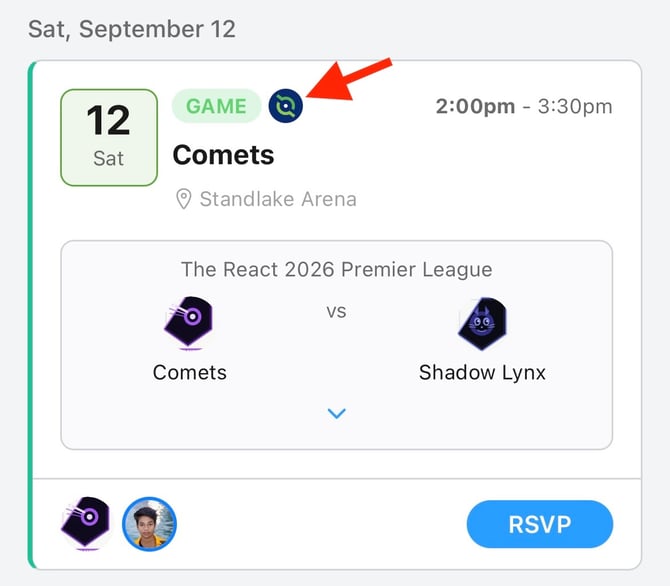
Tap onto the blue carrot icon to show match information at a glance.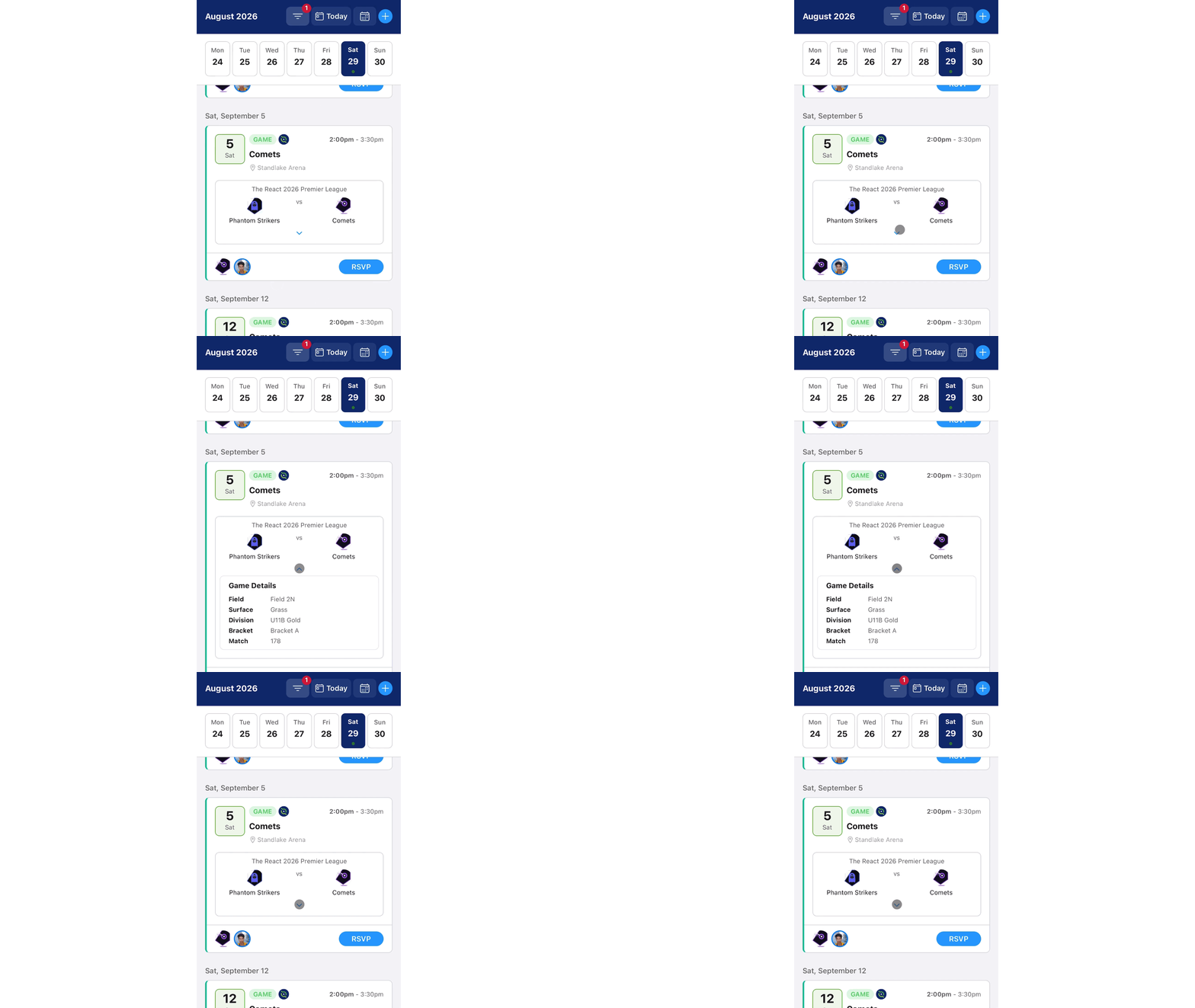
Additionally, you can tap into the match to view more information as well as send a message to your team regarding that specific match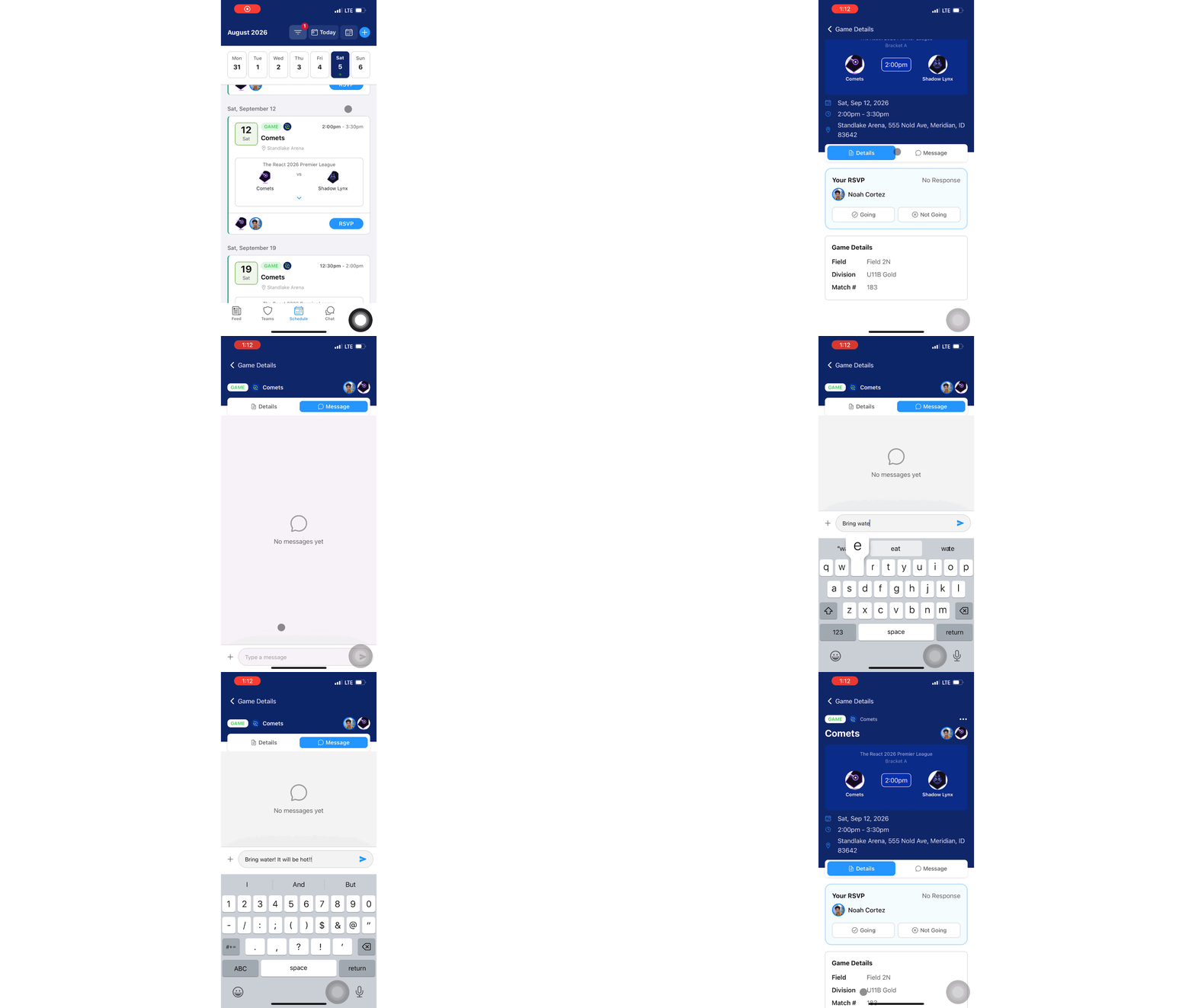
How to RSVP your child to an event:
As a parent, you can RSVP your children for events within the GotSport Connect in two places.
If you're on the list view, click the Blue RSVP button and then click Going or Not Going. Additionally, you can click into the event and RSVP from there. The functionality is the exact same.
NOTE**** Managers/Coaches have the ability to RSVP or edit an RSVP for any players on the team they coach for.
If you're a manager/coach looking for the guide to RSVP your players, please view this article: GotSport Team App - How to RSVP your Team Members