As a parent, you can start a chat with the coaches and managers of your child's team(s). You can't message other parents or players, and you can't create group chats. If you need to reach another parent, a coach or manager can help.
Instructions:
Step 1:
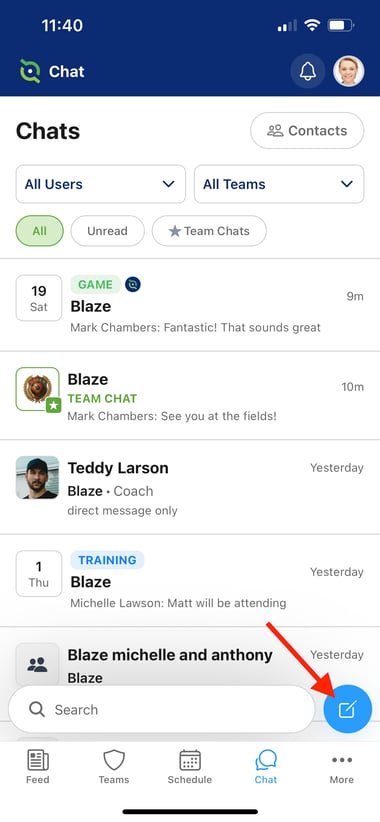
- Once you're within the Chat module, click the New Chat button at the bottom right corner
Step 2:
-
Locate the Manager or Coach you want to message. You can click onto the Coaches & Managers button to filter out any parents to narrow down your search
- Tap onto the coaches name, which will automatically open the chat
- From there, type your message and click the send button
- After clicking the back button, you will be brought back to the main Chat screen.