Instructions
Step 1:
- Go to Programs > Program List,
- Create or open program registration. Go to "Form Registration" on the top menu bar.
- Click "New Form Element".

Step 2:
- Create your initial question that you want to have a dependent answer for a follow-up answer, then click Save.

Step 3:
- You will then click on "Add Follow Up":

Step 4:
- Create your follow-up question and then select the path for this question to tie into the initial answer, then save:

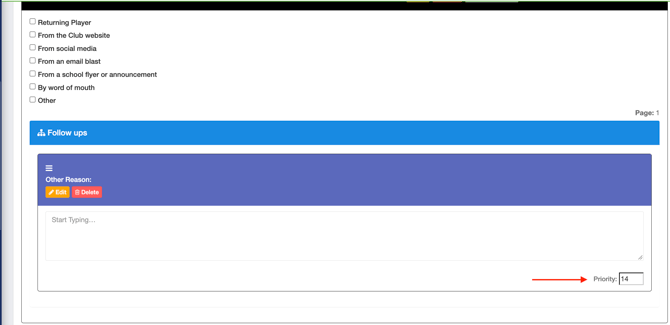
You can create as many questions and dependent questions as you need from the initial question. If you want to reorder the questions, click Edit next to the follow-up question you want to move up or down the order.

Change the number of the Priority to move the question up or down. Click the number and refresh the page to see the change