Instructions
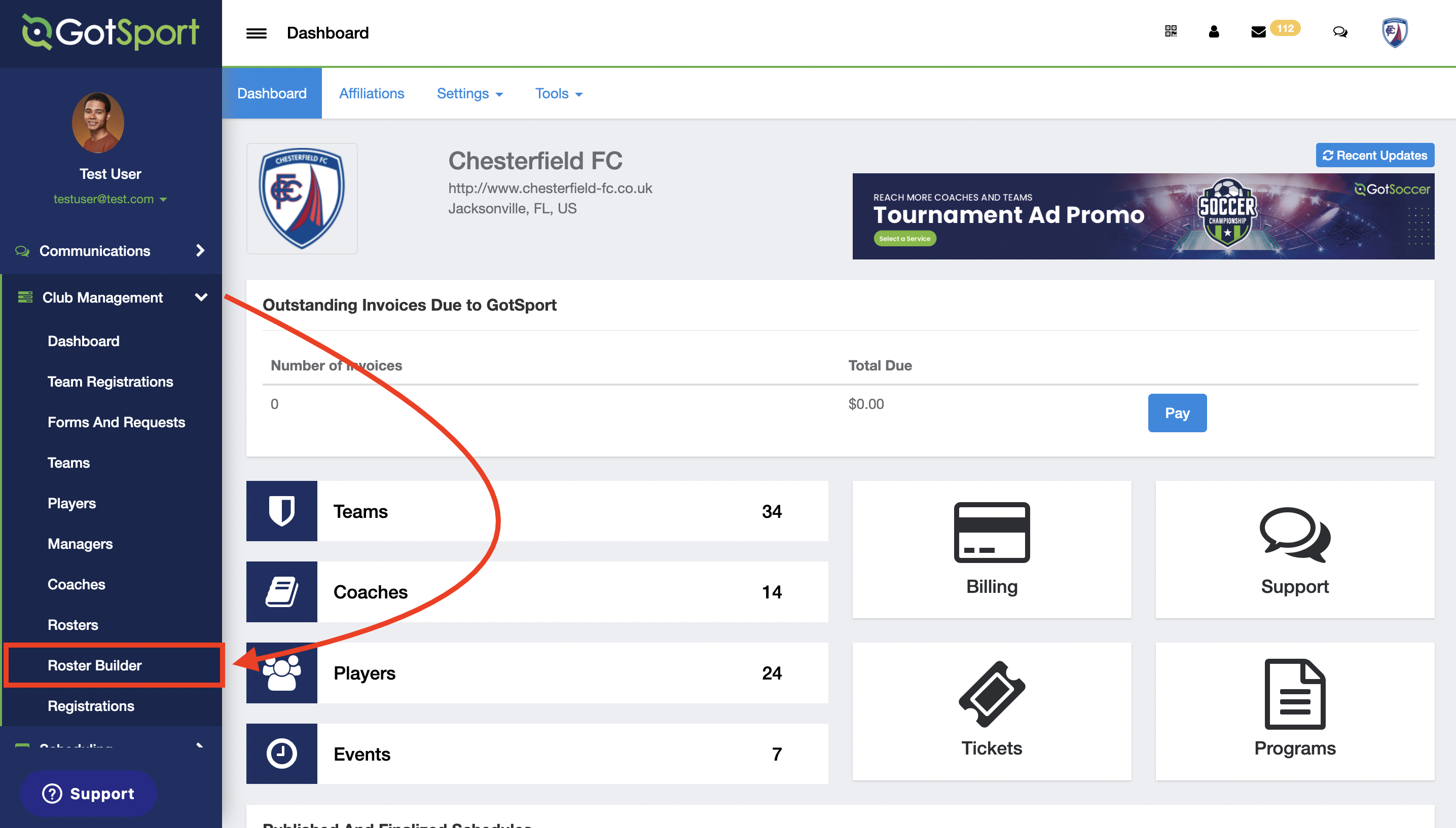
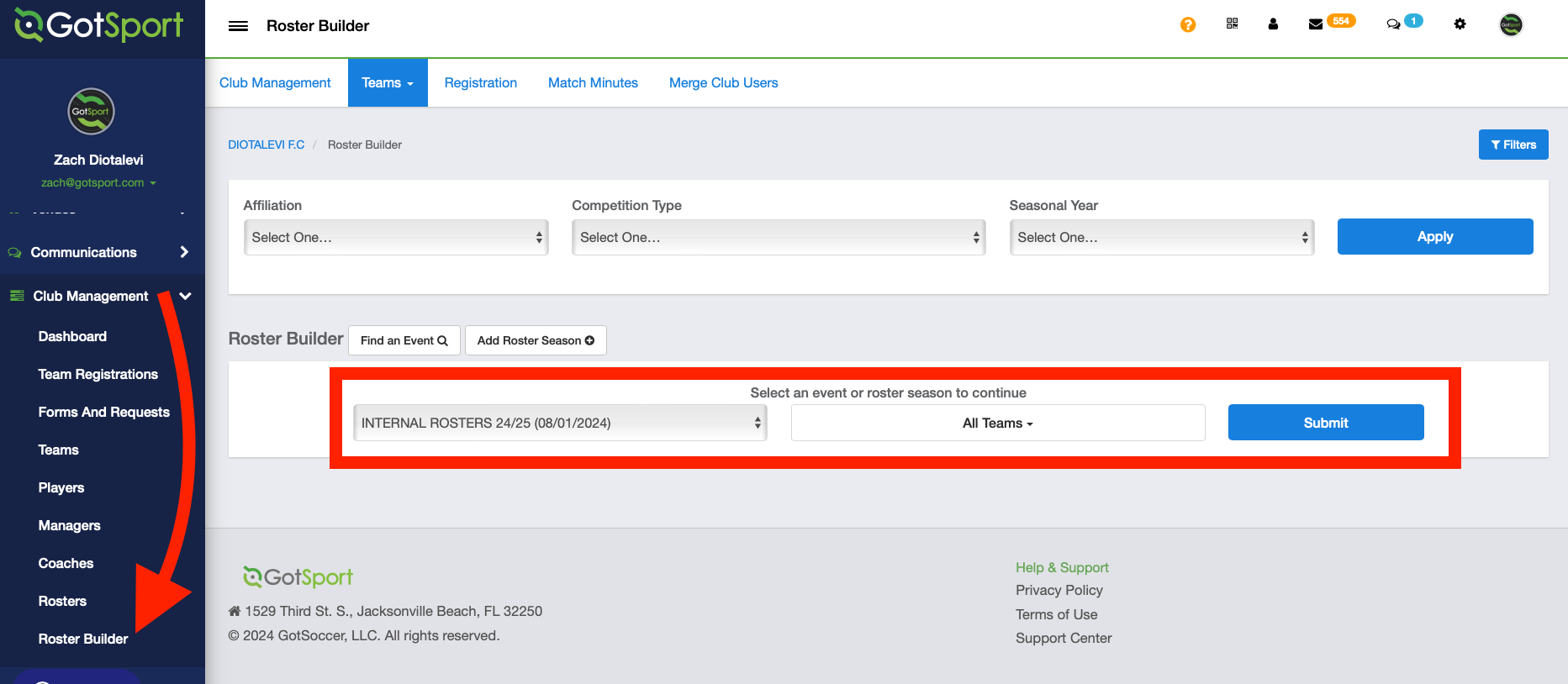
- On the left-hand side of your Dashboard, select Club Management and then choose Roster Builder from the dropdown.
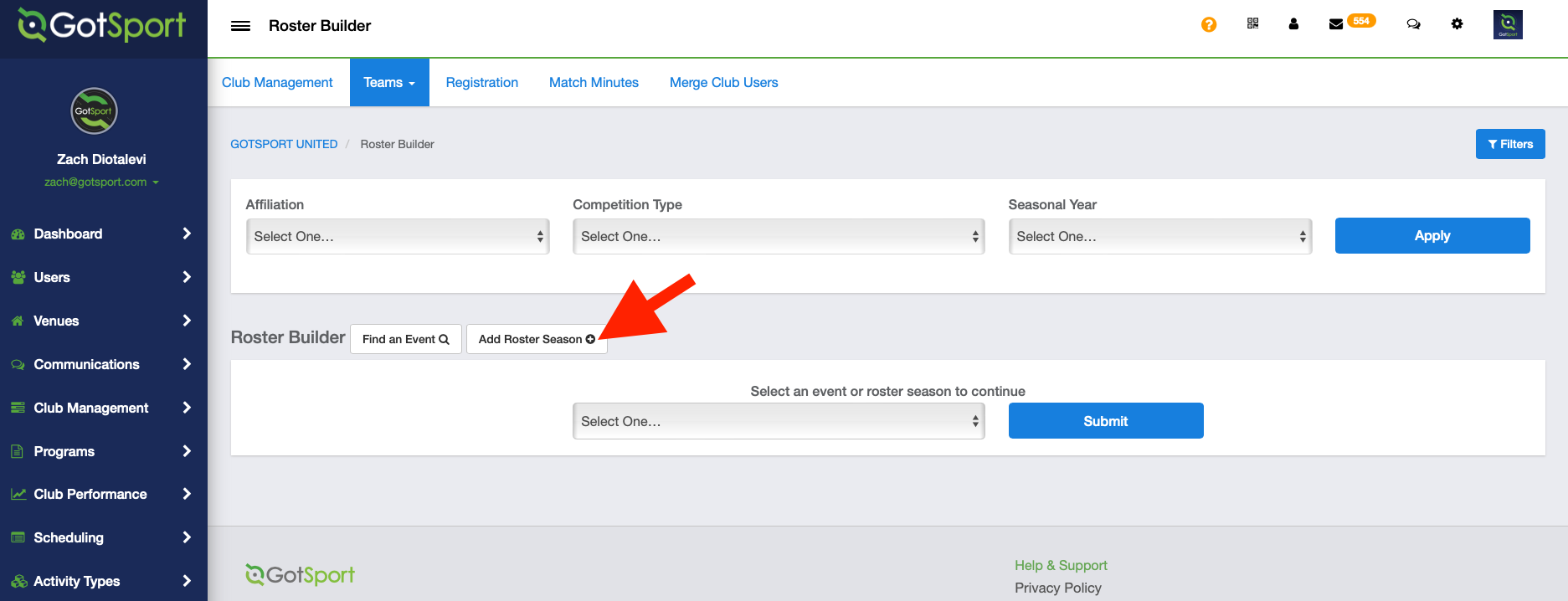
- Click on Add Roster Season.
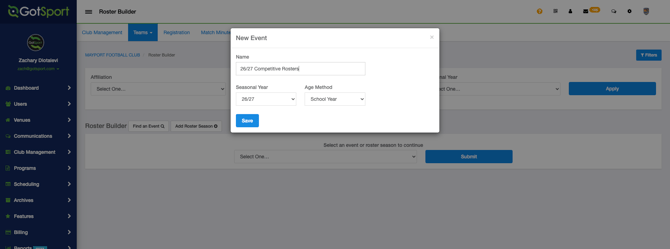
- Enter the name of the Internal Rostering Event and then click Save. Ensure you've selected the correct "Age Method"
- After clicking Save, you will be redirected to Roster Builder automatically. Click Club Management > Roster Builder > find the event you just created > click Submit.
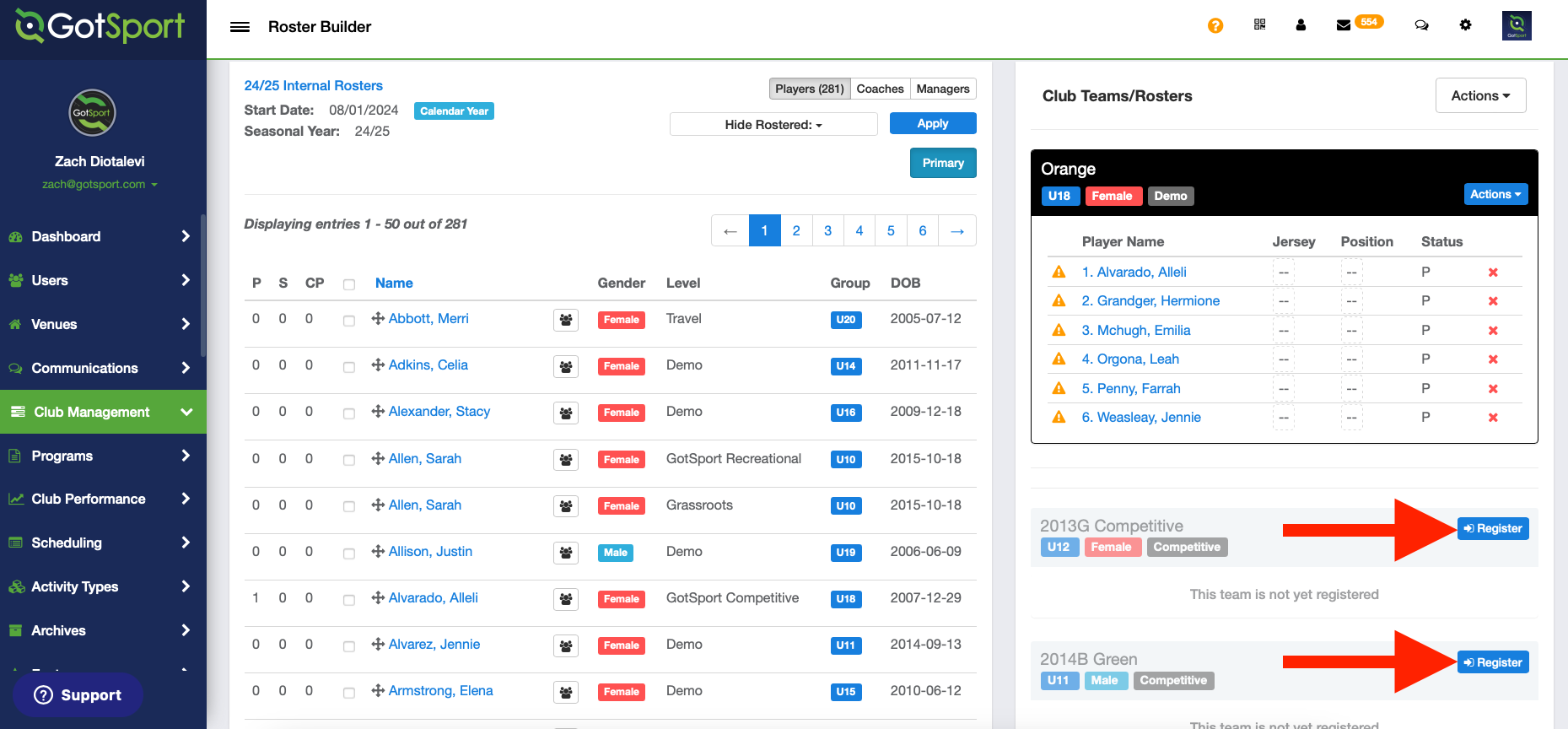
- Click Register to start adding players to each roster.
- To add players to a roster, use the drag-and-drop method.
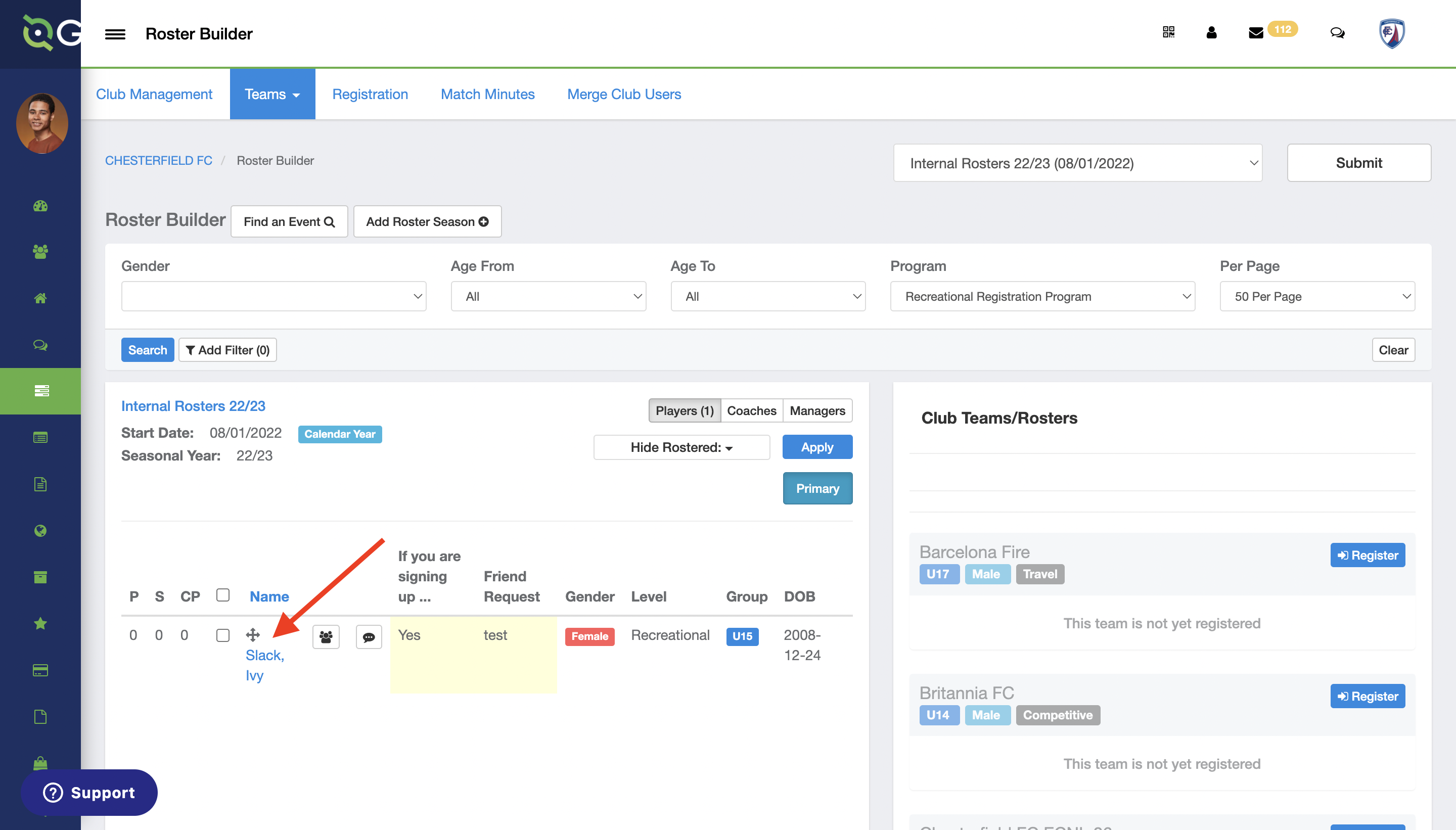
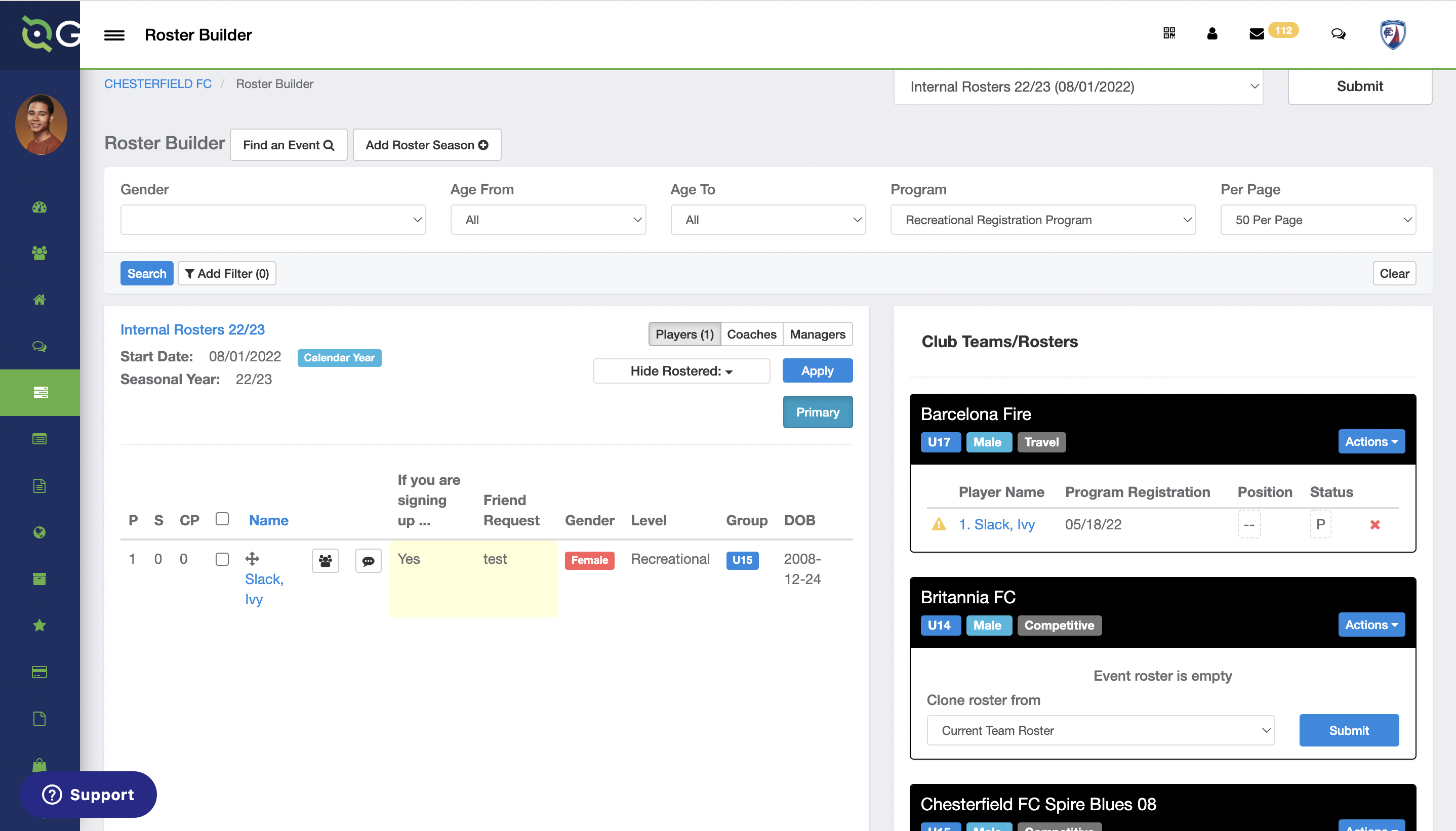
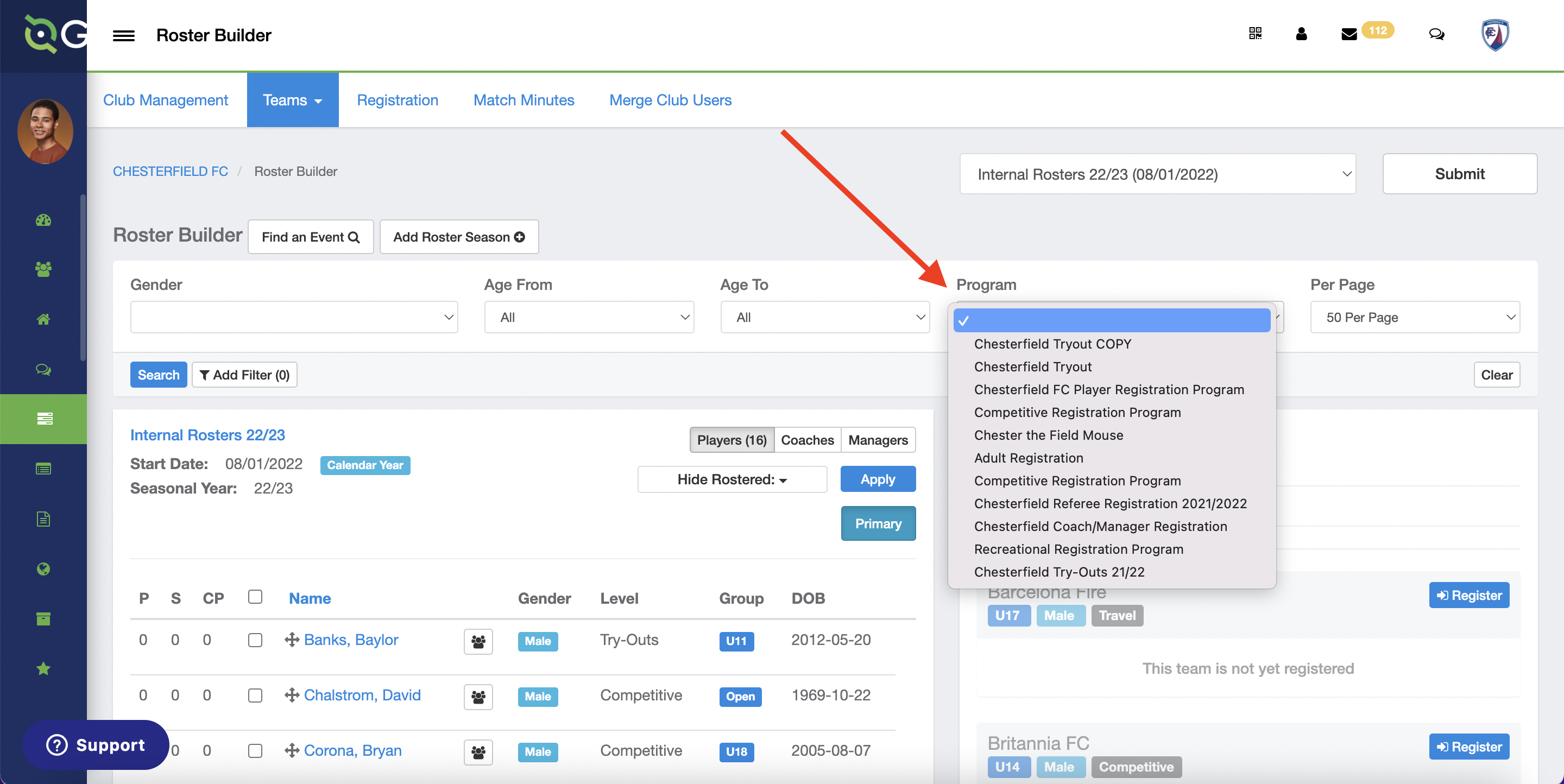
- You can filter players by selecting a Program from the dropdown and then click Search.