Instructions:
Step 1:
-
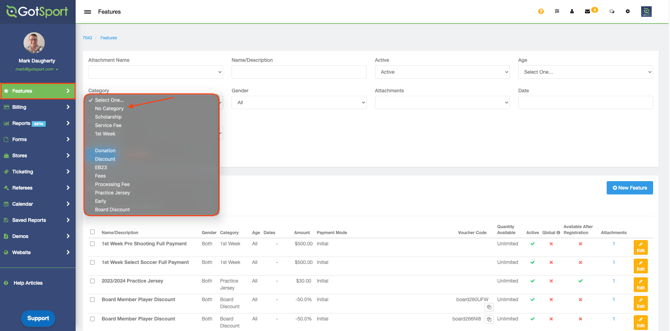
Navigate to the features module on the left side of the menu. In the middle of the screen, you can select an existing category or no category from the drop-down. Click Search.
Step 2:
-
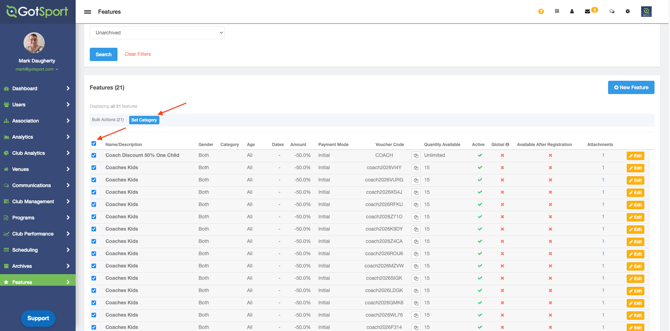
Select the feature or features by clicking the checkbox next to the individual feature. In Bulk Actions, click Set Category.
Step3:
-
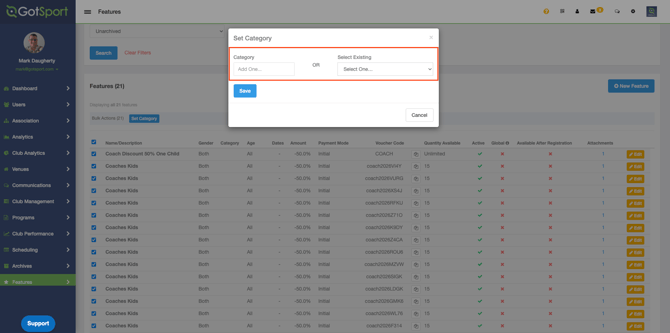
Create a new category or select an existing one and click Save.