Instructions
Step 1:
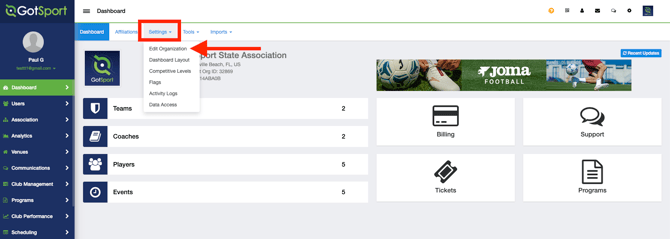
- Access your organization's account
- Go to Settings, then select Edit Organization.
Step 2:
-
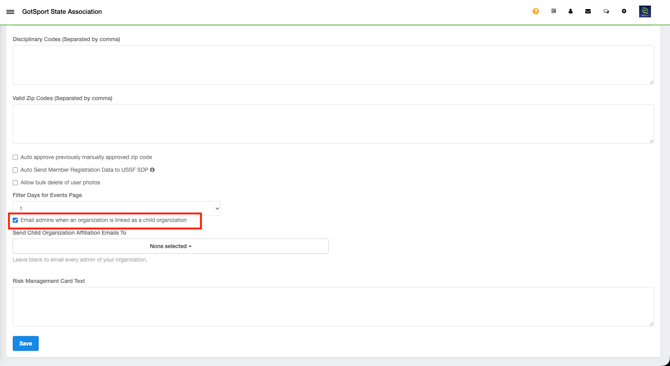
Scroll down to the "Email admins when an organization is linked as a child organization" setting. Select the checkbox to enable automatic email notifications, or clear the checkbox to disable them.
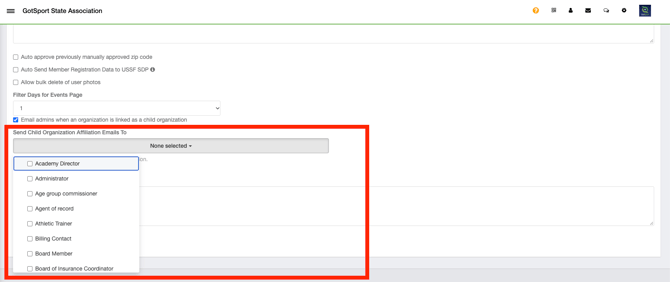
- Click the "Send Child Organization Affiliation Emails To" dropdown menu and select who should receive the email notification.
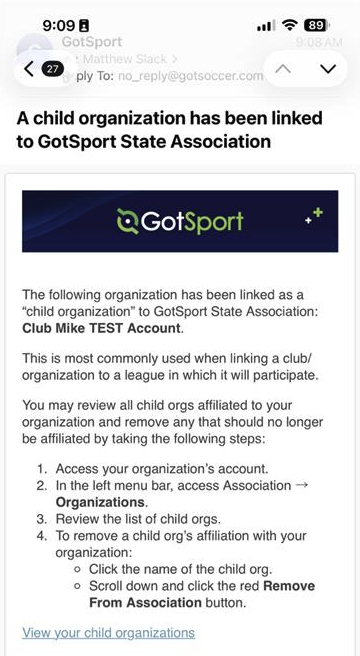
- Below is an example of the email that parent organization administrators will receive when a child organization becomes affiliated with their organization.