
Before you begin
Make sure you have access to the Assigning Match Chart and have selected the event date or dates you want to review.
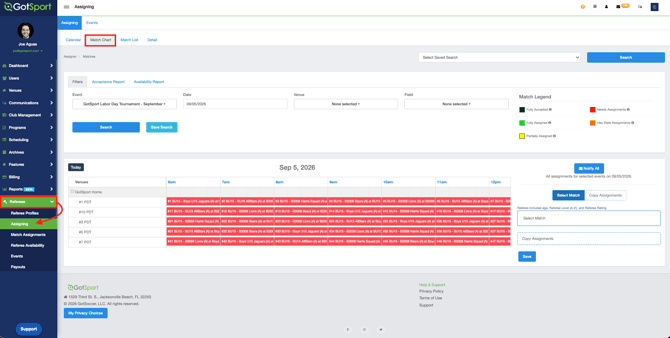
Open the Acceptance Report- Open the Assigning Match Chart.
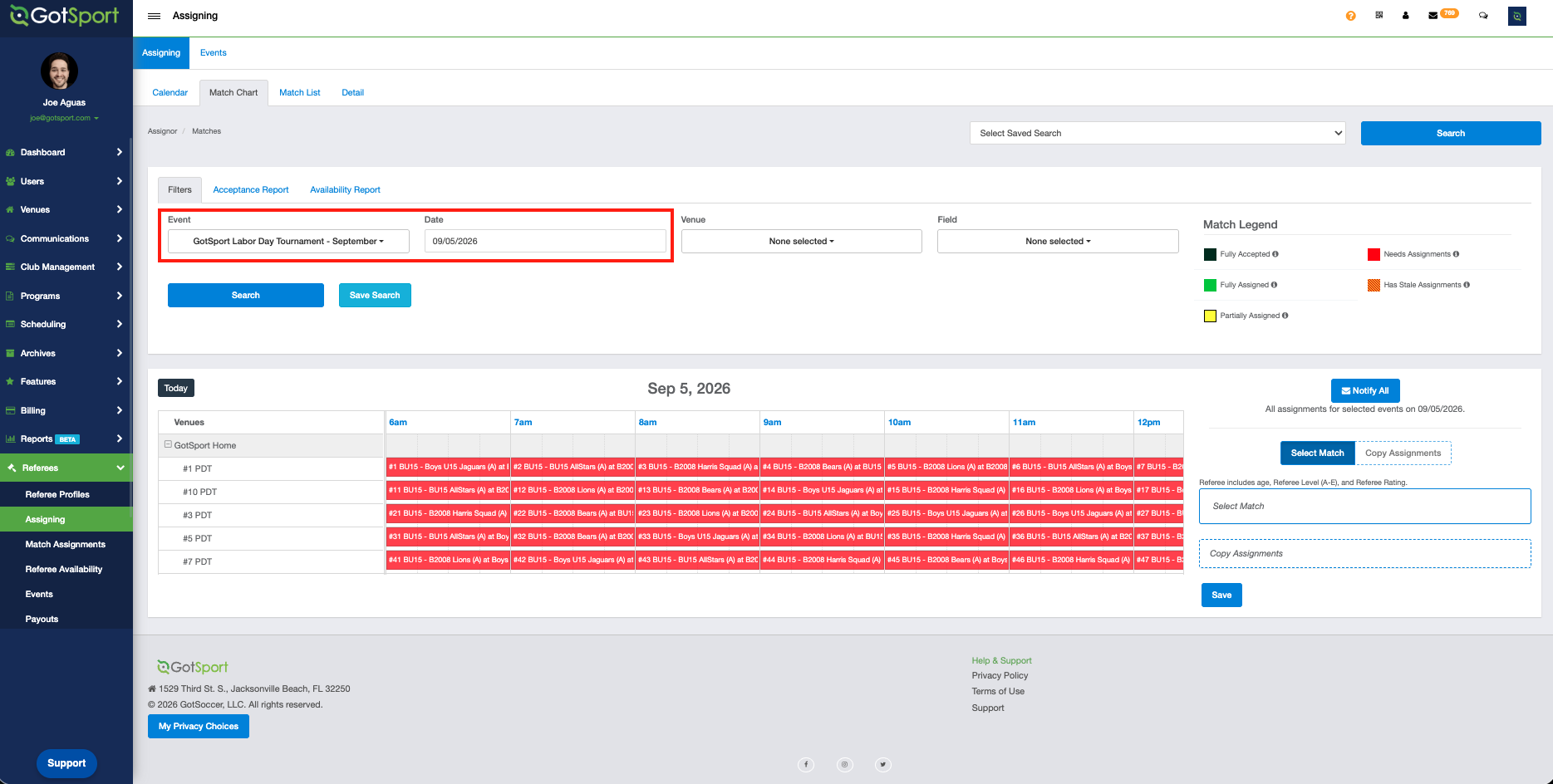
- Select the event(s) and date you want to review.
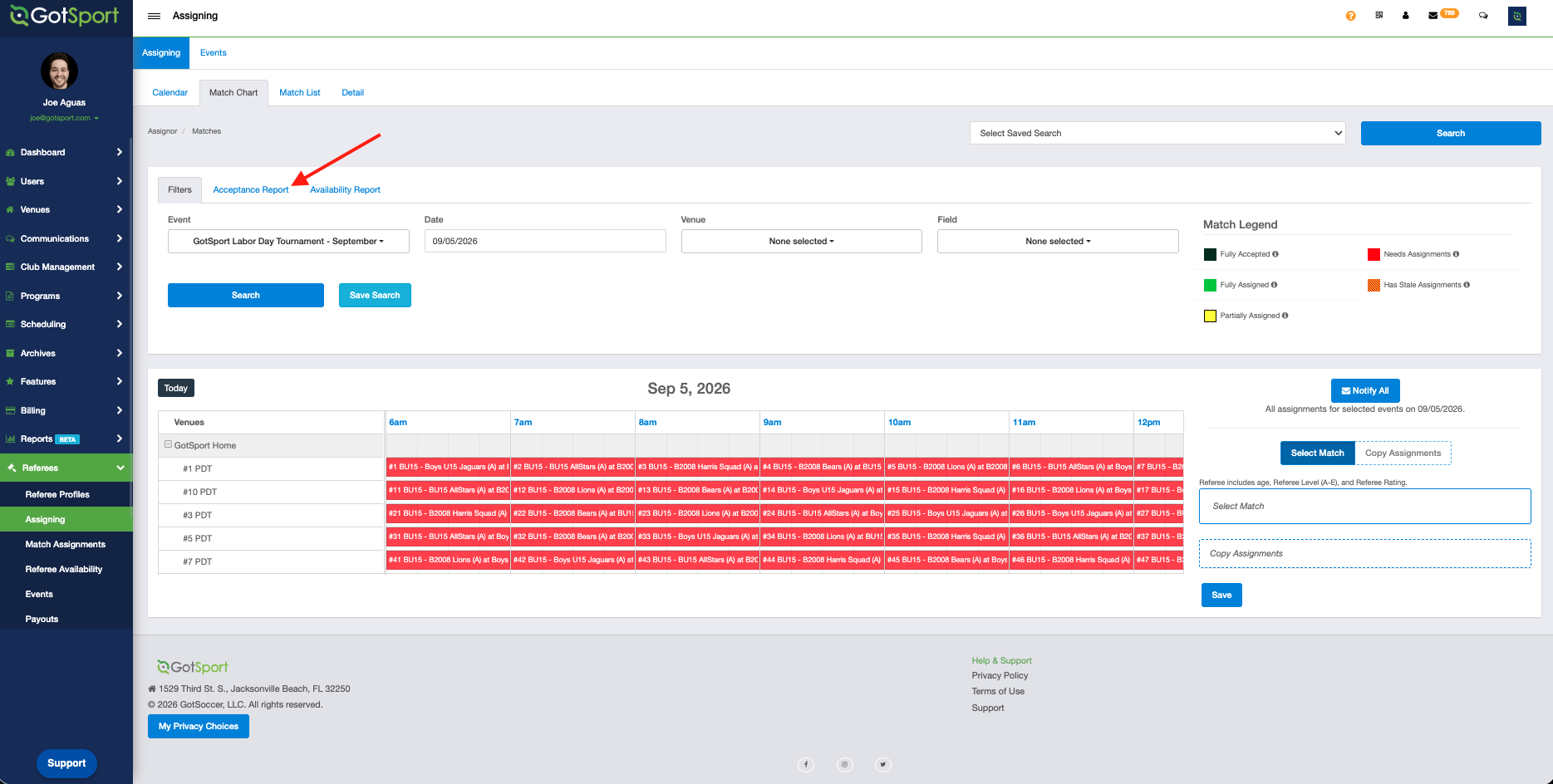
- Click the Acceptance Report tab.
The Acceptance Report displays two report views:
- Selected event date: Shows assignment activity for the event date currently selected in the Assigning Match Chart.
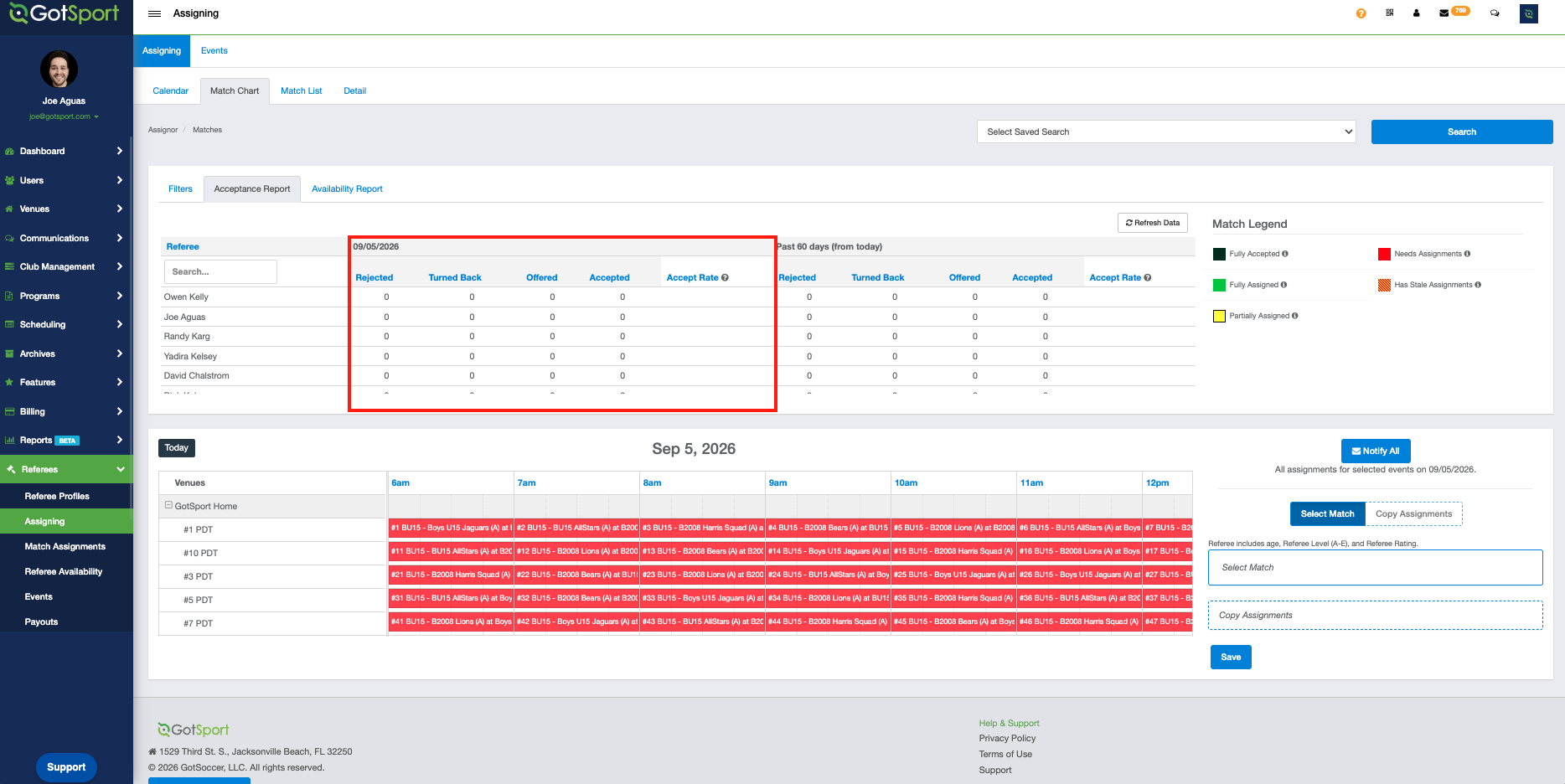
- Past 60 days: Shows assignment activity from the 60 days before the selected event date.
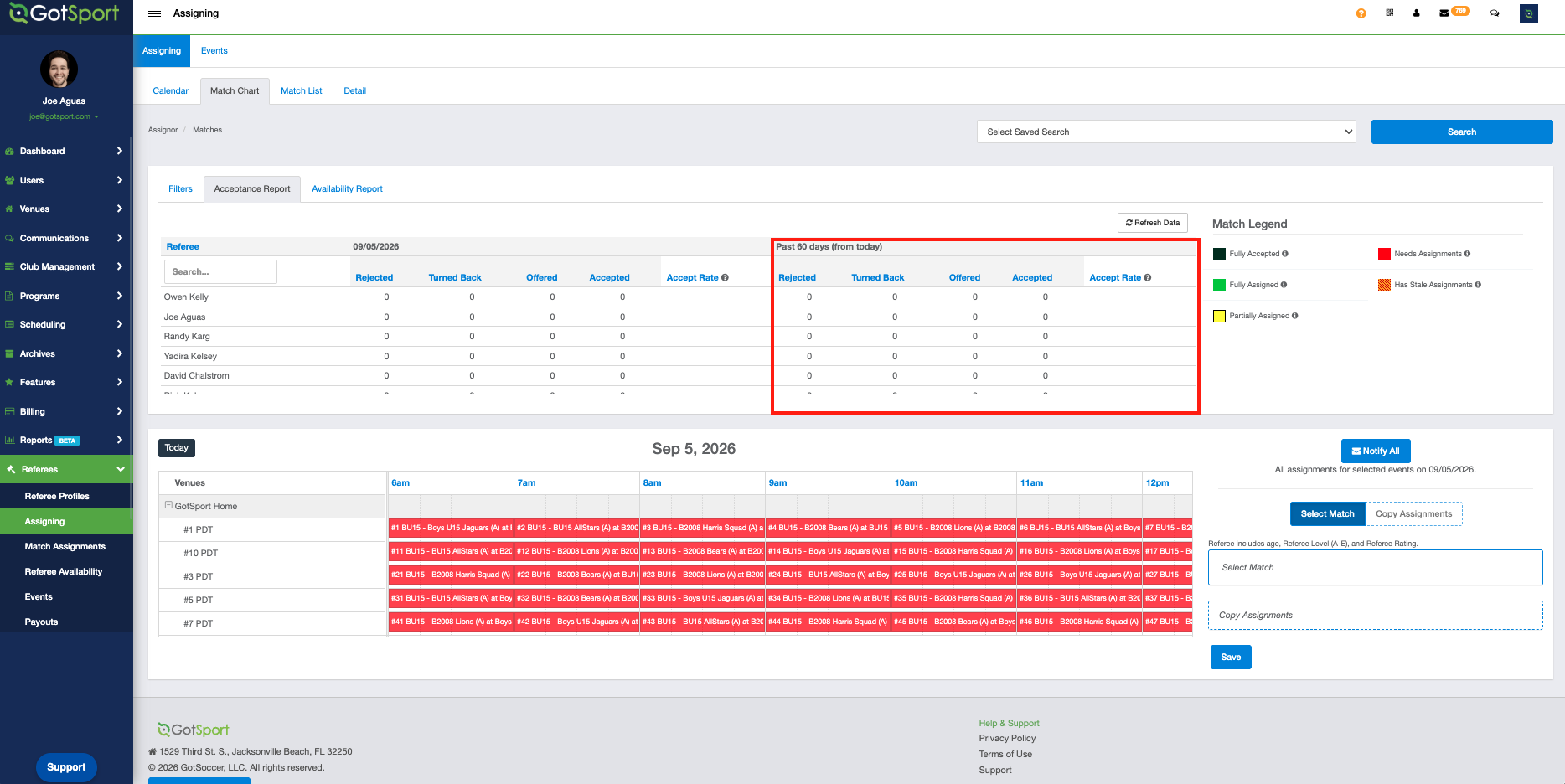
- Rejected: Total assignments rejected for the selected event date.
- Turned Back: Total assignments turned back for the selected event date.
- Offered: Total assignments offered for the selected event date. This total updates based on the referee’s response, such as rejected, offered, or accepted.
- Accepted: Total assignments accepted for the selected event date.
- Accept Rate: Percentage of assignments accepted for the selected event date.
- Search for a referee: Scroll through the referee list or use the search field to find a specific referee.
- Refresh report totals: Click Refresh Data after assignments are made or updated to view the latest assignment status totals.
- Sort report columns: Click any assignment column heading to sort the report in ascending or descending order.
Summary
The Acceptance Report gives assignors a quick way to review referee assignment activity for a selected event date and the previous 60 days. Use the report to track accepted, rejected, turned back, and offered assignments, refresh totals after updates, search for specific referees, and sort report columns to review assignment trends more efficiently.