Instructions
Step 1:
-
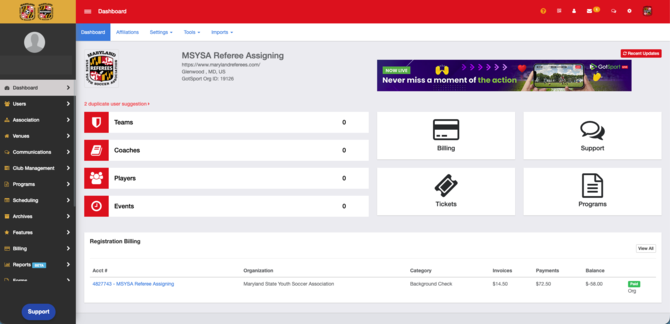
Log in to your Referee Assignor organization account.
Step 2:
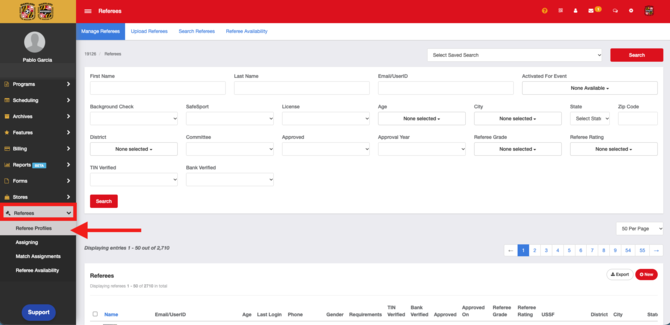
- In the left-side menu, scroll down to Referees, then click Referee Profiles.
Step 3:
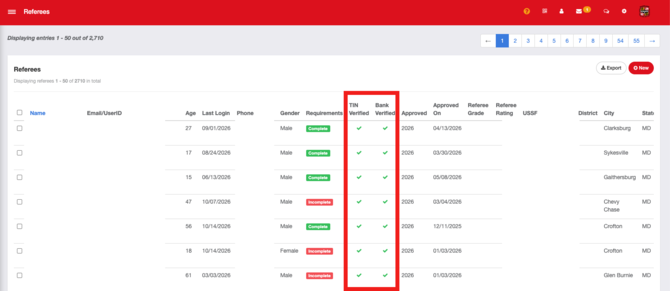
- This page lists all of your referees and their personal information. It also shows whether each referee’s TIN and bank account have been verified.