Instructions:
Step 1:
-
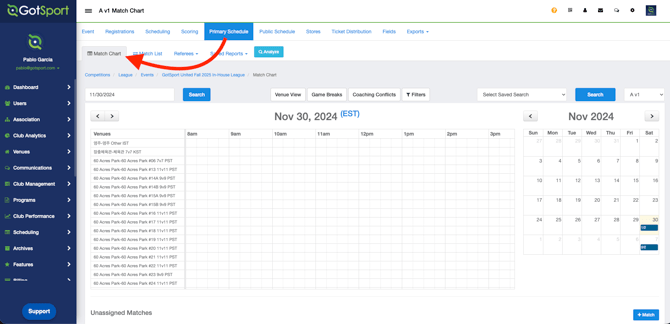
Go to your Event and then click on Primary Schedule > Match Chart
Step 2:
-
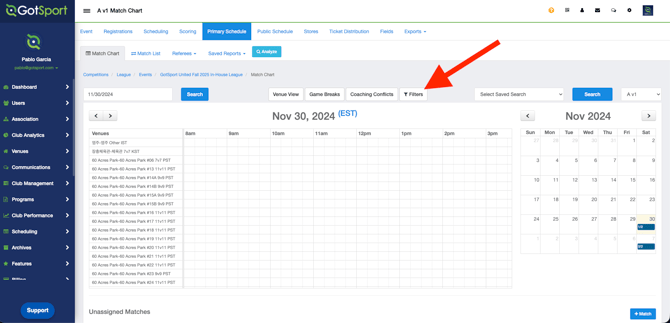
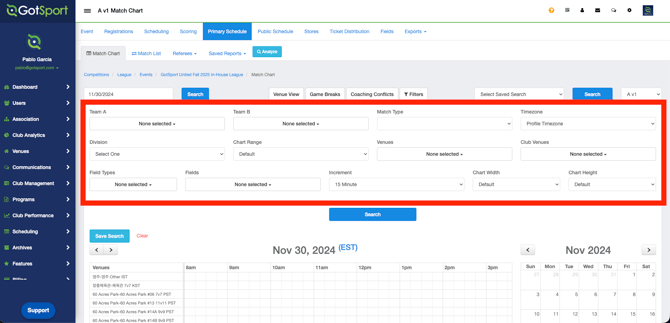
Click "Filters" to view all available filter options
Step 3:
-
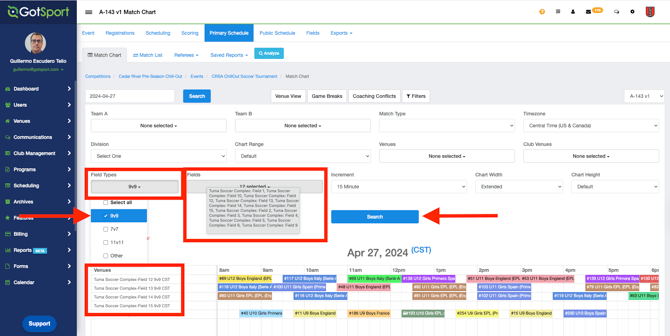
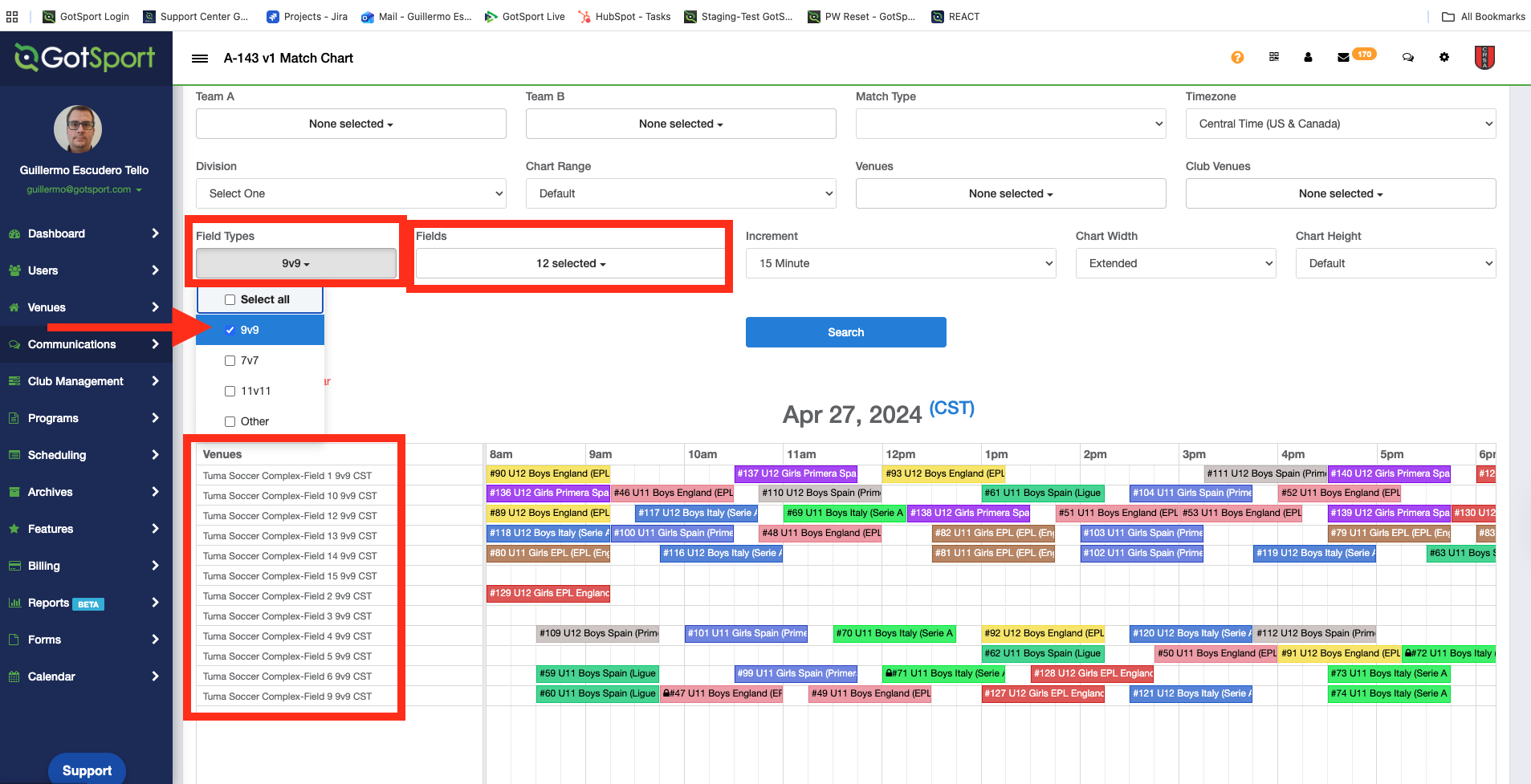
Select the desired option from the "Field type" menu. The corresponding "fields" will be automatically selected. After clicking "Search", the match chart will only display the fields that match the specified size