Instructions
Step 1:
- Once logged in to your Club Dashboard, select "Scheduling > Events" and click on the Event Name
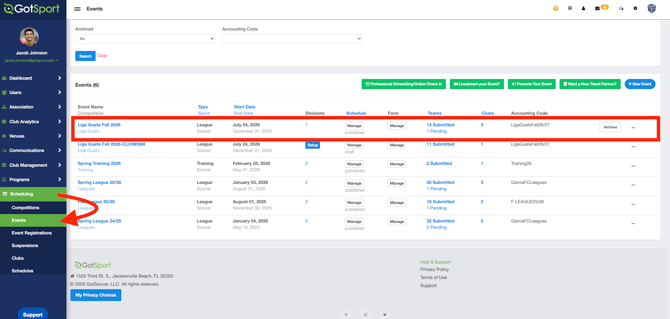
Step 2:
-
Once inside the event, select "Access & Options" and click on "Team Communication"
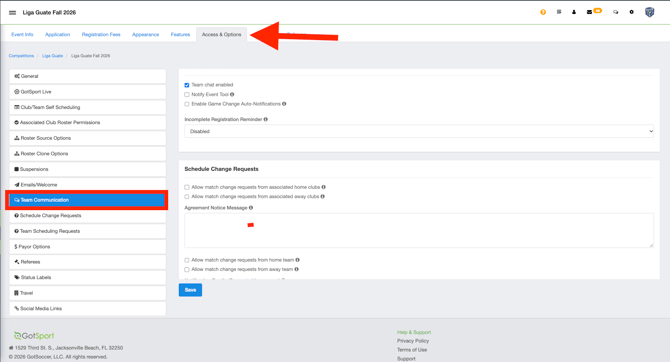
Step 3:
-
Click the dropdown menu under the "Incomplete Registration Reminder" section and select the desired time frame for the system to automatically send a reminder email to the team.
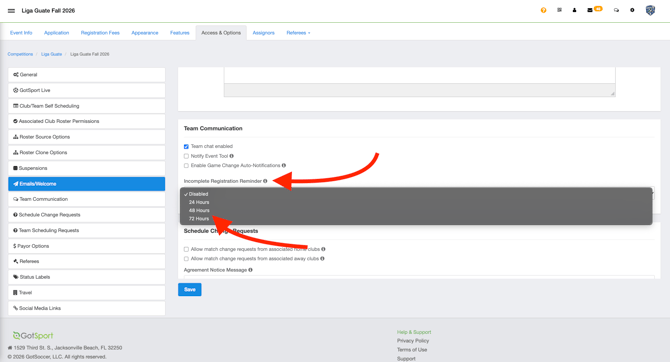
After selecting a time frame, click "Save" to ensure teams receive the notification.
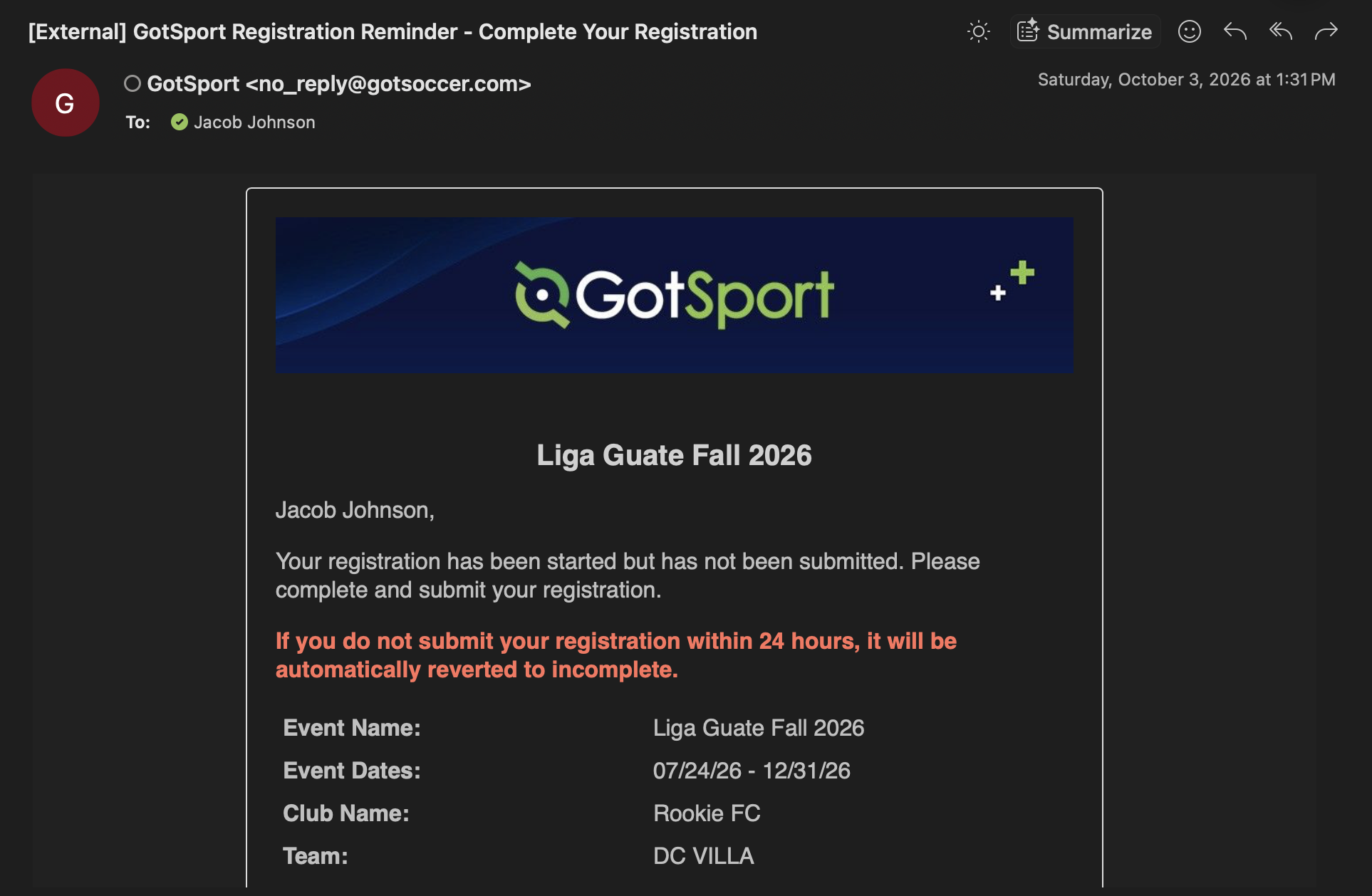
Below is an example of the email that will be sent to the Team/Club: