Instructions:
Step 1:
-
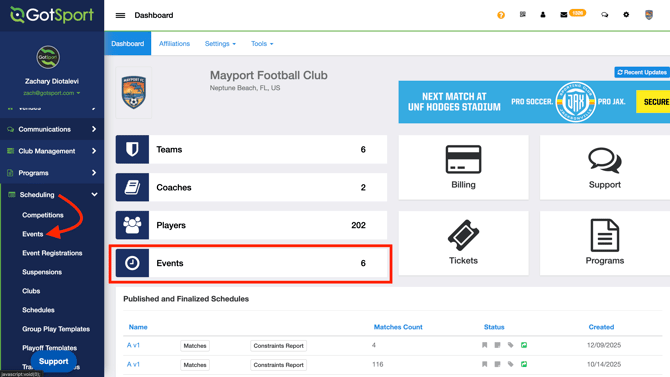
From your Admin Dashboard, click "Events"
- You can also click "Scheduling > Events" on the side panel
Step 2:
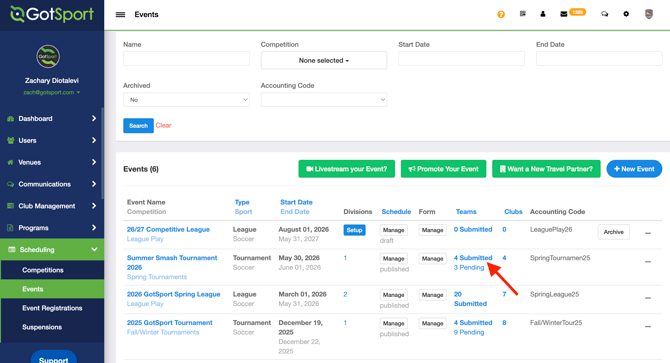
- Locate your event and click onto the # of team Submitted/Pending
Step 3:
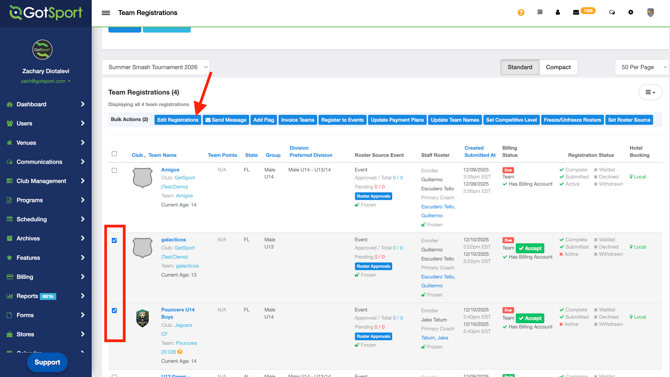
- You may click the Green "Accept" button for team that are not yet accepted into the event.
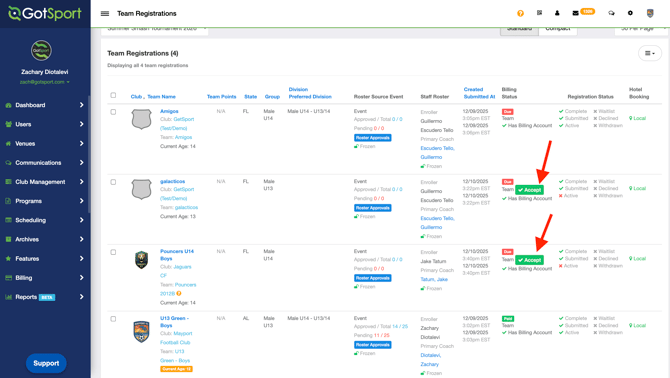
- You can also accept teams in bulk by clicking the bulk action box to the left of the teams that you'd like to accept
- Click "Edit Registrations"
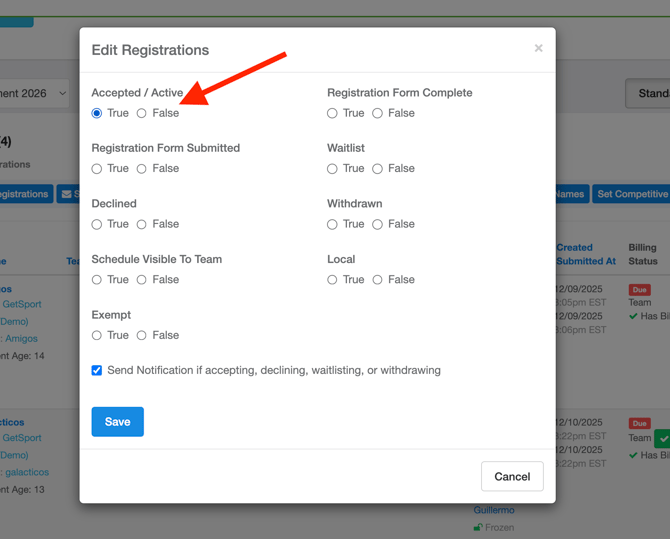
- Click "Accepted/Active" to "True" which will accept the teams you've selected.