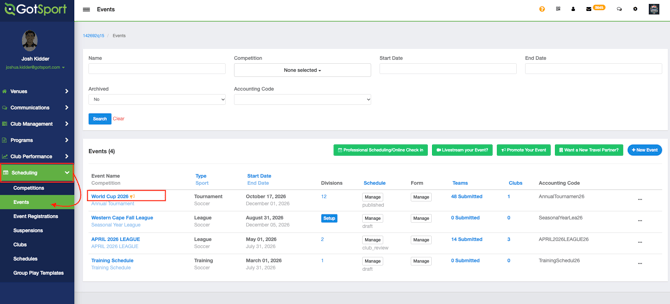
Step 1:
- From your "Dashboard," click the "Scheduling" tab, followed by "Events".
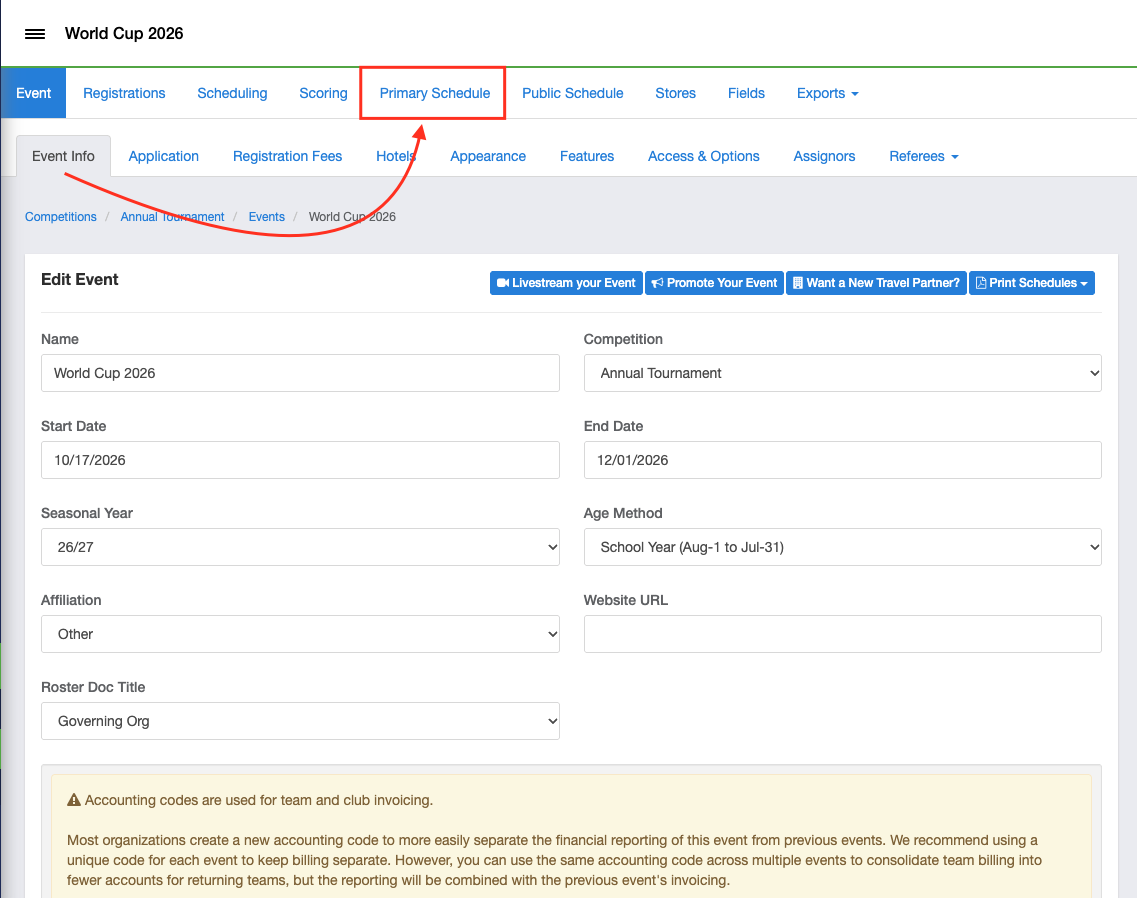
Step 2:
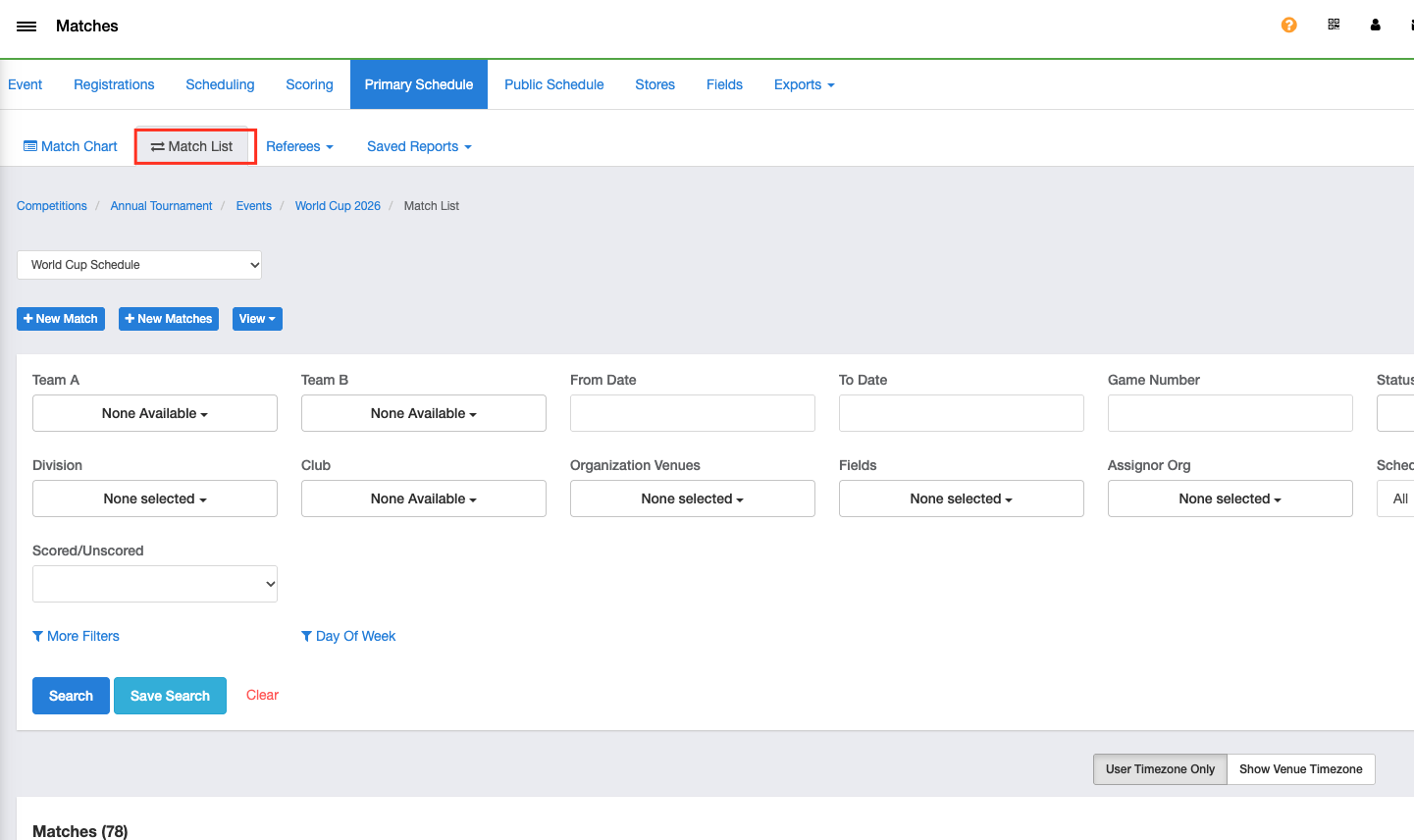
- Click the "Primary Schedule" tab at the top, followed by "Match List"
Step 4:
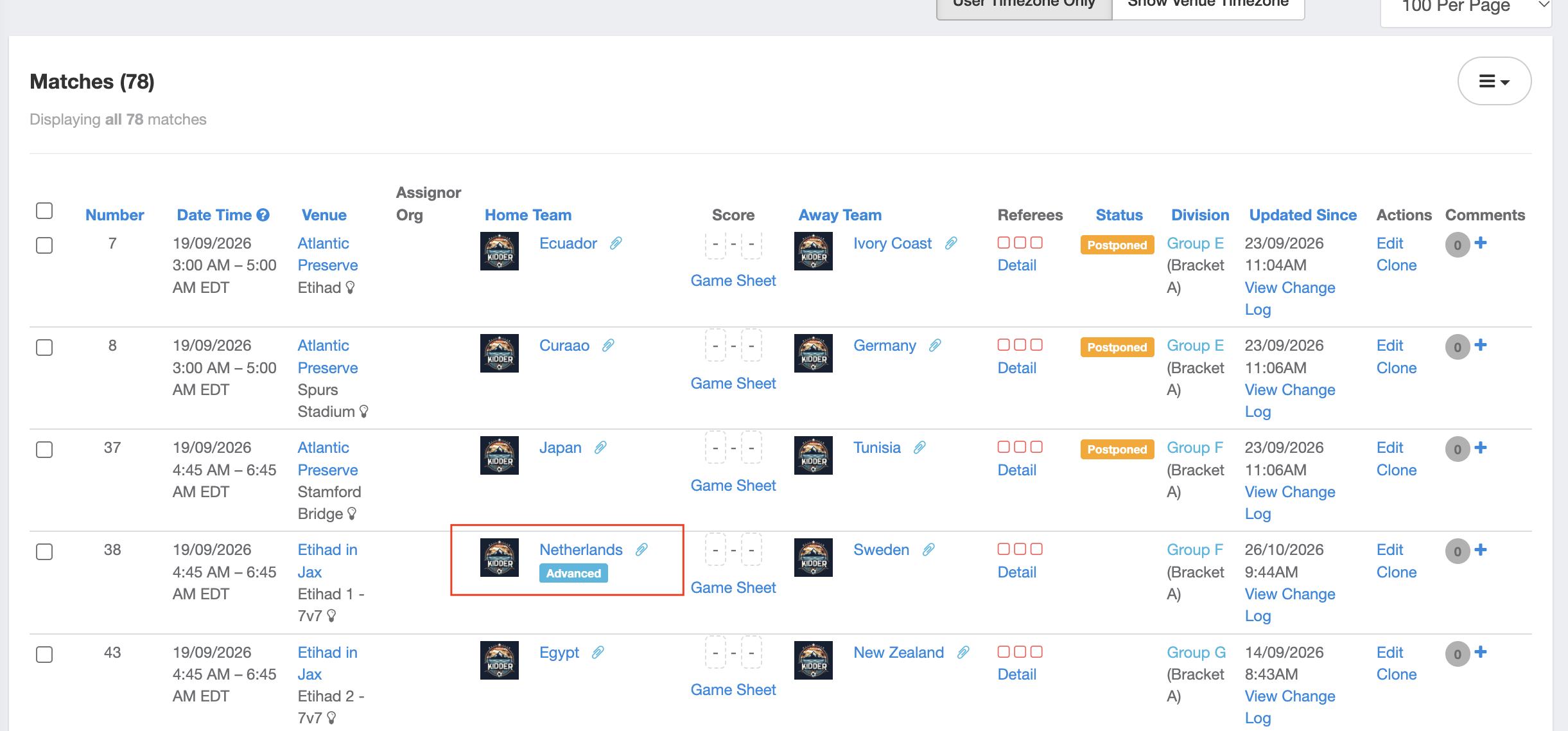
- Click "Edit" on the right side of the particular match, and update the Home Match Label or Away Match Label as needed.
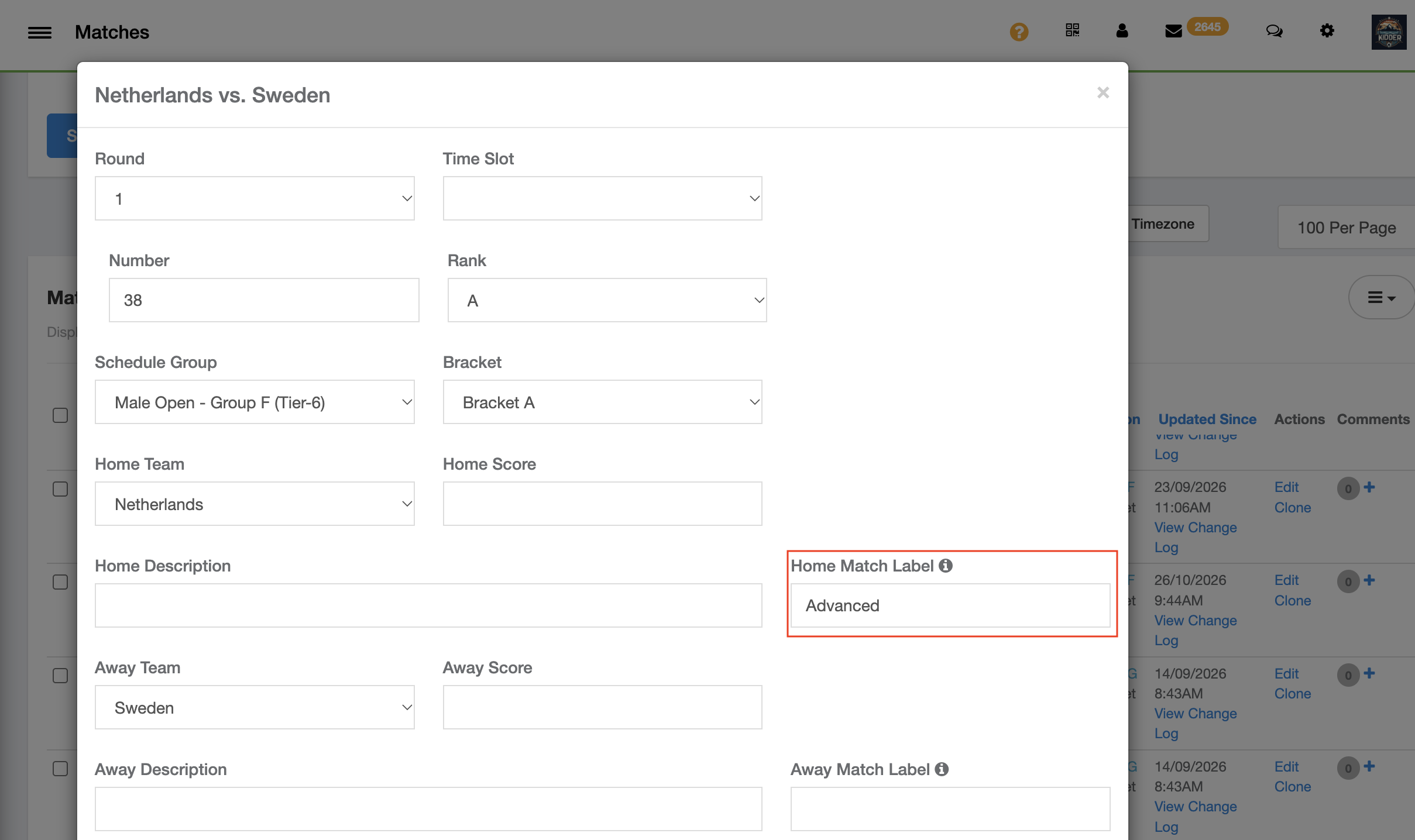
This label will then show under the designated team