NOTE: US Club Soccer and GotSport affiliate clubs and organizations to Leagues and N1 Districts upon request. It is the responsibility of each League and N1 District to regularly review its affiliated clubs and organizations and remove any affiliations that are no longer applicable.
Step 1:
- Log in to your GotSport account. (How to Login)
Step 2:
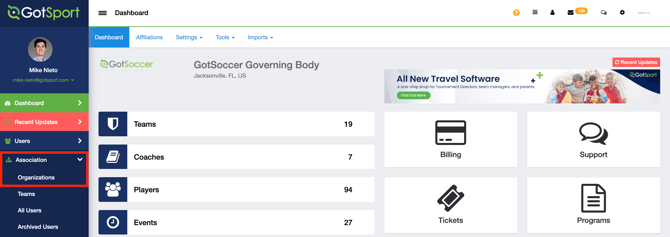
- From the left menu bar, navigate to: Association → Organizations.
Step 3:
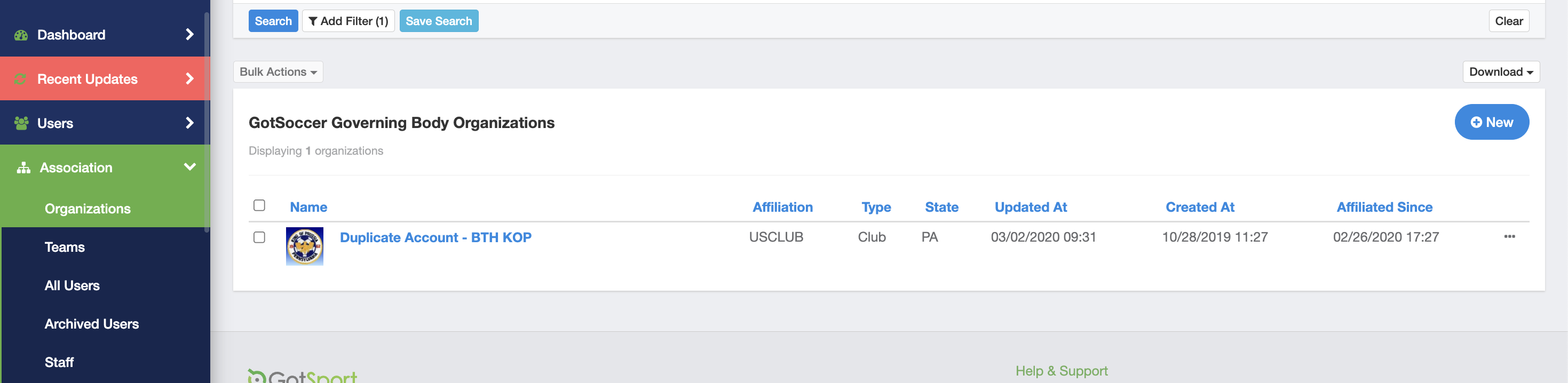
- The Organizations page displays all child organizations (clubs and organizations) currently affiliated with your League or N1 District.
- Review the list to ensure all affiliations are accurate
Step 4:
- If needed, use the filters at the top of the page (such as Name or State) to locate a specific club or organization.
- If all listed clubs/organizations are correctly affiliated, no further action is required.
- To remove an affiliation:
- Click the name of the club or organization to open its Details page.
- Scroll down to the bottom.
- Click the red Remove From Association button.

- Need to add a new affiliation?
- If a club or organization should be affiliated with your League or N1 District but does not appear in the list, either the League or the club can submit a support request to the US Club Soccer Member Administration team at usclubsoccer.zendesk.com.
Step 5:
- Leagues and N1 Operators can log into their affiliated clubs or organizations without requiring separate credentials.
- To log in:
- From the Association → Organizations list, locate the applicable club or organization.
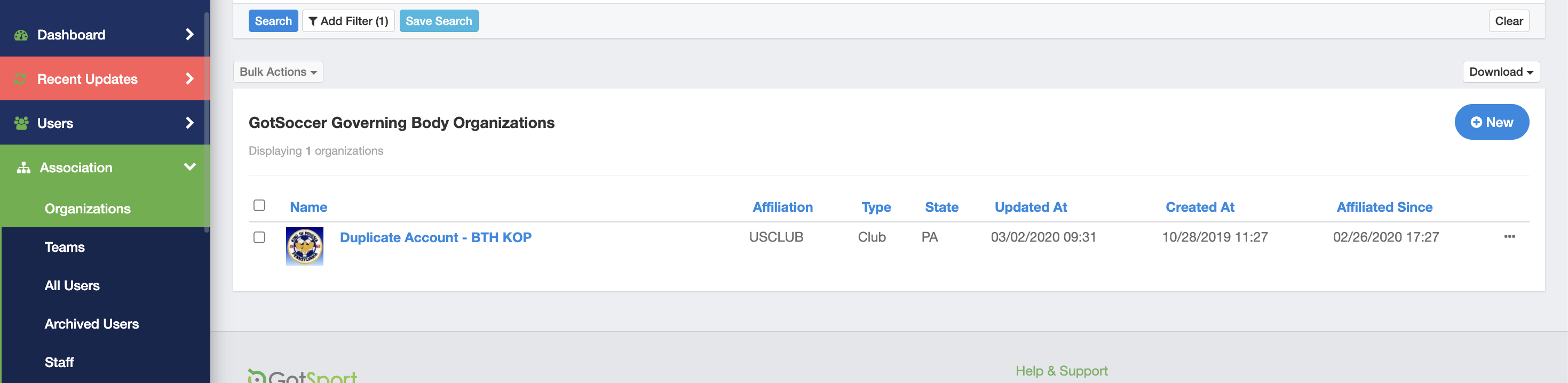
- Click the three dots to the far right, scroll down and select Login As Organization.

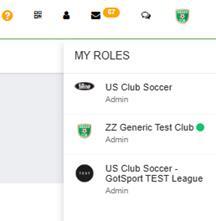
- Note: You can only be logged into one league, club or organization at a time. When you have finished working in the club or organization:
- In the upper-right corner of GotSport, click the club or organization logo.
- Review the list in My Roles.
- Click your League or N1 Operator role to return to your League or N1 account.