Instructions:
Step 1:
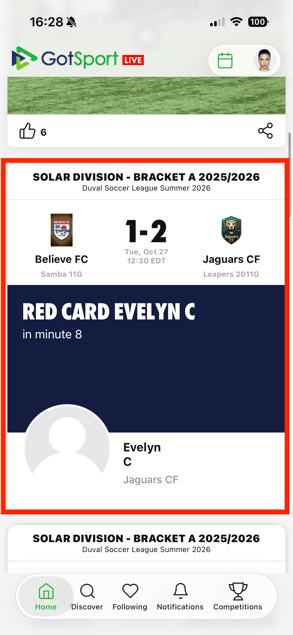
- In GotSport Live, select the match you want to print a match card for.
Step 2:
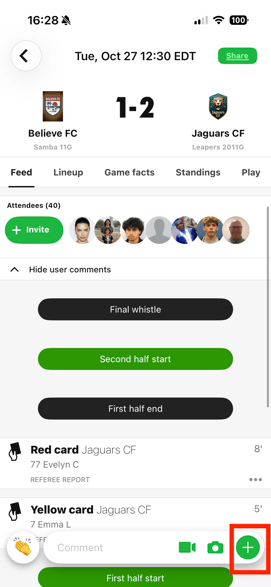
- Select the “+” button in the bottom right corner.
Step 3:
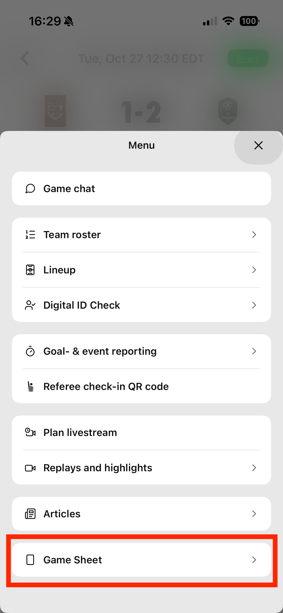
- Select “Game Sheet”.
Step 4:
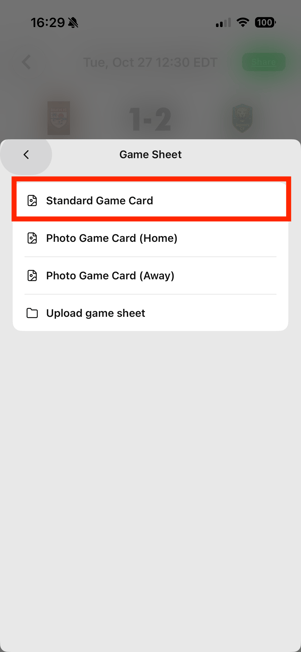
- Select “Standard Game Card”.
Step 5:
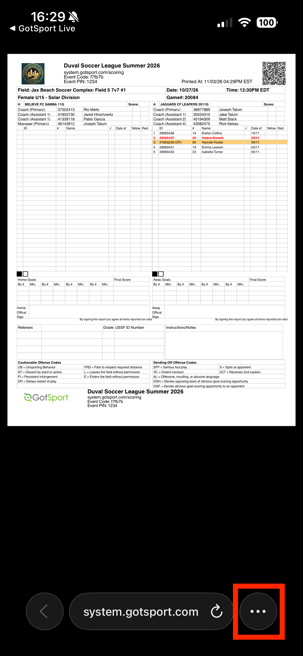
- Select “More Options” in the bottom right corner.
Step 6:
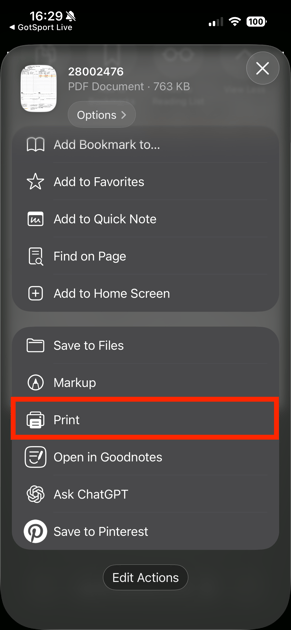
- Scroll down and select “Print”.
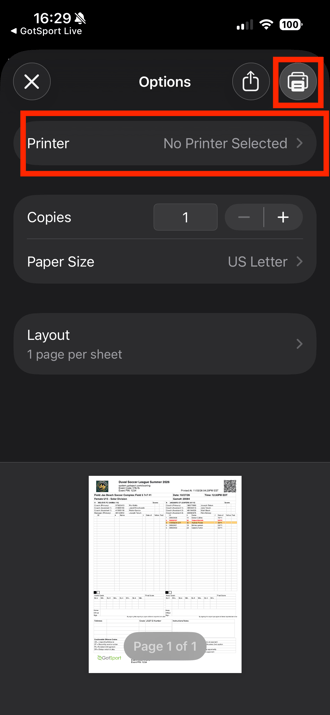
Step 7:
- Choose your printer and print the match card.