Step 1: Open the GotSport Live App on your mobile device
Step 2: From the home page, click the calendar icon in the upper right corner of the screen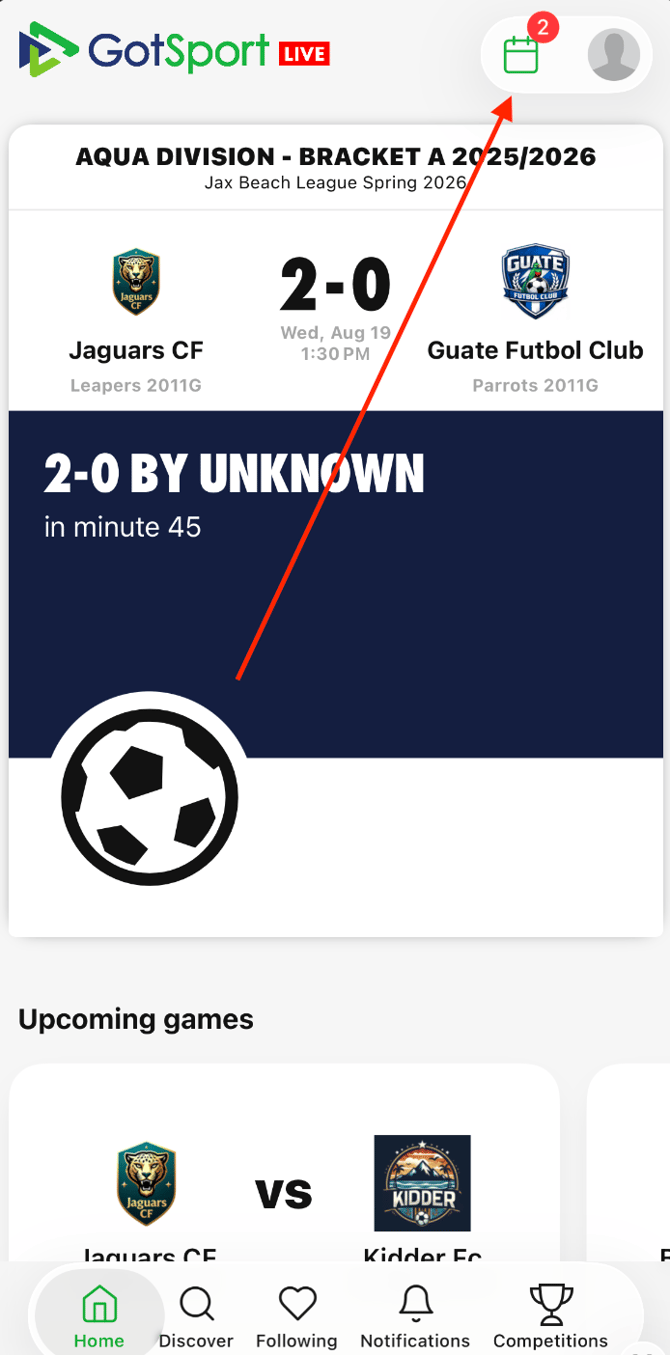
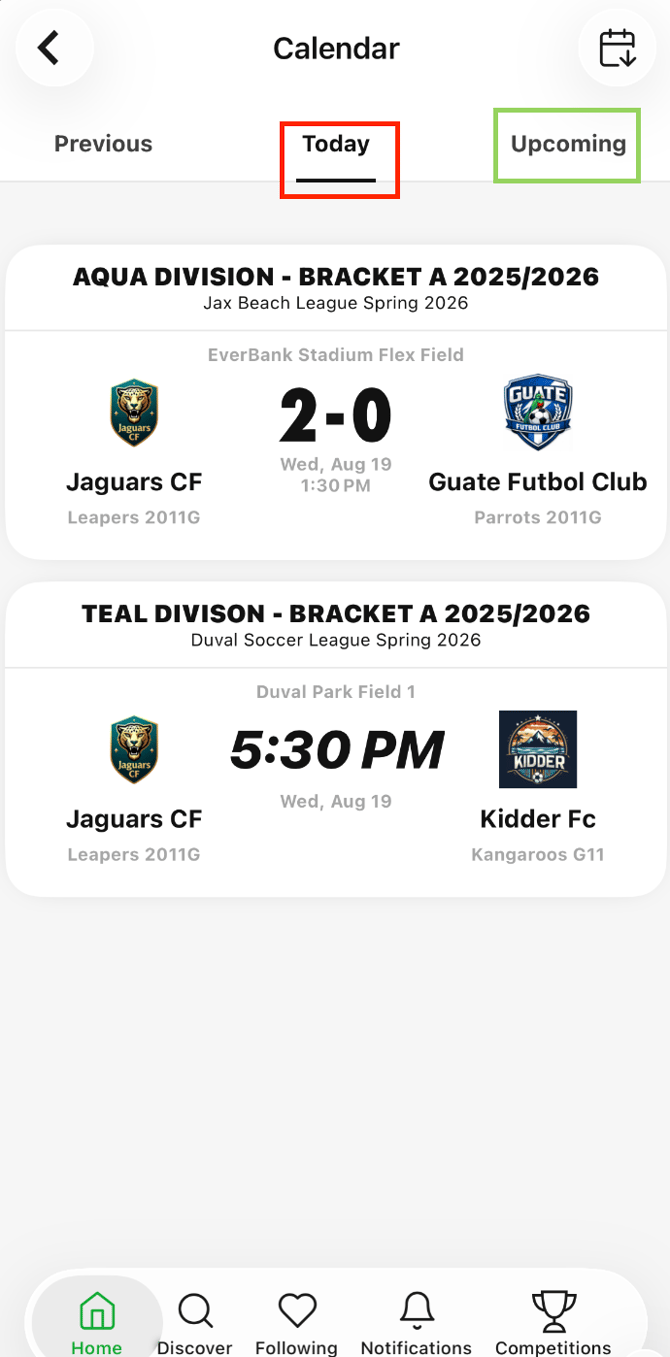
Step 3: Find the specific match and click on it
- You will automatically be brought to the "Today" tab, which shows all games on the current day
- You can click on the "Upcoming" tab to see all future scheduled games
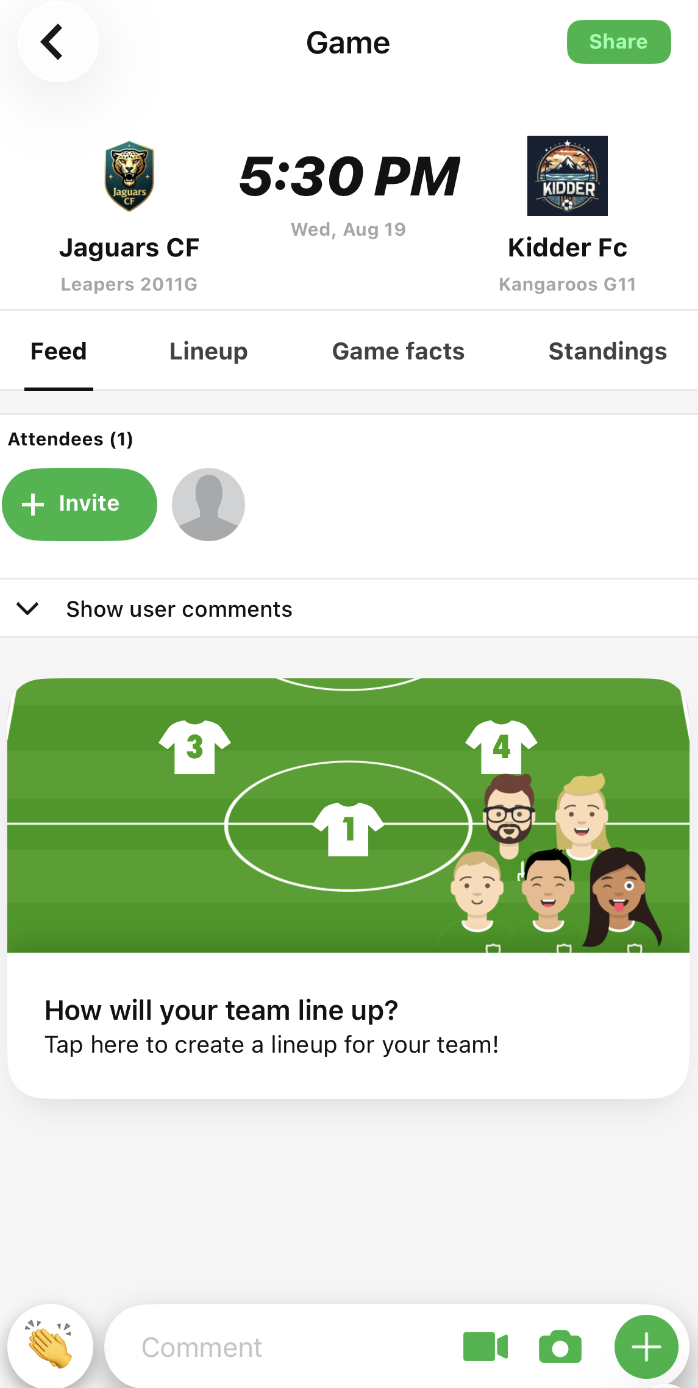
- Once you find the match, click on it. You will be taken to the feed for the specific match.
Once you find and click on the specific match, you will be taken to the match feed