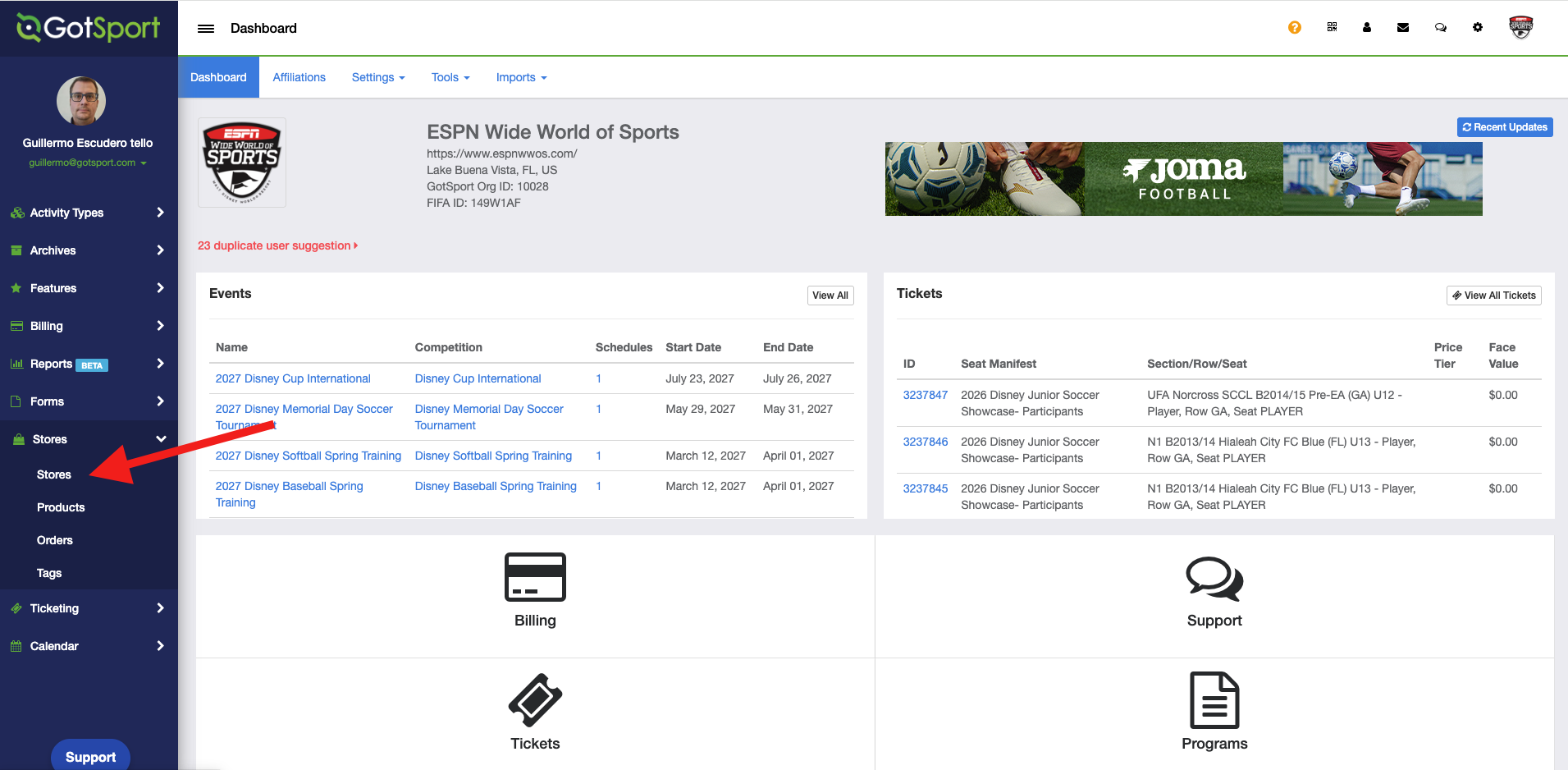
Step 1: On your Club/Org account left-side menu, click on "Stores" and "Orders"
Step 2: Select the store that has the order
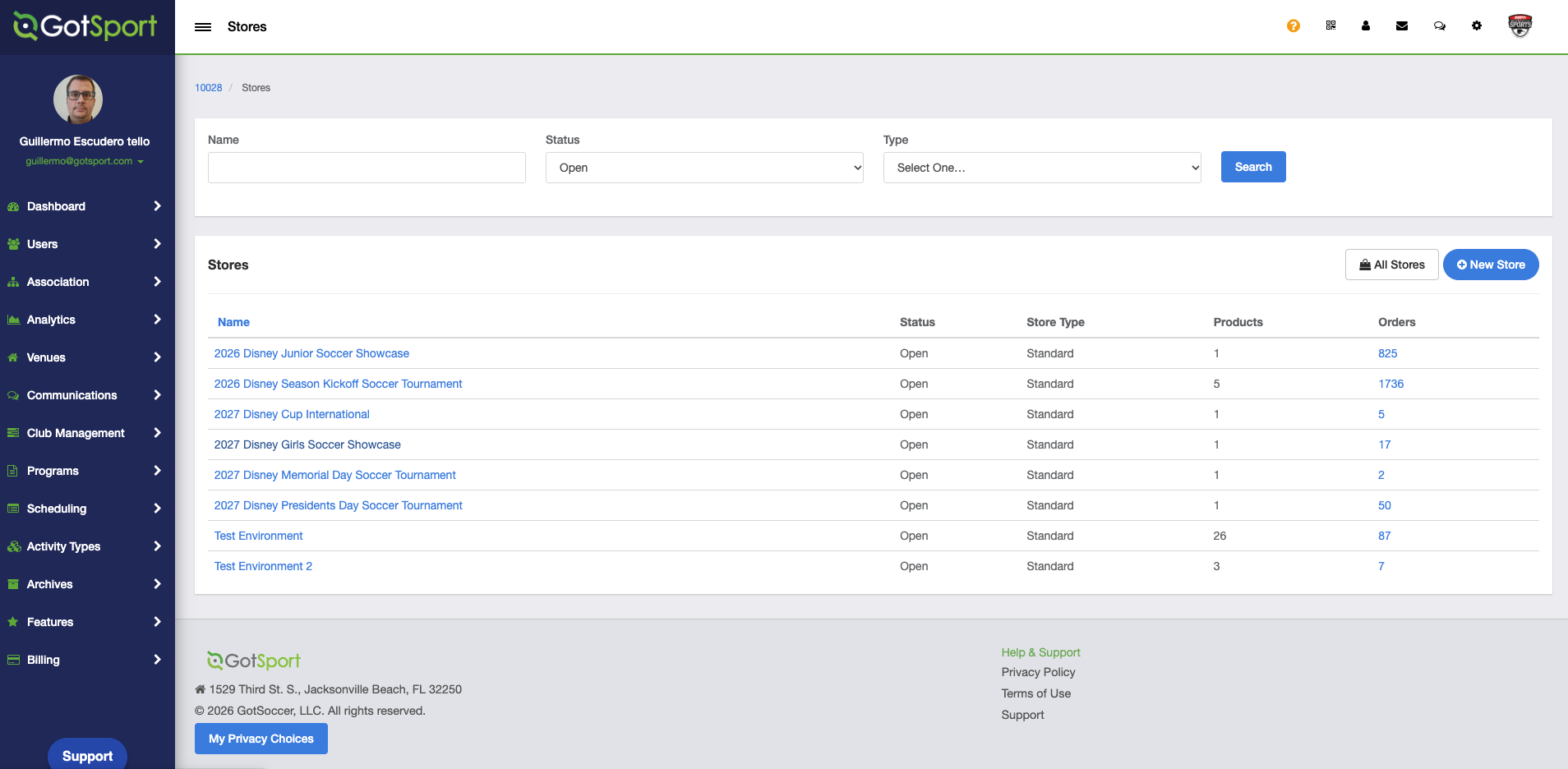
Step 3: Open the "Orders" tab and click the order number.
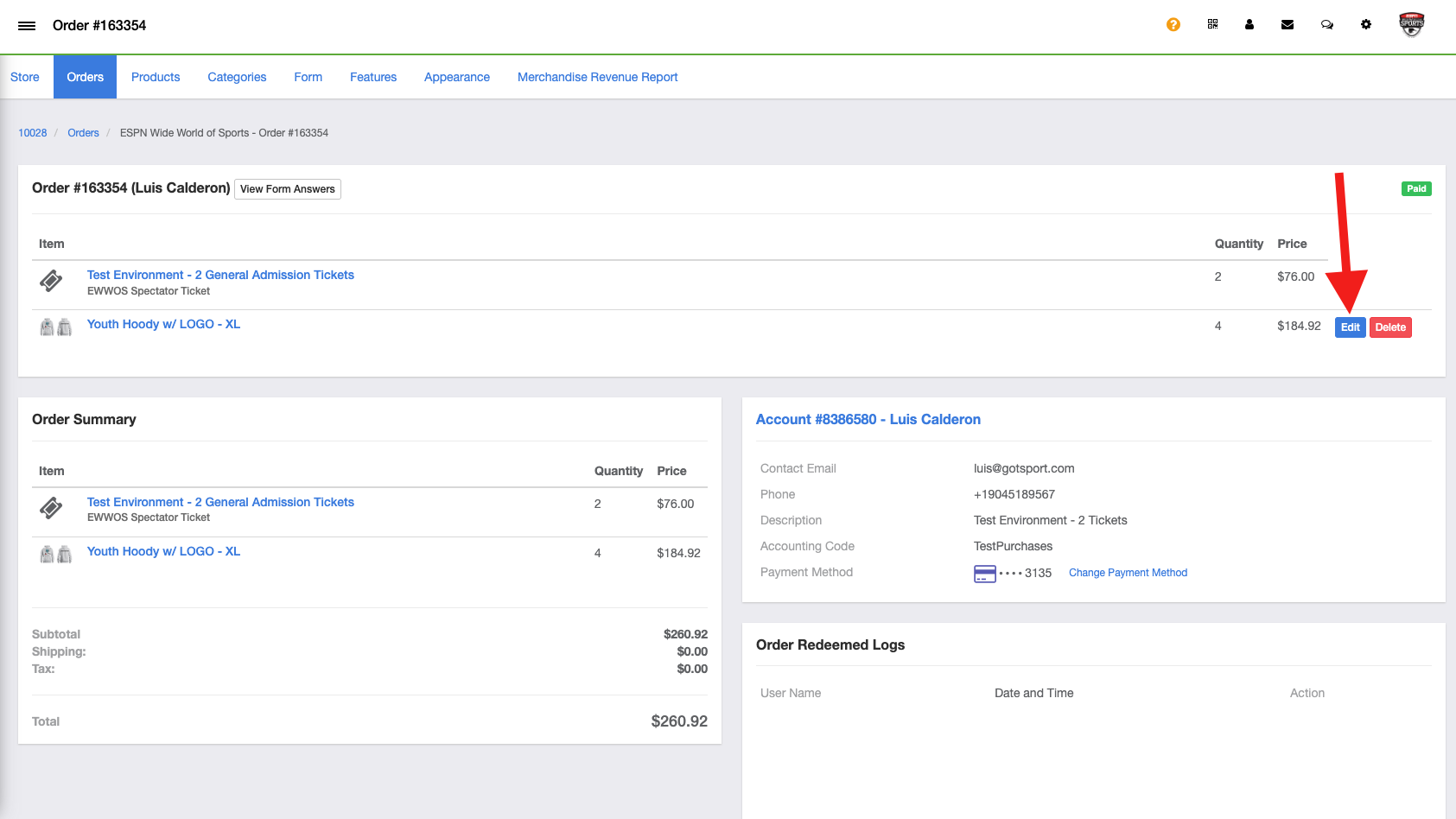
Step 4: Click on "Edit" to access the menu where you can update the size and the quantity of the order
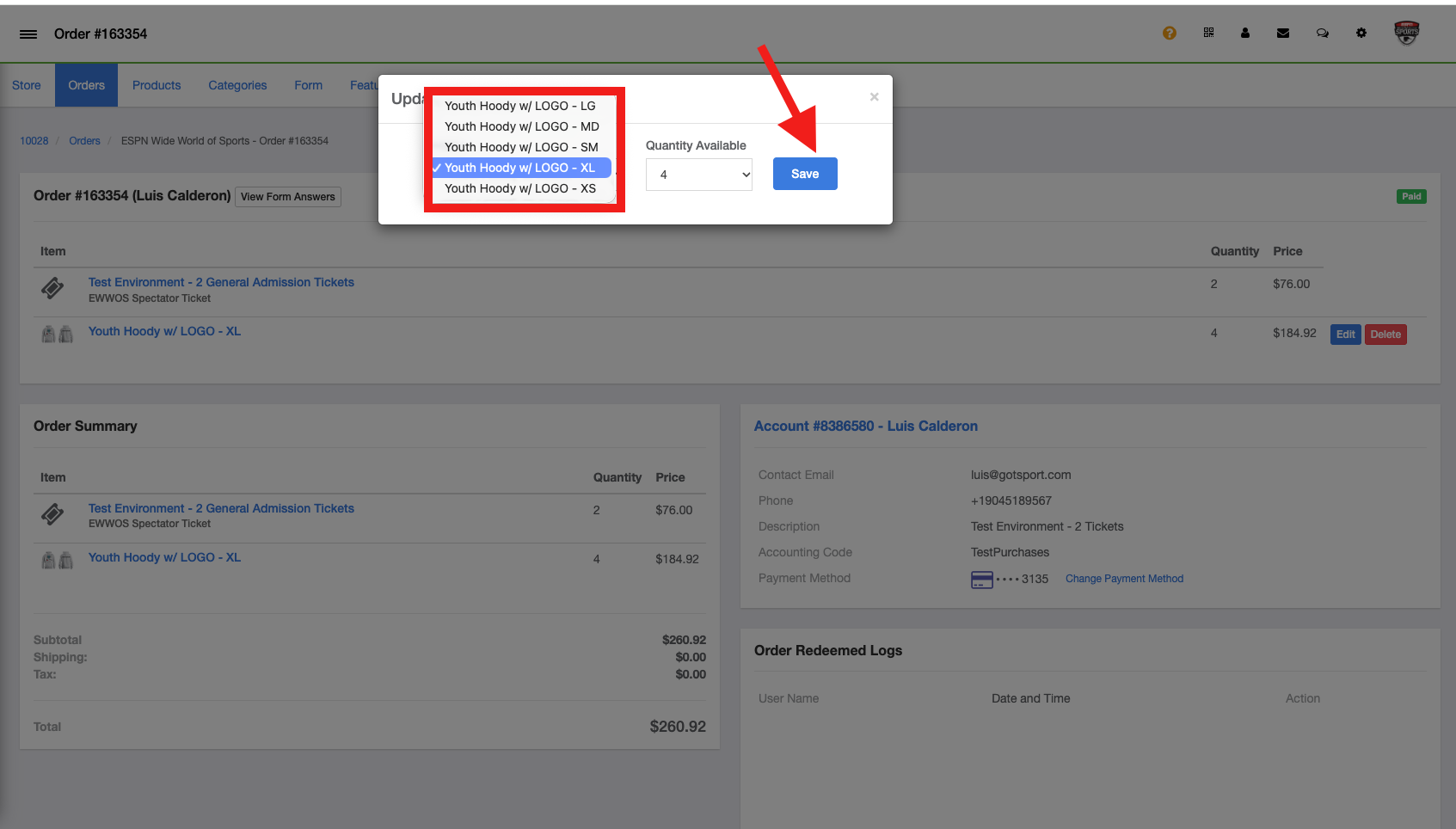
Step 5: Choose the new size from the list and click Save