Instructions
Step 1:
-
Log in to your account (How to Login)
Step 2:
-
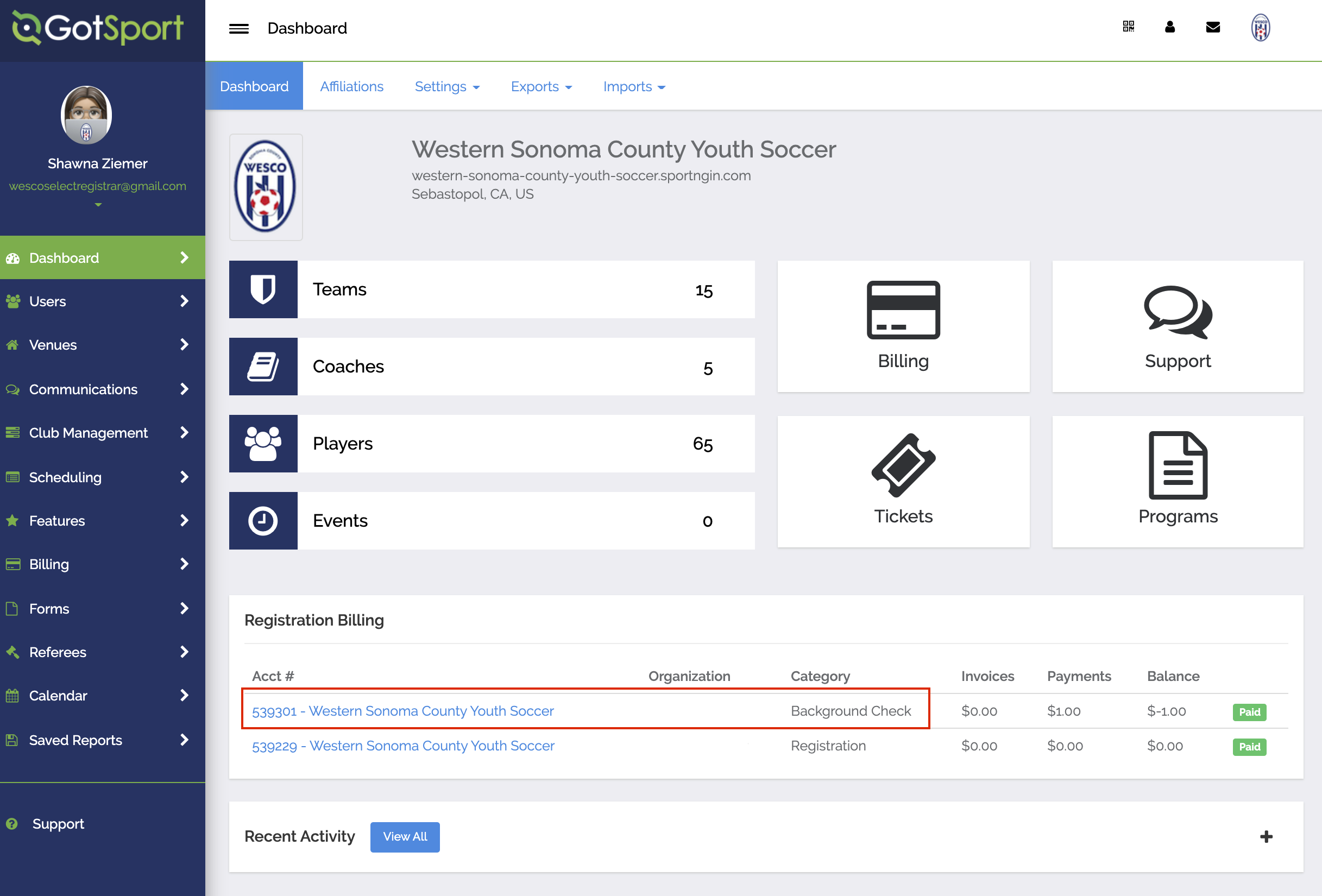
Under the Registration Billing Section, Click on the background check Billing account on your dashboard
Step 3:
-
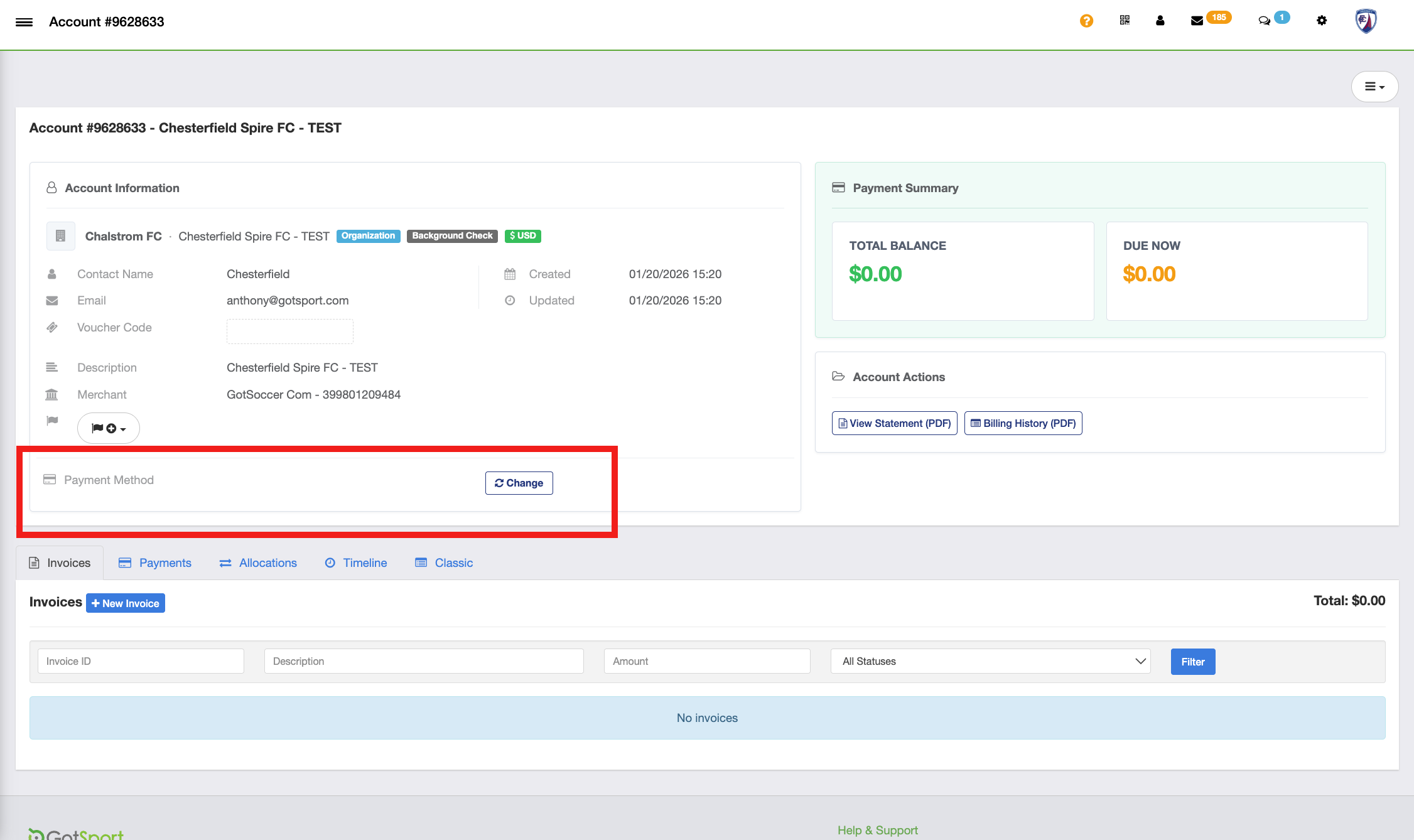
Click on Change:
Step 4:
-
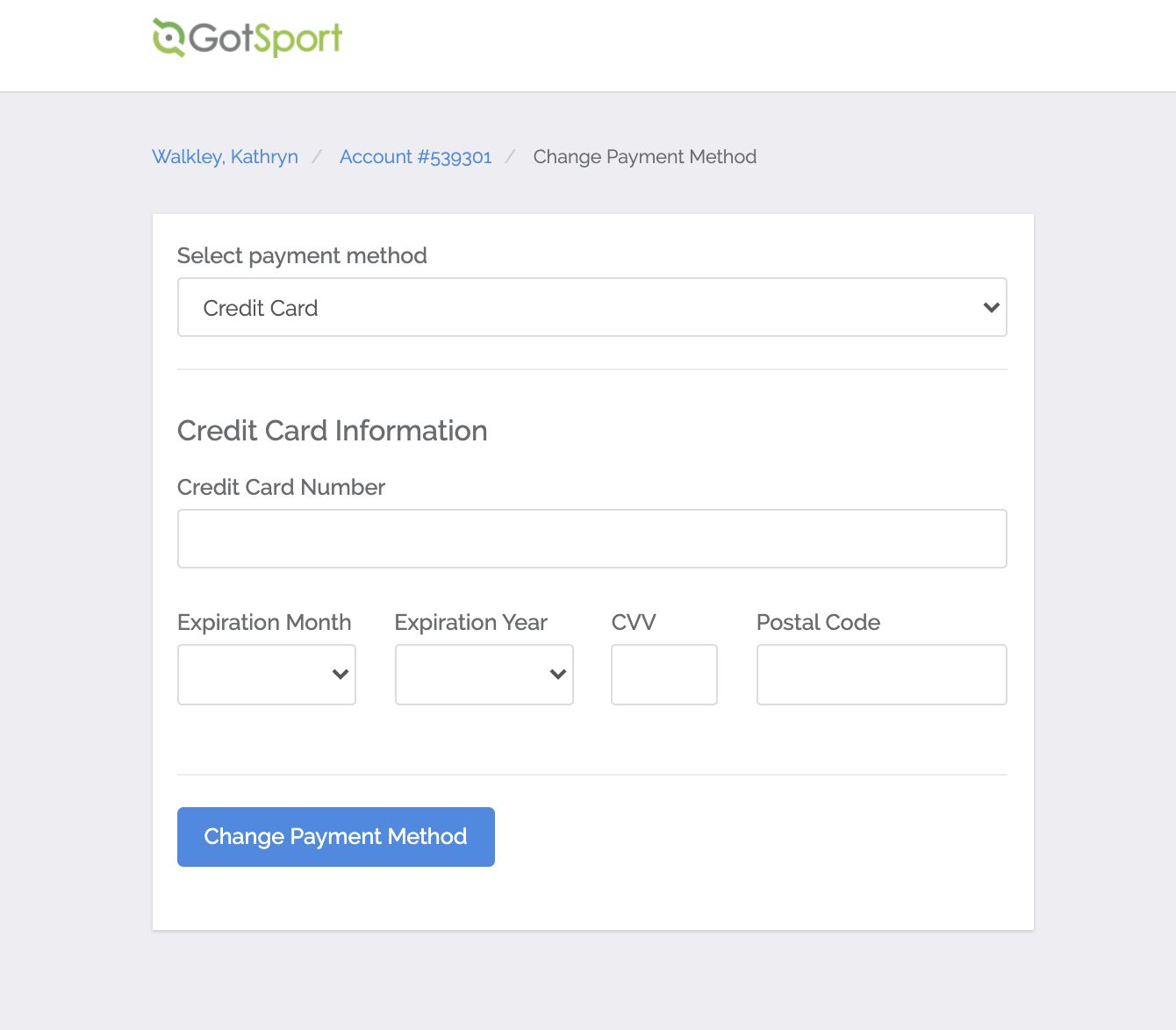
Enter your credit card details and click Change Payment Method:
Step 5:
-
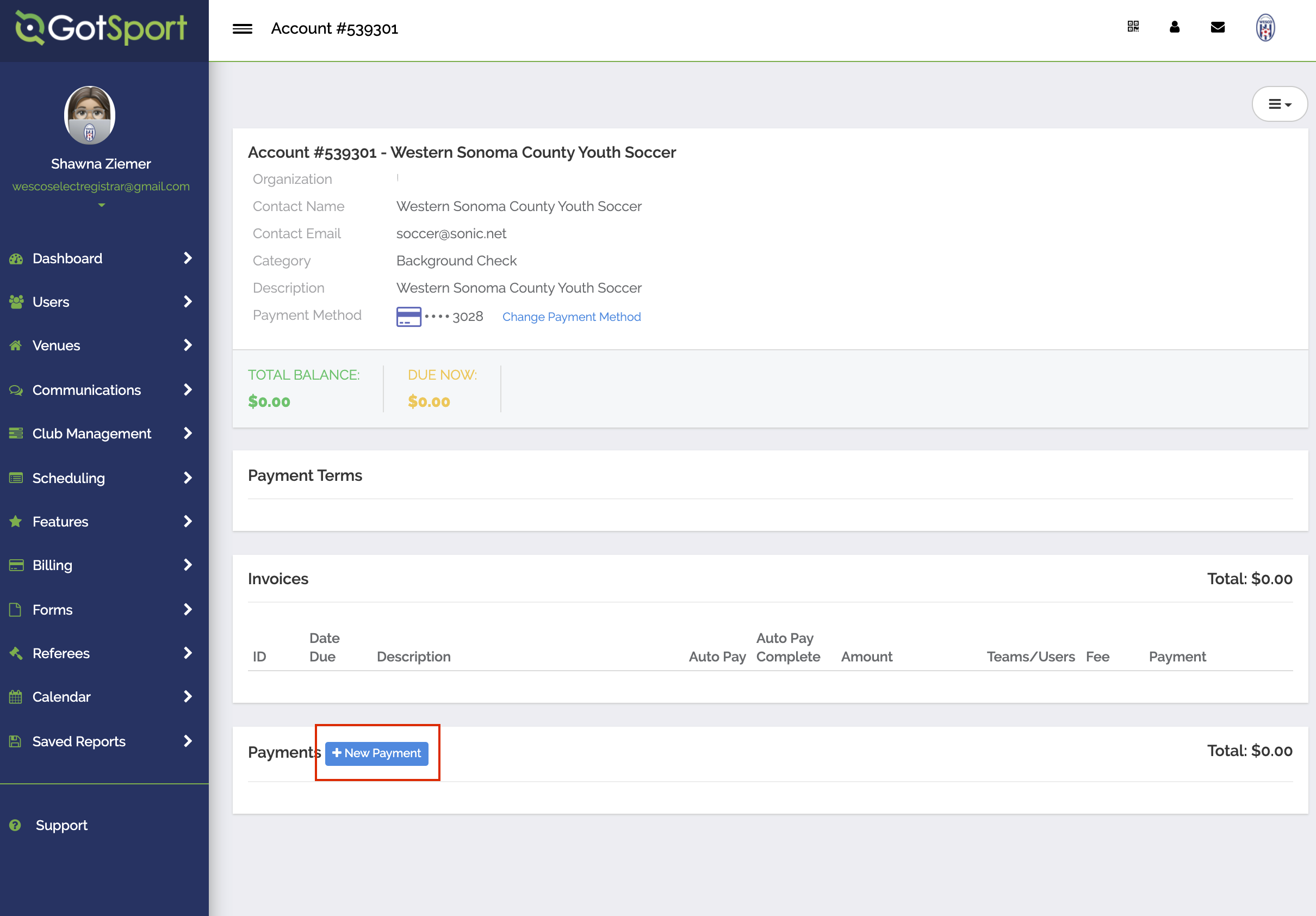
Click on New Payment:
Step 6:
-
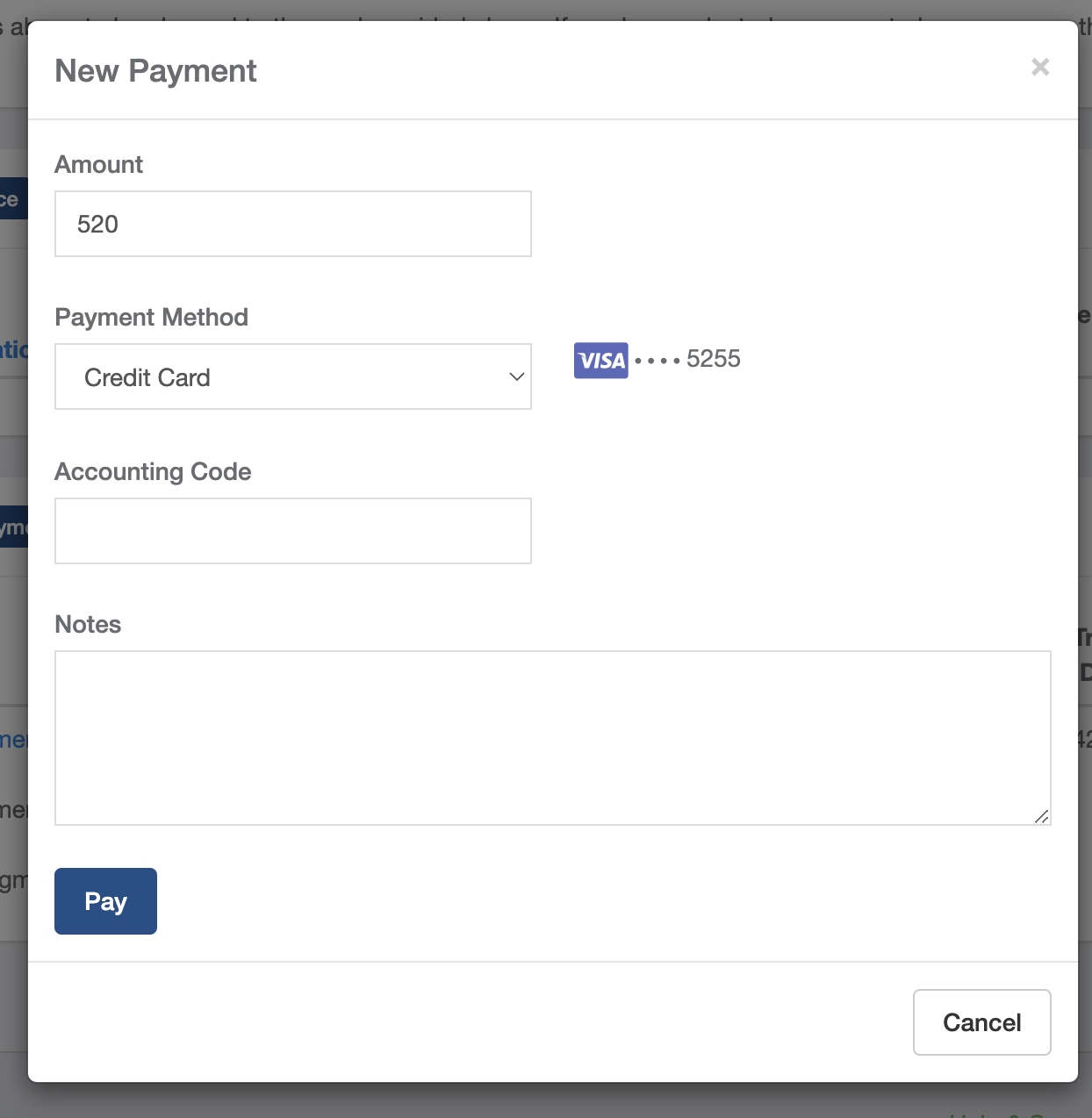
Enter the amount of credit you would like to purchase and click Pay:
Step 7:
-
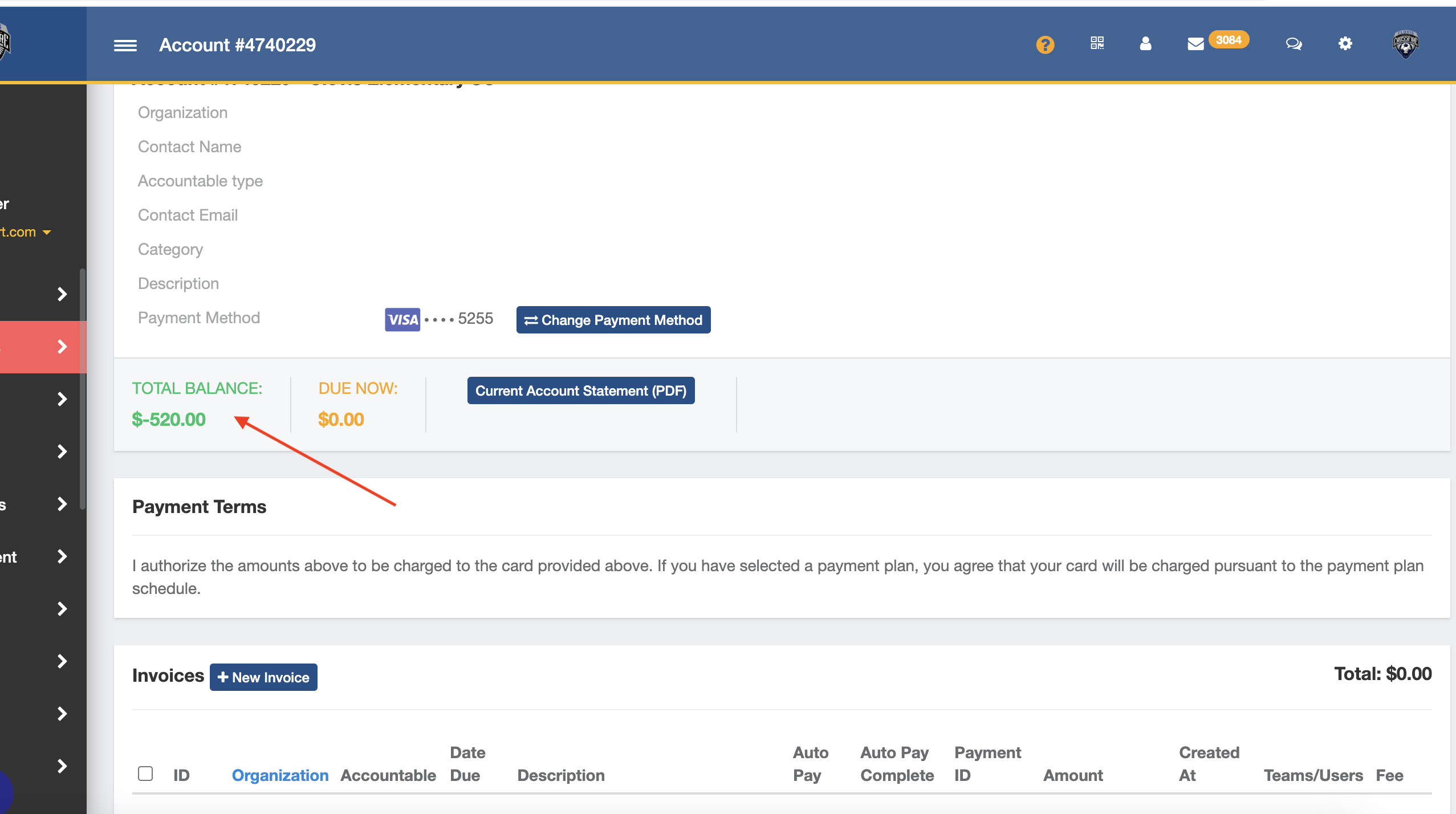
You will now have a negative balance on file which represents your purchased credit. Any coach or manager from your club will automatically draw from this amount when paying for a background check. When the balance runs out, the coach will be prompted to pay for their check themselves.
Step 8:
-
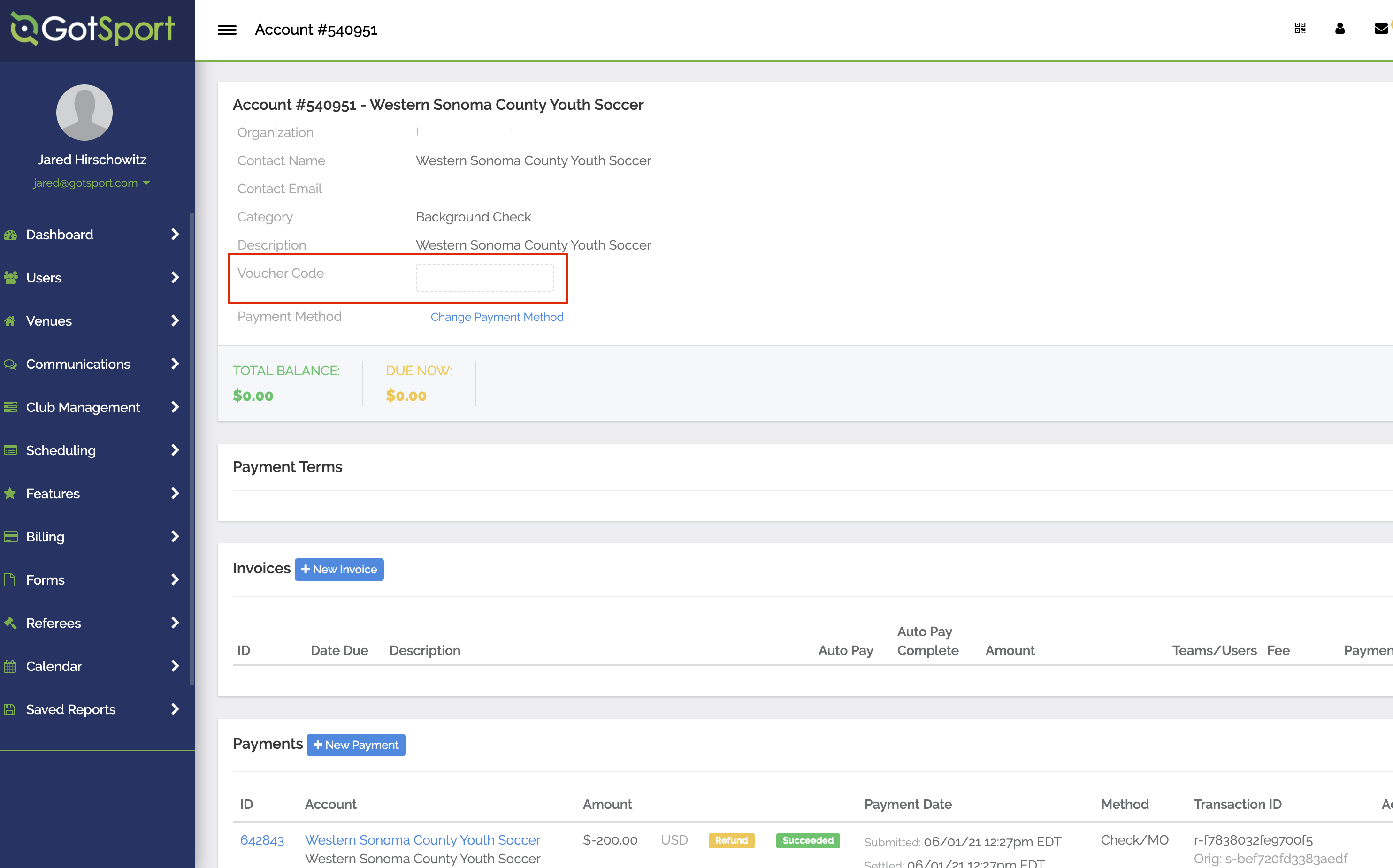
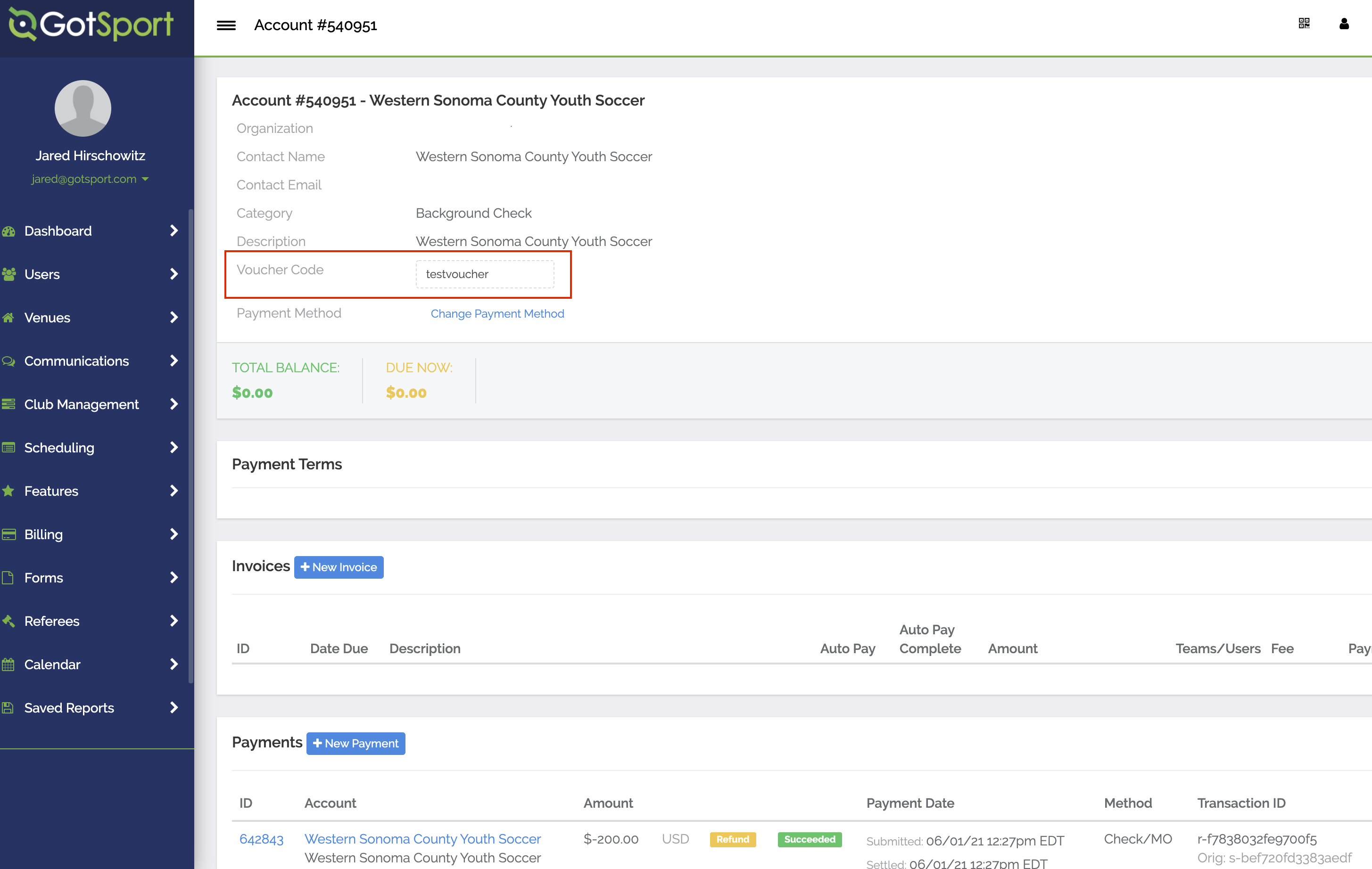
You can create a code that will restrict who can use your background check billing account by clicking into the voucher field. Only those coaches with the voucher will be able to submit a background check using the pre-purchased account. All other coaches will need to pay the background check fee themselves.