
Instructions:
Step 1:
-
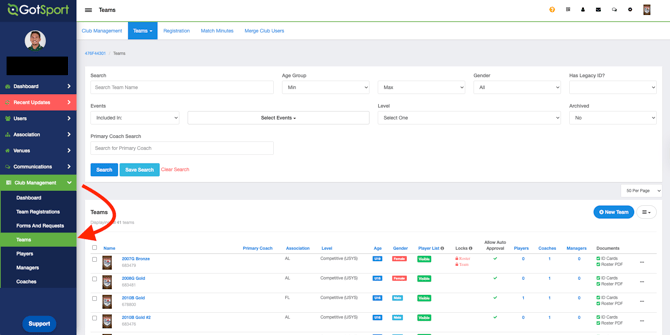
Click on Club Management, and then select Teams.
Step 2:
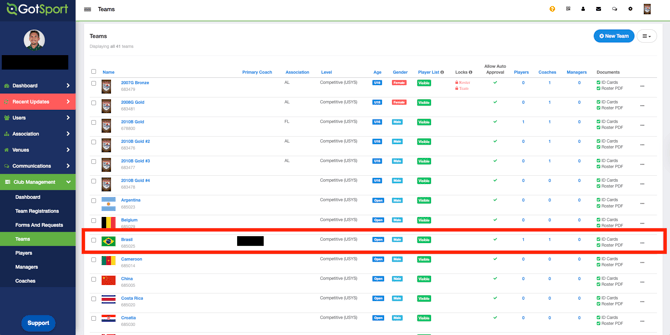
- Select the team desired to change the Age Method.
Step 3:
- Click on Switch to School Year/Calendar Year.
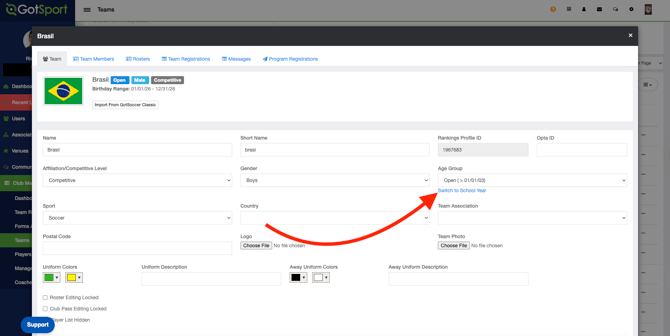
If the option displays “Change to School Year,” the team is currently set to Calendar Year. If the option displays “Change to Calendar Year,” the team is currently set to School Year.