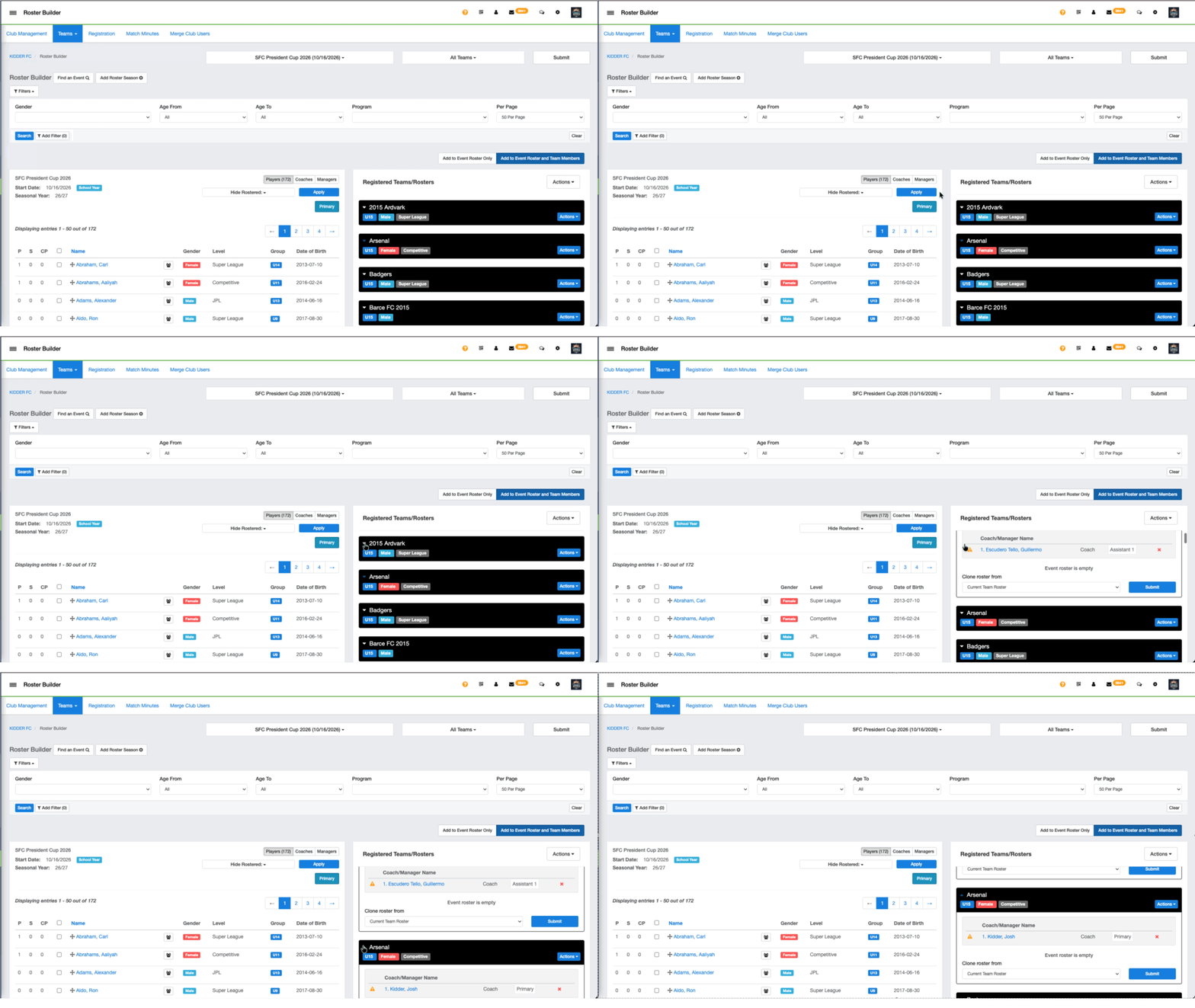
Instructions:
Step 1: From your main dashboard, access Roster Builder
- Club Management > Roster Builder
- Select the event in which you are building the roster
- Select all of the teams that you are building or updating
Step 2: Click the small arrow next to the team name to collapse the team.
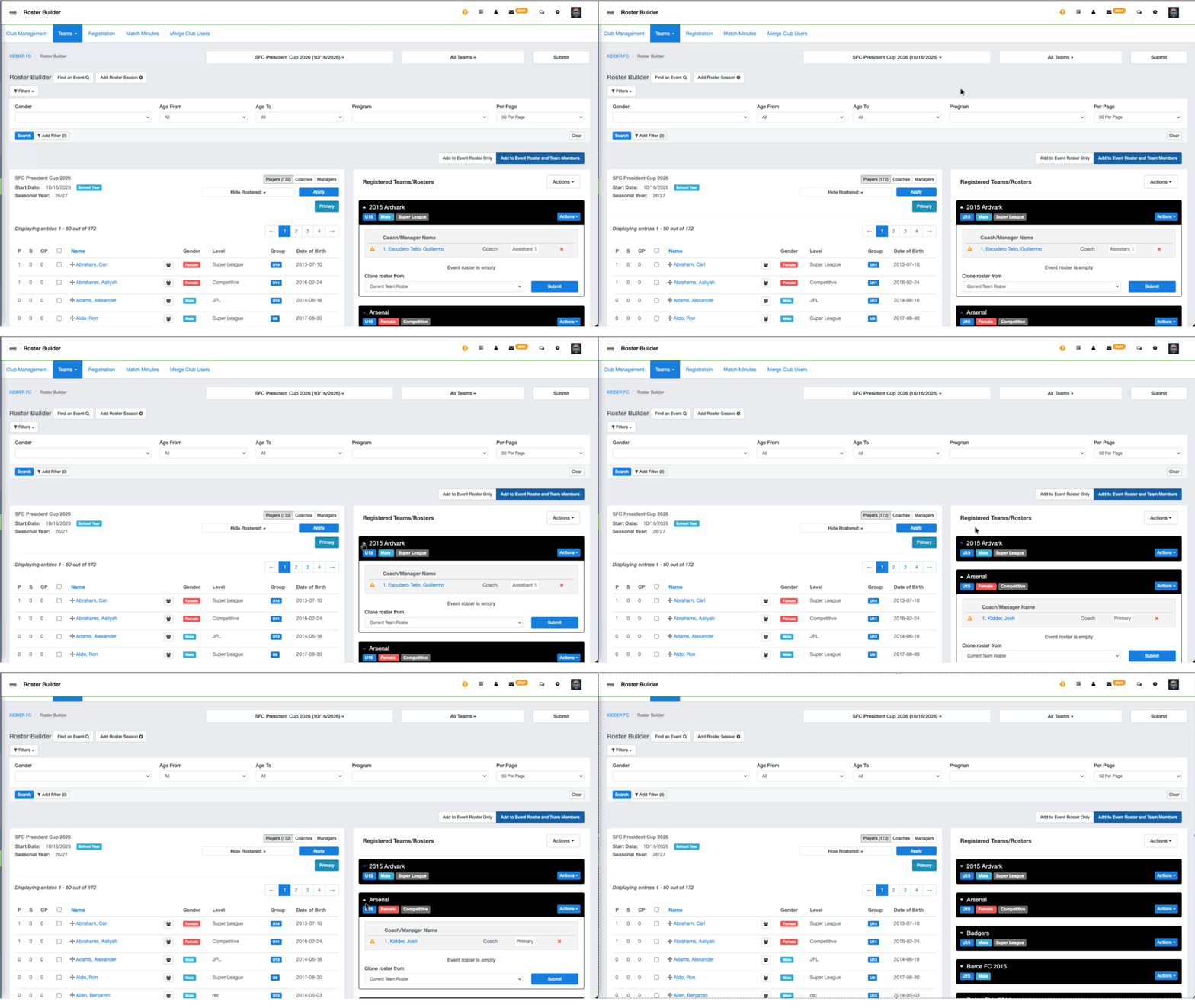
Step3: The team can then be expanded again by clicking the same arrow next to the team name.