
Instructions
Step 1:
-
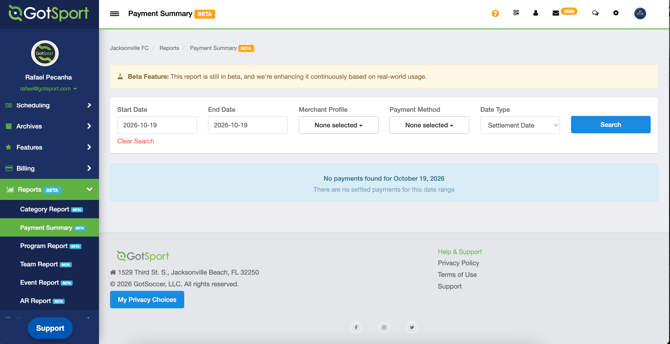
From the list of tabs from the main dashboard page, please click on "Reports" > "Payment Summary". The page always pops up with today's date based on the date that you have opened the screen.
Step 2:
-
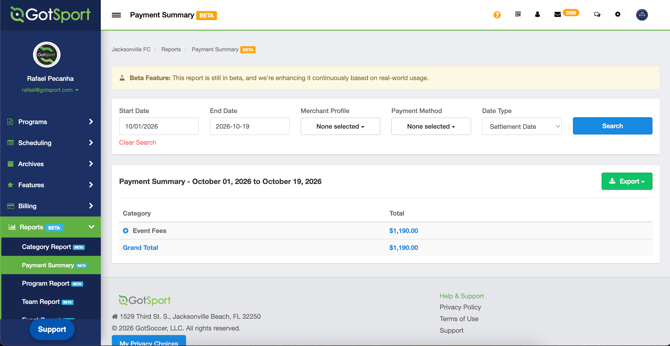
In order for the search to work, please include the time frame(dates) for the information that you would like to run. After selecting the dates and clicking search(blue button), the page will show all the transactions for the desired time frame.
Step 3:
-
Besides the ability to export(green button), you can also expand to see all the transactions in details by clicking "Grand Total".